Understanding Sim Racing Shifter Compatibility: PC vs Xbox Guide
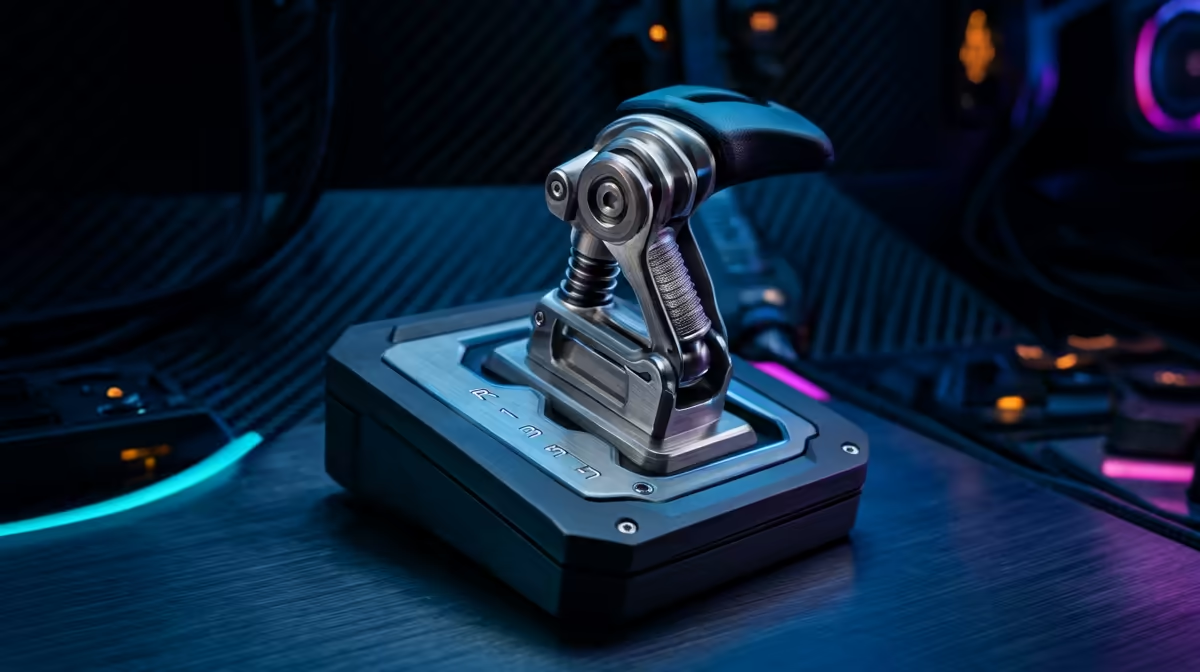
Ever spent hard-earned Rands on a sleek new H-pattern shifter only to find it doesn't talk to your console? It is a common headache for South African sim racers. Choosing between PC and Xbox isn't just about graphics... it is about the ecosystem. This Sim Racing Shifter Compatibility: PC vs Xbox Guide breaks down the technical hurdles so you can shift gears without the stress. 🏎️
Why PC Offers the Ultimate Shifter Freedom
On PC, your options are nearly endless. Most high-end shifters connect via a standalone USB cable. This means you can pair a Fanatec shifter with a Logitech wheel without a second thought. If you are browsing the latest sim racing setups, you will notice that PC users rarely worry about brand matching.
Windows treats each USB device as an independent input. You can have a wheel from one brand, pedals from another, and a shifter from a third. It is the "plug and play" dream for enthusiasts who want the best of every world.
Navigating the Xbox Ecosystem Restrictions
Xbox is a different beast entirely. Microsoft requires specific security chips in peripherals. Usually, your shifter must plug directly into the back of your wheel base using a proprietary cable. If you buy a standalone USB shifter for Xbox, it simply won't work unless you use a third-party adapter.
Checking out simulation gear and accessories is vital to ensure your components are actually "Xbox Ready" before you checkout. On a console, the wheel base acts as the "brain" for everything else. If the shifter doesn't connect to the base, the Xbox won't see it. 🔧
The DriveHub Workaround ⚡
If you already own a mix of brands and want to play on Xbox, look into the DriveHub adapter. It acts as a translator between different brands. It allows you to use almost any shifter with any wheel base on a console, saving you from buying an entirely new kit.
Comparing Popular Brands and Connections
Logitech and Thrustmaster are the kings of the mid-range in SA. The Logitech Driving Force Shifter only works with G-series wheels on Xbox. Thrustmaster’s TH8A is more versatile. It offers both USB for PC and a DIN connection for consoles.
Even if you are branching out into other niches like flight simulator gear, the rule remains the same... consoles demand ecosystem loyalty, while PC rewards variety. Always check the port type on your wheel base before committing to a purchase. ✨
Final Thoughts on Your Setup
If you want a hassle-free experience on Xbox, stay within one brand ecosystem. For PC users, the world is your oyster. Just remember to calibrate your deadzones in your favourite sim to get that perfect shift every time. 🚀
Ready to Find Your Perfect Match?
Navigating compatibility can be tricky, but getting the right gear makes all the difference on the track. Explore our massive range of sim racing gear and find the perfect shifter to conquer your next lap.