



PCIe 5.0 vs PCIe 4.0 for Strategy and Sim Games in SA
PCIe 5.0 and PCIe 4.0 differ most in lane support, compatibility, and upgrade value for strategy and sim games. SA buyers should match the choice to their actual hardware and games.
Read moreSlay the Spire on Legion Go vs ROG Ally vs needs a workload-first comparison. For SA buyers, judge real performance, platform fit, warranty path, power needs, and upgrade timing before choosing either side.

For Slay the Spire, the best handheld pick is the Steam Deck OLED for battery and simplicity, the ROG Ally X for higher fps, and the Legion Go for the largest screen. Expect 60 fps even at very low power; SA buyers should budget roughly R12,000-R22,000 before accessories.
Pick Steam Deck OLED if you want console-like suspend, quiet fan behaviour and long sessions. Pick ASUS ROG Ally X RC72LA if you want the Z1 Extreme chip, 24GB RAM and stronger plugged-in performance. Pick Lenovo Legion Go when the 8.8-inch screen helps with UI text, maps or couch play.
Use medium textures, low shadows, FSR only when the image is still clean, and a 40 fps cap when battery matters. The Legion Go, ROG Ally and Steam Deck comparison should focus on frame pacing, not only peak fps, because handheld screens make stutter obvious at 800p, 900p and 1200p.
Check storage first: 512GB fills quickly once Windows updates, shader cache and several 50GB games are installed. For Evetech-style shortlists, pair the handheld with a 65W charger, a case and a 512GB or 1TB microSD card before adding a dock.
Target a stable 40 fps for heavier scenes and 60 fps only when the frame-time graph stays calm. A locked 40 fps often feels better on handheld than an unstable 55-60 fps.
Yes if you keep several large games installed or use the device as a travel PC. For one or two games, a 512GB model plus a quality microSD card is usually enough.
Buy a case and reliable USB-C charger first. A dock, keyboard or screen protector can wait until you know whether the handheld will live on a desk, TV cabinet or travel bag.
Before checkout, set the fps cap you expect to use and check that storage, charger and case are in the basket, not only the handheld.
PCIe 5.0 and PCIe 4.0 differ most in lane support, compatibility, and upgrade value for strategy and sim games. SA buyers should match the choice to their actual hardware and games.
Read more
AM5 vs AM4 for video editing in 4K Difference explained is mostly about compatibility, budget, upgrade path, and setup fit. SA buyers should check device support and real needs before expecting a clear win from either option.
Read more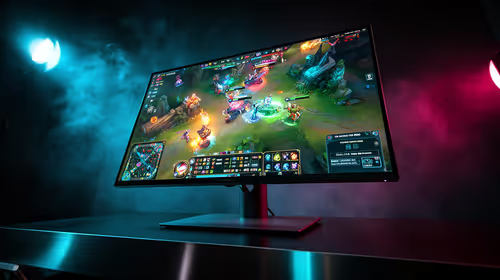
OLED vs QD-OLED for strategy and sim games buyers - what changes is mostly about compatibility, budget, upgrade path, and setup fit. SA buyers should check device support and real needs before expecting a clear win from either option.
Read more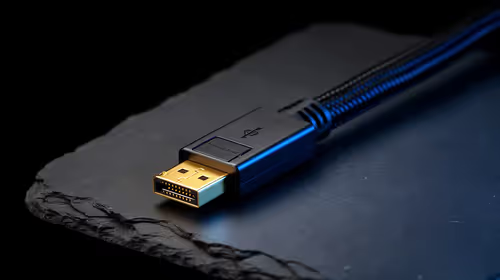
DisplayPort 2.1 and 1.4 differences matter when SA PC builders match GPUs, monitors, and refresh targets. Use this difference between displayport 2 1 and displayport 1 4 explained pc builders guide to avoid mismatched parts.
Read more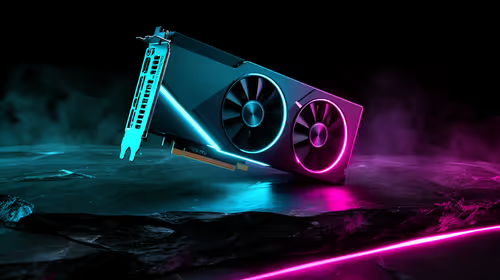
Ray tracing vs Path tracing depends on Strategy and sim games needs, platform limits, and budget fit. Compare compatibility, latency, upgrade path, and real setup constraints before choosing for an SA build.
Read more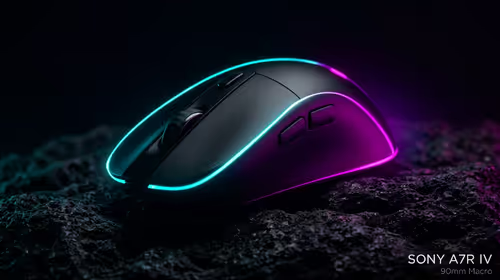
wireless mouse guide for Gqeberha gamers should be shortlisted around the job it must do. South African buyers should compare sensor, shape, weight, and wireless latency, warranty path, and upgrade room before treating any pick as best.
Read more
From 1 October 2026, WhatsApp Business Platform service replies in South Africa are expected to cost about $0.0076, or 12 cents, per delivered message.

DDR5-8000 RAM Kits pros and cons depend on the build, budget, and workload. Weigh gaming needs, platform fit, power, cooling, warranty support, and South African pricing context before shortlisting it.

Wi-Fi 6E vs Wi-Fi 6 depends on AAA single-player gaming needs, platform limits, and budget fit. Compare compatibility, latency, upgrade path, and real setup constraints before choosing for an SA build.

Ryzen 9 9950X3D dead pixel checks should isolate the panel first. Run colour fills, inspect the monitor menu, test another cable or input, and capture proof before linking it to the SA CPU upgrade.

YouTube will count public views from the first frame across video formats from 24 August, while earnings and eligibility remain tied to engaged viewing.

Canonical expects Ubuntu on WSL users to outnumber native Ubuntu desktop users before the end of 2026. The software is open source and runs inside supported Windows PCs.

Telkom's daily bundles pair WhatsApp access with 10 all-network voice minutes. The R15 option includes 300MB, while the R17 option uses a fair-use threshold.

A 10,000-hour test found similar image retention across older and newer OLED TVs, while newer panels were brighter and more efficient. Local OLED monitors started at R9,999.

650W for RTX 5090 needs a full-build check, not a simple yes. Review GPU guidance, CPU draw, transient load, connectors, PSU quality, and upgrade plans before deciding.
PCIe 5.0 and PCIe 4.0 differ most in lane support, compatibility, and upgrade value for strategy and sim games. SA buyers should match the choice to their actual hardware and games.

How to fix FPS drops Windows 11 RX 9070 XT starts with GPU drivers, overlays, power plans, and frame pacing checks. For SA gaming PCs, verify chipset updates, HAGS, refresh rate, thermals, and per-game graphics settings.
AM5 vs AM4 for video editing in 4K Difference explained is mostly about compatibility, budget, upgrade path, and setup fit. SA buyers should check device support and real needs before expecting a clear win from either option.