Tired of that snake pit of cables behind your desk? The daily dance of plugging in your power brick, your monitor, your keyboard… it’s a mess. What if one single cable could handle it all? Smart dock monitors are designed to do just that, creating a clean, powerful, and instantly connected workspace. They are the ultimate tool for anyone in South Africa looking to seriously upgrade their desk game and ditch the clutter for good. 🚀
Why a Smart Docking Solution is a Must-Have
At its core, a setup using a smart dock monitor is about radical simplification. These displays come with a built-in hub, often powered by a single USB-C or Thunderbolt cable. This one cable transmits video to your screen, provides power to charge your laptop, and connects you to all your peripherals like your mouse, keyboard, and even a wired internet connection.
But you don't need to buy a whole new screen to get these benefits. You can achieve the exact same clean and powerful setup by pairing your favourite monitor with a standalone docking station. This gives you the flexibility to choose the perfect screen for your needs while still getting that one-cable magic.
The Triple-Threat: Power, Status, and Connection
The real value of these setups comes down to three key areas that they absolutely nail. When your tech shows clear power, status, and connection, your workflow becomes seamless.
Power Delivery: Ditch the Laptop Brick ⚡
The best feature is undoubtedly Power Delivery (PD) over USB-C. Instead of fumbling for your laptop’s bulky charger, you just plug it into the dock or monitor, and it starts charging immediately. It’s a small change that makes a huge difference to your daily routine, keeping your desk tidy and your bag lighter. Even many affordable docking stations under R1000 can streamline your setup with this feature.
Connection: Your One-Stop Peripheral Hub
Forget plugging and unplugging your gear every time you move your laptop. A smart docking solution keeps everything—your mechanical keyboard, gaming mouse, webcam, and external drives—permanently connected and ready to go. Most come equipped with a healthy selection of ports, including USB-A for older devices, HDMI or DisplayPort for extra monitors, and an Ethernet jack for a rock-solid internet connection. Options from trusted brands like Promate give you all the ports you could possibly need.
Check Your Wattage! 🔌
Before buying, check your laptop's power requirement (e.g., 65W or 90W). Ensure your chosen dock's USB-C port provides enough wattage to charge it effectively while in use. A mismatch can lead to slow charging or even battery drain.
Status: Know Your Setup at a Glance
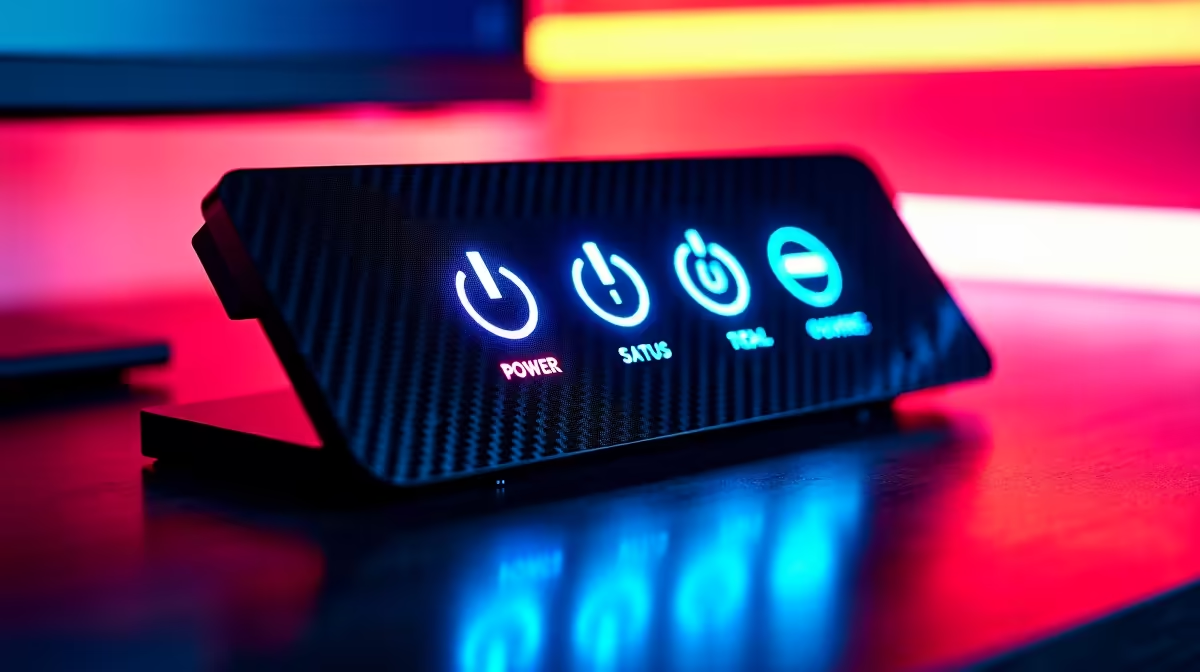
A tidy setup is a readable setup. You’re no longer guessing which cable does what. With a single point of connection, you know exactly what’s active. A quality docking station under R2000 often includes status LEDs that confirm power and data transfer, giving you instant feedback that everything is working as it should. This simple visual cue removes troubleshooting headaches and lets you focus on your work or play. ✨
Is a Smart Dock Monitor Setup Right for You?
If you're a work-from-home professional in Joburg, a student in Cape Town, or a gamer anywhere in Mzansi who values a clean and efficient battlestation, the answer is a definite yes. By centralising your connections, a smart dock monitor or a monitor-and-dock combo saves you time, reduces frustration, and creates a far more organised and productive environment. It’s a smart investment in your daily efficiency.