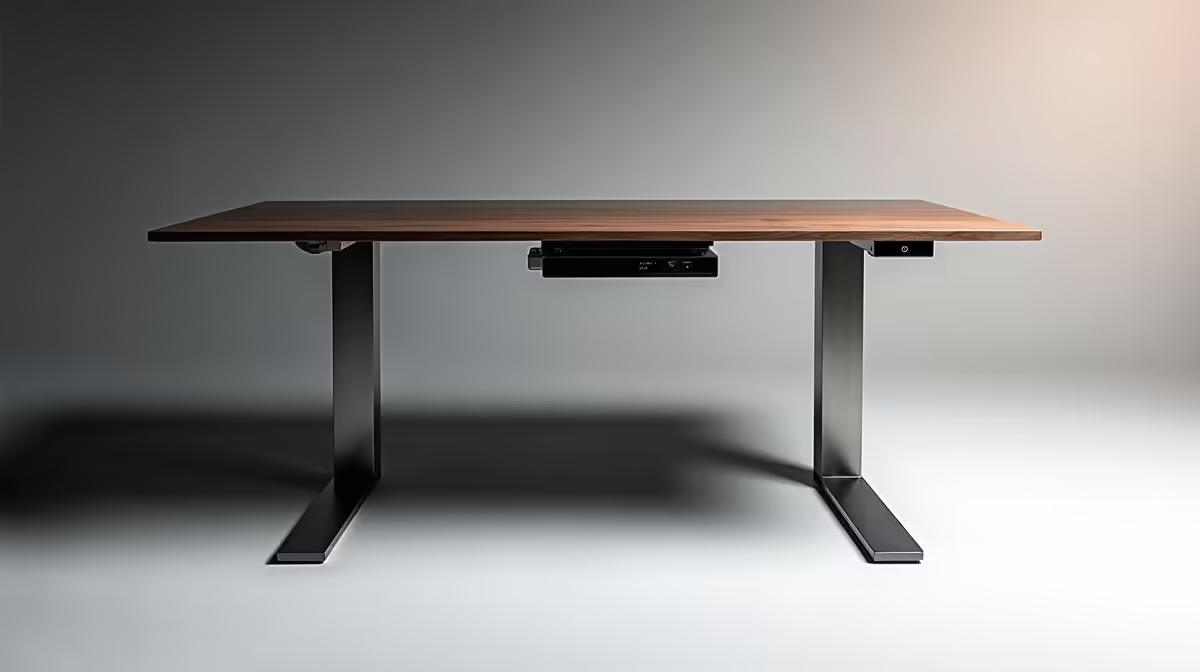
A smart standing desk for CAD work must carry the complete workstation steadily at both seated and standing heights. Electric adjustment is useful only when the range fits the user, monitor movement remains safe and the desktop does not wobble during precise mouse or pen input.
Measure both postures with the full equipment load
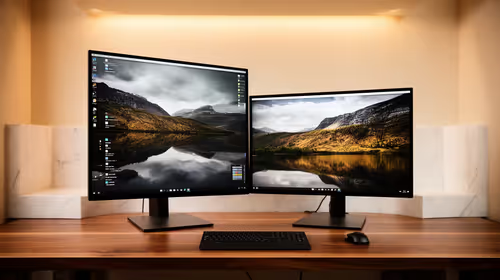
List displays, computer, drawing tablet, speakers and paperwork, then measure seated elbow height, comfortable standing height and floor space. Mock up both positions and check cable travel, monitor clearance, keyboard reach and whether frequently used CAD references remain accessible.
No standing-desk SKU or price is confirmed in the supplied facts. Compare candidates on height range, desktop dimensions, rated load, stability near maximum height, motor noise, controls, anti-collision behaviour, frame warranty and local support. Include monitor arms and cable-management weight in the total load.
Keep heavy equipment centred, route power and data with enough slack and prevent lifting from tugging a dock or workstation. Change posture regularly rather than standing without breaks. Persistent discomfort warrants professional guidance and a review of chair, display and input placement.
Buy the smallest stable model that fits both measured positions and the complete CAD setup. A fixed desk with a reliable riser may be enough where space is tight.
A deep worktop, monitor-arm clearance and adjustable seating can improve long CAD sessions more than motorised height alone.
Planning a flexible CAD desk? > Browse Evetech workstation accessories after measuring equipment and posture.