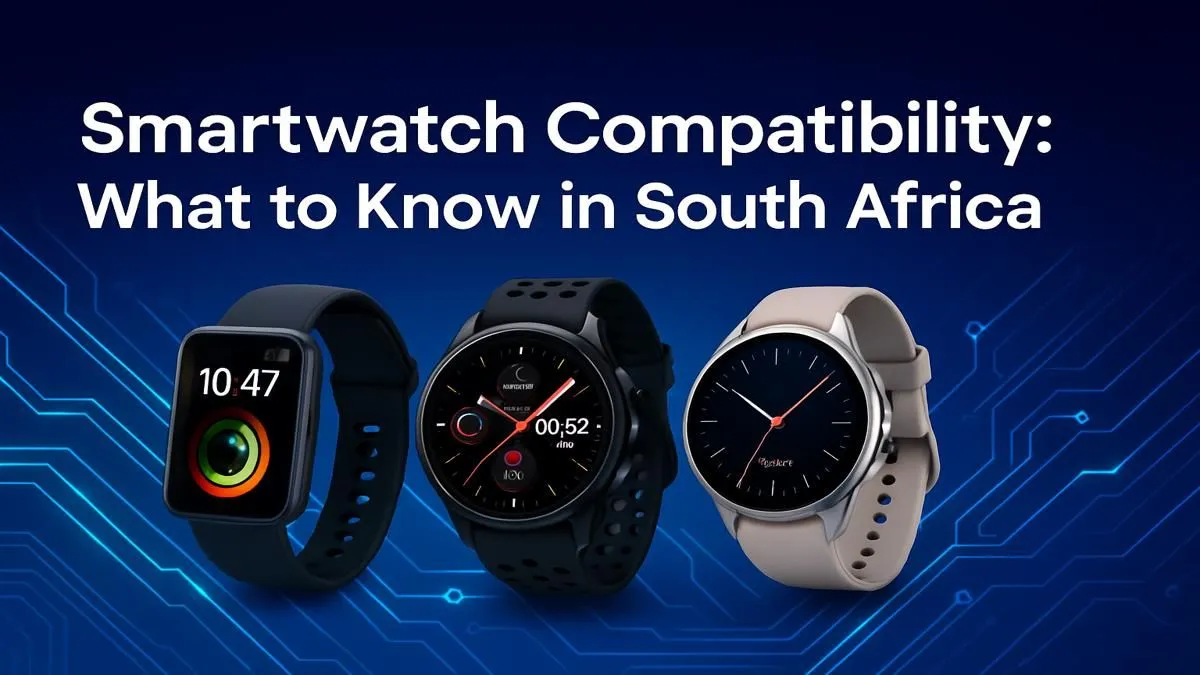
Thinking of grabbing a new smartwatch to track your runs or just to manage notifications without pulling out your phone in a busy café? Hold on a moment. Before you click 'add to cart,' there's a crucial question you need to answer to avoid a pricey paperweight. Let's dive into smartwatch compatibility in South Africa, and make sure your new wrist tech actually plays nice with your phone from day one. ✨
The Core Compatibility Question: iOS vs. Android
The most important factor in smartwatch compatibility is your phone's operating system (OS). It's a digital wall that separates the tech world into two major camps: Apple's iOS and Google's Android.
For iPhone Users: The Walled Garden
If you have an iPhone, your best and, frankly, only full-featured choice is an Apple Watch. Apple has designed its watch to integrate seamlessly into its ecosystem, but this comes at the cost of exclusivity. An Apple Watch will not work with an Android phone. It's a simple, non-negotiable rule.
For Android Users: A World of Choice
This is where things get exciting for most South Africans. If you're using a Samsung, Huawei, Xiaomi, or any other Android phone, you have a massive range of options. Brands like Samsung, Garmin, and Amazfit all create fantastic watches for the Android ecosystem. You'll also find excellent value-for-money options from brands like Promate, who offer a versatile range of smartwatches that pair perfectly with Android devices.
While some of these watches offer limited functionality with iPhones (like showing basic notifications), you'll miss out on key features like replying to messages or using advanced health sensors. The bottom line: for the best experience, pair an Android-friendly watch with an Android phone.
Beyond the Operating System: What Else Matters?
Getting the OS right is 90% of the battle, but a few other details can affect your experience. Understanding phone compatibility for smartwatches means looking at the finer details.
- Bluetooth Version: Most modern watches use Bluetooth 5.0 or higher. While they might connect to an older phone, having a compatible Bluetooth version ensures a stable connection and better battery life for both devices.
- Brand Ecosystems: A Samsung Galaxy Watch will work with any modern Android phone, but it works best with a Samsung phone. Certain advanced features, like ECG and blood pressure monitoring, are often restricted to Samsung's own hardware via the Samsung Health Monitor app.
- Required Apps: Every smartwatch needs a companion app on your phone for setup and data syncing (e.g., Garmin Connect, Samsung Wearable). Always ensure the required app is available for your phone on the Google Play Store or Apple App Store. This is crucial even for great budget smartwatches under R1000.
Check Your Phone's OS Version 📱
Not sure what software your phone is running? On Android, go to Settings > About Phone > Software Information. On an iPhone, go to Settings > General > About. The watch's product page will list the minimum required version, like "Android 8.0+" or "iOS 15+".
Your Pre-Purchase Checklist for Smartwatch Compatibility
Before you spend your hard-earned Rands, run through this quick checklist. It will save you a lot of potential frustration.
- Confirm Your Phone's OS: Is it Android or iOS? This is your starting point.
- Read the Product Specs: Carefully check the smartwatch's product page for "Compatibility" or "System Requirements." This is the most reliable source of information.
- Consider Your Ecosystem: Are you a die-hard Samsung fan? Sticking with the brand can unlock powerful extra features.
- Browse with Confidence: Once you know what you're looking for, you can easily filter through the wide selection of smartwatches available in South Africa to find your perfect match.
Getting the compatibility right ensures your new device is a powerful assistant, not a disconnected accessory. Happy shopping! 🚀
Ready to Find Your Perfect Match?
Choosing the right smartwatch doesn't have to be complicated. Now that you know exactly what to look for, you can shop with confidence. Explore our massive range of smartwatches and find the perfect tech companion for your wrist.