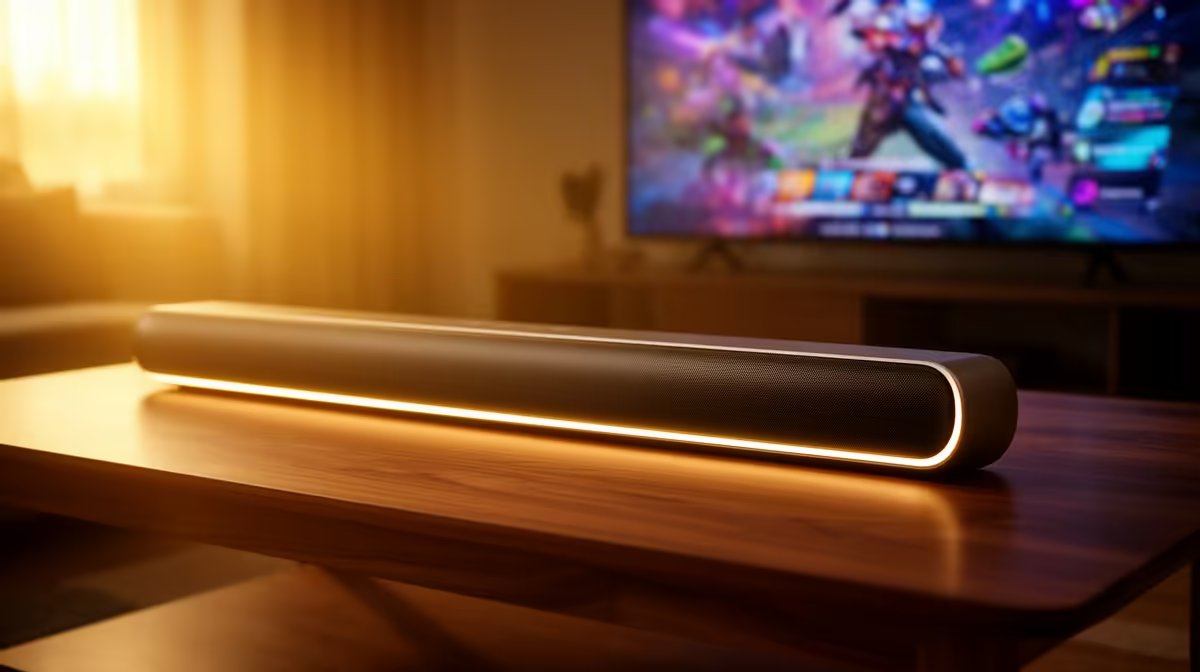
A soundbar can suit relaxed gaming after work when the display also serves films or television and desk space is tight. It is less suitable for competitive positional audio or voice chat. Connection delay, room placement and microphone spill matter more than the soundbar label.
Define the evening use
No priced soundbar appears in the verified factpacks for this after-work setup. The Logitech Z407 2.1 Bluetooth speaker system is verified at R1,404 and offers a desktop-plus-subwoofer comparison. The Logitech Z150 costs R421 for a simpler wired desktop option. Neither is a soundbar, so compare current bars separately by input, width and latency.
Test picture and audio together
Connect through the intended HDMI, optical, analogue or Bluetooth path. Play a game with clear lip movement and directional cues, then check delay at the normal seat. Bluetooth convenience may introduce latency or pairing friction. HDMI control can simplify volume, but only when the display and bar support compatible features.
Place speakers so they do not block the screen or feed directly into a chat microphone. Keep volume moderate in shared housing and use a headset fallback for late sessions. Save the television audio settings and note which remote controls power and volume.
Buy the soundbar for shared entertainment and clean placement. Choose headphones or near-field speakers when accurate direction, private listening or close-range desk use dominates.
Improving after-work game audio? > Compare Evetech speakers with current soundbars around the room and connection path.