A coursework computer for engineering or design should match the institutions required applications, largest projects and mobility needs before chasing a broad performance label. On a tight budget, enough memory, supported software and recoverable storage matter more than unused professional graphics.
Ask for a representative final assignment
List CAD, coding, rendering and design applications with their operating-system requirements. Open a realistic model, layered file or notebook on accessible hardware and record memory, export time and storage growth. Confirm whether campus labs handle the heaviest specialist work.
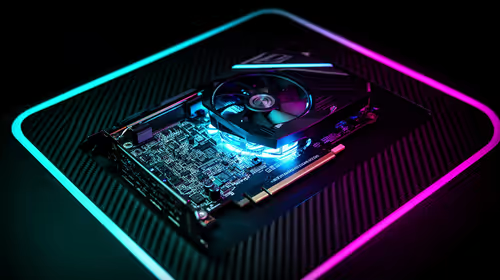
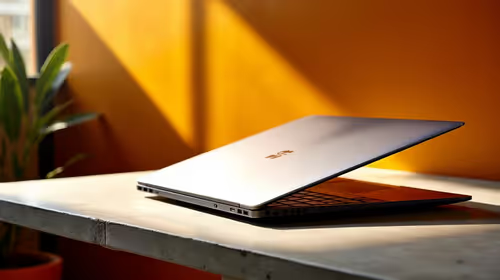
The ASUS ExpertBook P1503 with Core i5-13420H, 8GB RAM, 512GB SSD and Windows 11 Pro is verified at R9,858 as a portable reference. The Minisforum UM750L with Ryzen 5 7545U, 16GB RAM and 1TB storage is R4,600 for a fixed desk needing peripherals. The PNY RTX 2000 Blackwell 16GB at R12,000 is a separate professional-GPU reference. Confirm course support, ports, memory, display and warranties.
Keep assignments, libraries, code and licence details in independent versioned backups. Use student software lawfully and preserve an offline submission copy. Include display, input, transport and repair access in the complete cost.
Choose the least expensive configuration that passes the representative assignment. Use campus compute for occasional extreme work instead of oversizing every students personal machine.
Include data costs and repair access in the student comparison.
Choosing a technical-study computer? > Compare Evetech laptops and mini PCs against the real coursework files.