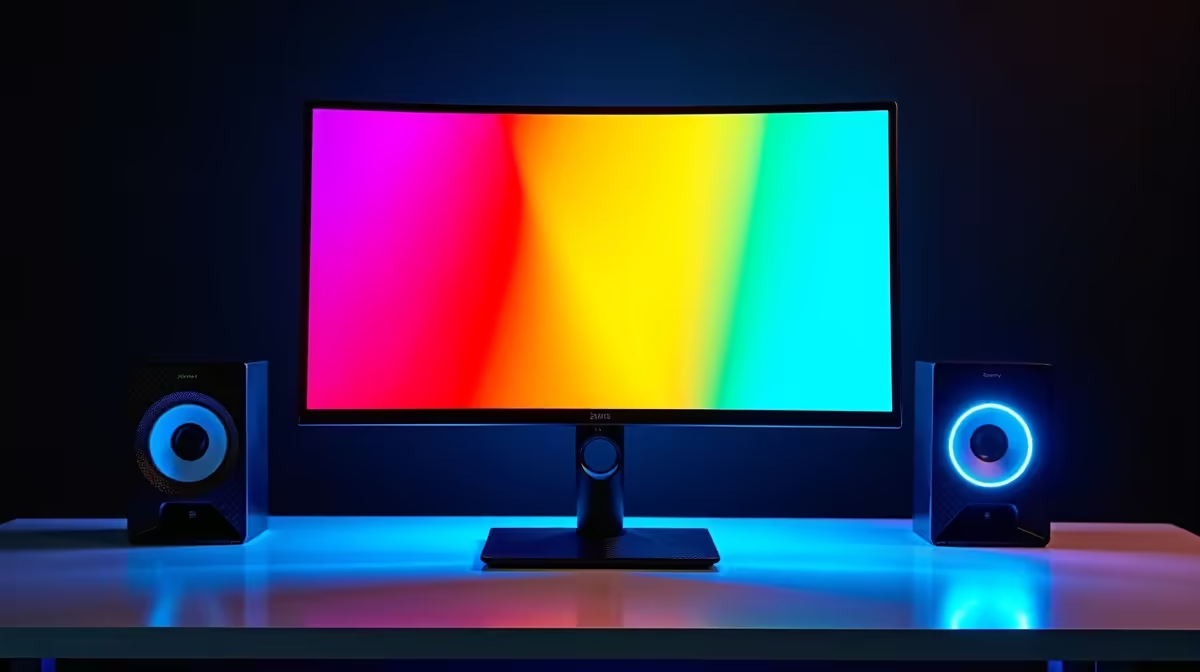
Ever splashed out on a fancy new wide-gamut monitor, only to find the colours... a bit much? That vibrant red in your favourite game suddenly looks fluorescent, and website logos seem to burn your retinas. You're not alone. This oversaturation is a common issue when a powerful display meets content not designed for it. The good news? There’s a simple fix built right into your screen that most gamers overlook: the sRGB mode on wide gamut monitors.
What is a Wide Gamut Monitor Anyway?
Think of a monitor's "gamut" as its box of crayons. A standard monitor has a box called sRGB (Standard Red Green Blue), which contains about 16.7 million colours. For years, this was the standard for everything: websites, apps, and most video games.
A wide gamut monitor, however, comes with a much bigger box of crayons, like DCI-P3 or Adobe RGB. These can display far more shades of colour, creating richer and more vibrant images. It’s why the visuals on many of today's stunning 4K monitors look so breathtaking... when the content is made for it. ✨
The "Too Much Colour" Problem Explained
So, what’s the problem? Most of the digital world is still built using that smaller sRGB crayon box. When you view sRGB content on a wide gamut display without any correction, the monitor tries to "stretch" those standard colours to fit its larger potential.
Imagine a game developer chose a specific, controlled shade of red. Your wide gamut monitor sees that instruction and, trying to be helpful, picks the most vibrant red it can produce instead. The result is inaccurate, oversaturated colour that misrepresents the original creative vision. This is especially noticeable on many of the latest immersive curved monitors which are designed for maximum visual impact.
Enter sRGB Mode: Your Secret Weapon for Accuracy
This is where the sRGB mode on wide gamut monitors comes to the rescue. Activating this feature in your monitor's settings tells it to "clamp" or restrict its colour output to the standard sRGB space. It essentially forces your monitor to use the smaller, correct box of crayons for sRGB content.
The result? Perfect colour accuracy. Websites look as they should, and games display the exact colours the developers intended. It's the key to getting a true-to-life picture from the wide range of PC monitors available today.
Pro Tip: Finding sRGB Mode 🔧
Dive into your monitor's On-Screen Display (OSD) using the buttons on the monitor itself. Look for a menu called 'Picture Mode', 'Colour Mode', or 'Pro Mode'. Inside, you should find a preset named 'sRGB'. Select it, and you'll immediately notice the colours become more controlled and natural. Some monitors might reset brightness when you switch, so be prepared to adjust it again!
When to Use sRGB Mode (and When Not To)
Using the sRGB mode isn't an all-or-nothing affair. It's a tool to be used at the right time.
Turn sRGB Mode ON for:
- Browsing the web and general desktop use.
- Playing older games or competitive titles like CS:GO or Valorant that are designed in sRGB.
- Watching standard (SDR) content on YouTube or Netflix.
Turn sRGB Mode OFF for:
- Watching HDR movies or playing modern HDR-enabled games. HDR content is specifically made for a wide colour gamut.
- Professional photo or video editing where you are working in a wider colour space like Adobe RGB or DCI-P3.
For most gamers, switching to sRGB mode for everyday use and specific games provides the best, most accurate experience across all our gaming monitors.
Beyond the Built-in Mode 🚀
For ultimate precision, creative professionals often use hardware calibration tools to create custom colour profiles. These monitor accessories offer a level of control beyond any built-in preset. However, for the vast majority of gamers and daily users in South Africa, the built-in sRGB emulation mode is more than enough to ensure your colours are spot-on. Even high-quality portable monitors are now including these features for on-the-go accuracy.
Ultimately, understanding the guide to colour accuracy for your monitor empowers you to get the most out of your hardware. You paid for a premium display; now you know how to make it look perfect for everything you do.
Ready for Perfect Colour?
Understanding features like sRGB mode is key to unlocking your monitor's true potential. Whether you're a competitive gamer or a content creator, we've got the display for you. Explore our incredible PC monitor deals and find the perfect screen to bring your world to life.