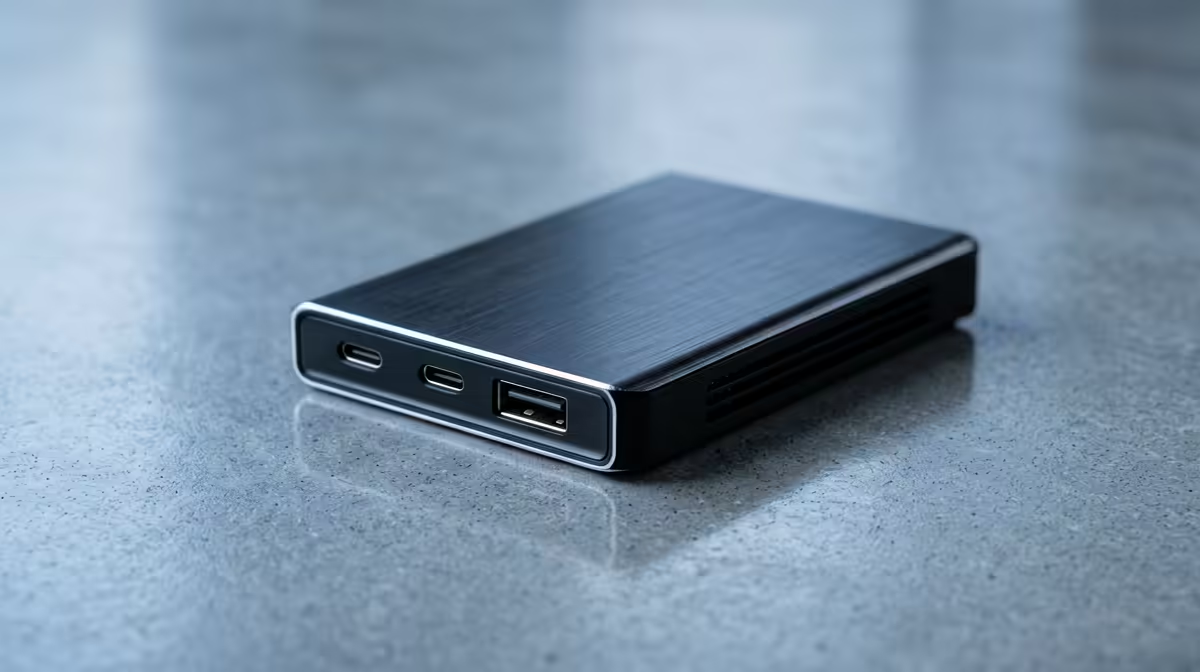
It’s every South African streamer's worst nightmare. Or worse, your primary drive clicks its last. Hours of irreplaceable content, gone. Protecting your digital grind isn’t just a nice-to-have; it’s essential. That’s why finding the right stream backup solutions in South Africa is one of the most professional moves you can make for your channel.
Why Your Stream Content is an Asset
Think beyond the live broadcast. Every stream is a potential source for YouTube highlight reels, TikTok clips, and a portfolio to show sponsors. Losing that raw footage is like a photographer losing their negatives. Especially in SA, where unexpected power cuts or surges can corrupt data in an instant, a solid backup strategy isn't paranoia… it's just smart business. Protecting your content means protecting your brand's future.
The 3-2-1 Rule: A Streamer's Best Friend 🛡️
The gold standard for data protection is the 3-2-1 rule. It’s simple, effective, and perfectly suited for content creators. Here’s the breakdown:
- THREE copies of your data (the original file on your PC, plus two backups).
- TWO different types of storage media (e.g., your internal SSD and an external hard drive).
- ONE copy kept off-site (in the cloud or at a friend's house).
This strategy ensures that no single point of failure—whether it's a drive crash, theft, or a disaster—can wipe out your hard work.
Choosing Your Stream Backup Solution in South Africa
So, how do you apply the 3-2-1 rule? You need the right hardware and services. A robust backup solution for streamers in South Africa often involves a mix of local and cloud storage, tailored to our unique challenges like data costs and connectivity.
Local Storage: Your First Line of Defence
This is your fastest and most accessible backup layer. It starts with simple external drives but can scale up to something far more powerful. A Network Attached Storage (NAS) device, for instance, acts like a private cloud in your home, allowing you to automatically back up files from your gaming PC over your local network. It's a cornerstone for any serious creator's setup, forming part of a suite of essential streaming gear that signals you're taking your content seriously.
The Hybrid Approach: The Ultimate Safety Net
The best strategy for South African conditions is a hybrid one. Use a fast local backup for daily, instant recovery. Then, upload your most critical files or completed projects to a cloud service overnight. This gives you both speed and off-site redundancy. This level of professionalism extends to all your gear; a reliable setup, from your crystal-clear webcam to your storage, ensures a smooth workflow from capture to archive.
Automate & Forget 💡
Use software like FreeFileSync or built-in Windows File History to schedule automatic backups to your external drive or NAS. Set it to run late at night when you're not using your PC. The best backup strategy is one you don't have to think about—it just works.
Optimising Your Entire Streaming Workflow
A secure backup system is part of a larger ecosystem. When you invest in protecting your content, it makes sense to ensure the content itself is top-notch. High-quality peripherals from brands like CORSAIR not only improve your gaming performance but also provide the stability needed to prevent crashes that can lead to data loss. Likewise, elevating your on-screen presence with customisable Cololight panels adds a professional polish that makes your content worth protecting in the first place.
Implementing a proper stream backup solution is an investment in your peace of mind and your future success.
Ready to Secure Your Streaming Legacy?
From high-capacity hard drives to professional-grade mics and lighting, building a reliable setup is the first step. Protect your content and create amazing streams. Explore our massive range of streaming essentials and build the ultimate creator studio today.