Quick Answer
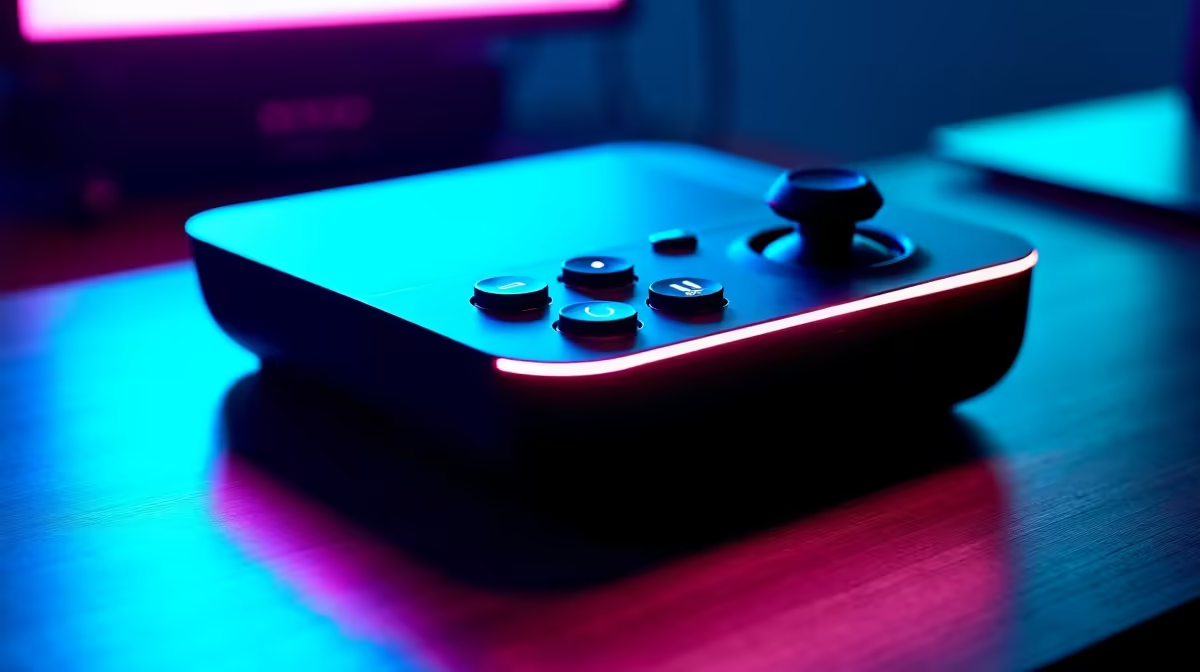
Roodepoort residents shopping for a Stream Deck can choose from four Elgato models at Evetech: the Mini (6 keys, R1,500), MK.2 (15 keys, ~R2,800), Neo (R2,500), or XL (32 keys, ~R4,500). For most Roodepoort content creators, gamers, or home office users, the Stream Deck MK.2 at ~R2,800 is the best entry — 15 LCD macro keys with unlimited page expansion and full OBS/Twitch/YouTube integration.
Which Stream Deck for Roodepoort Content Creators
- Casual streamer (4–6 scenes, music controls): Stream Deck MK.2 (~R2,800) — 15 keys handle a full entry streaming setup on one page.
- Power streamer (10+ scenes, lighting, overlays): Stream Deck XL (~R4,500) — 32 keys across 4 rows, fewer page-switches during live broadcasts.
- Compact desk setup: Stream Deck Neo (~R2,500) — 8 keys plus touch bars in a smaller footprint.
- Minimalist/trial: Stream Deck Mini (~R1,500) — 6 keys, lowest cost, limited but functional.
All models run via free Elgato app on Windows or macOS and include native integrations for OBS, Streamlabs, Discord, Spotify, and more.
Stream Deck Use Cases Beyond Streaming
Stream Decks are not just for streamers — they are macro keyboards for any repetitive task:
- Work-from-home: One-key Zoom mute/unmute, Microsoft Teams controls, instant email templates
- Gaming: Custom in-game macro sequences, VOD record toggle, Discord push-to-talk
- Content creation: One-key Photoshop action triggers, Lightroom presets, Premiere Pro cuts
- Home automation: Philips Hue scene triggers, smart plug controls via Home Assistant integration
Roodepoort Delivery and Setup Requirements
Evetech delivers to Roodepoort (west Johannesburg) in 1–2 business days. Stream Deck boxes are compact (20×15×10 cm) and arrive well-packaged. Connection is USB-A or USB-C to a Windows 10/11 or macOS 10.15+ PC. Roodepoort streamers using Rain 5G for live streaming will find OBS + Stream Deck macro integration the most reliable path to consistent stream quality.
FAQ
Does the Stream Deck work with multiple monitors or dual-screen setups?
Yes — the Stream Deck works independently of monitor configuration. It connects via USB to your PC and the Elgato app manages all integrations. You can have macros that switch audio outputs, move windows between monitors, or trigger display-specific controls. Multi-monitor Roodepoort setups benefit from Stream Deck window-management macros.
Is the Stream Deck MK.2 compatible with Windows 11?
Yes — the Elgato app is fully compatible with Windows 10 and Windows 11. The app updates frequently with new platform integrations. USB plug-and-play means no BIOS or driver configuration needed — install the app, plug in the deck, and configure in under 15 minutes.
Can I use the Stream Deck without a streaming setup, just for productivity?
Absolutely — it is one of the most underrated productivity tools for home offices. Common Roodepoort work-from-home setups use Stream Deck for one-key Teams/Zoom mute, instant paste of frequently typed text, keyboard shortcut macros for Excel and Word, and timer/focus mode triggers. The Elgato app library includes hundreds of productivity actions at no extra cost.
free Elgato Marketplace plugins before your first stream — community-built plugins add integrations for Home Assistant, Notion, email clients, and dozens of apps that aren't in the default library, doubling the Stream Deck's usefulness without spending an extra rand.