Quick Answer
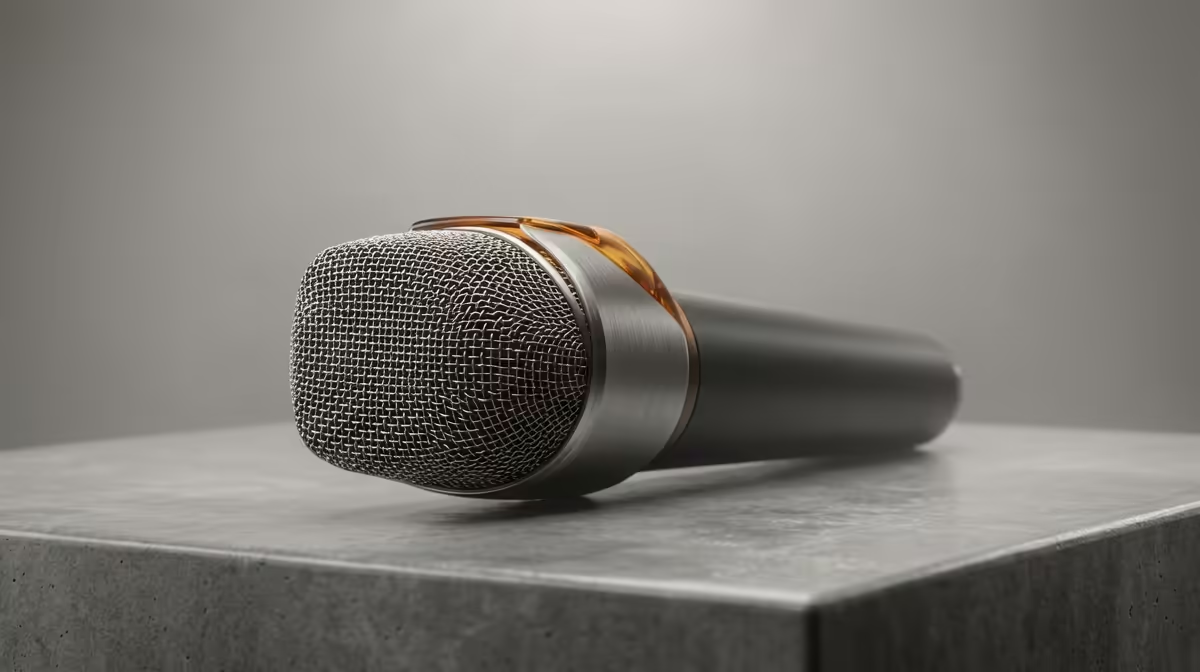
For backup and storage planning, your streaming-microphone buying order is mic first, then a way to capture and archive its audio reliably. A R1,200-R2,000 cardioid USB condenser records clean voice, and you should pair it with a dated recording-and-backup routine to a separate drive so nothing is lost.
Buy the mic, then plan the archive
A streaming mic is only as useful as your ability to keep what it records. Start with a solid cardioid USB condenser around R1,200-R2,000 that captures clear voice for streams, podcasts or lecture notes. Then plan storage: voice recordings are small, but they add up, so set a folder structure and a backup target before you build a library you cannot afford to lose.
A simple 3-2-1 routine
Keep recordings on your main drive, copy them to a second local drive (an external SSD or NAS), and keep one copy elsewhere. Even a 1TB external SSD around R1,200-R1,800 holds years of voice content. Name files by date and topic so the archive stays searchable.
Don't over-buy the mic
A premium XLR rig will not help backups; a clean USB mic plus disciplined storage beats an expensive mic with no archive. Spend the difference on a reliable external drive instead.
FAQ
What mic suits backup-conscious creators?
A reliable cardioid USB condenser around R1,200-R2,000. It records clean voice with no interface, leaving budget for the storage and backup that actually protect your work.
How much storage do voice recordings need?
Far less than video. A 1TB external SSD (about R1,200-R1,800 at Evetech) holds years of podcast or lecture audio, so capacity is rarely the constraint.
What is a safe backup routine?
The 3-2-1 rule: one working copy, one local backup on a separate drive, one off-machine copy. Date-stamp filenames so the archive stays easy to search.
recording software to save directly into a dated folder, then run a weekly copy to an external SSD. A disciplined archive protects your content far more than a pricier microphone would.