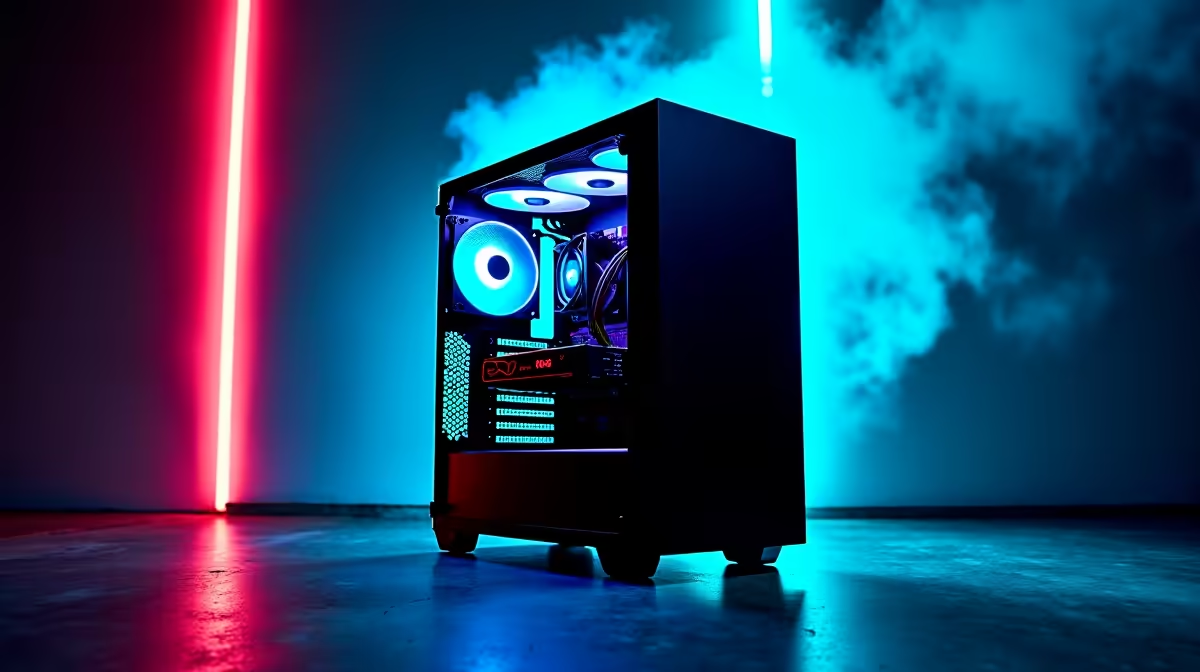
A streaming PC is the right choice for a content creator who broadcasts regularly, captures several sources or must separate live production from a gaming or editing machine. It is unnecessary for pre-recorded videos that can be edited on one balanced computer.
Define the live production load
List cameras, microphone channels, overlays, browser sources, capture resolution and platform output. Run a private broadcast with the complete scene collection and record processor, graphics, memory and network behaviour. Dropped frames from encoding and dropped frames from the connection need different fixes.
The Palit RTX 5060 Infinity 2 OC 8GB graphics card is listed at R4,800. The NearStream USB/XLR microphone is listed at R676. Confirm GPU driver and encoder support, case and power requirements, plus the microphone connection, included accessories, monitoring and warranty.
Keep scenes, overlays, alerts and account-recovery details backed up outside the broadcast application. Test audio synchronisation and local recording for the full expected show duration. Protect private notifications and use separate accounts or profiles where live screen capture could reveal client material.
Buy a dedicated stream system when rehearsals show that one PC cannot maintain both the game or camera workload and the broadcast. For occasional live sessions, improve the existing computer, audio and network path before adding another machine.
Building a dependable creator stream? > Compare Evetech graphics cards and microphones for the measured production load.