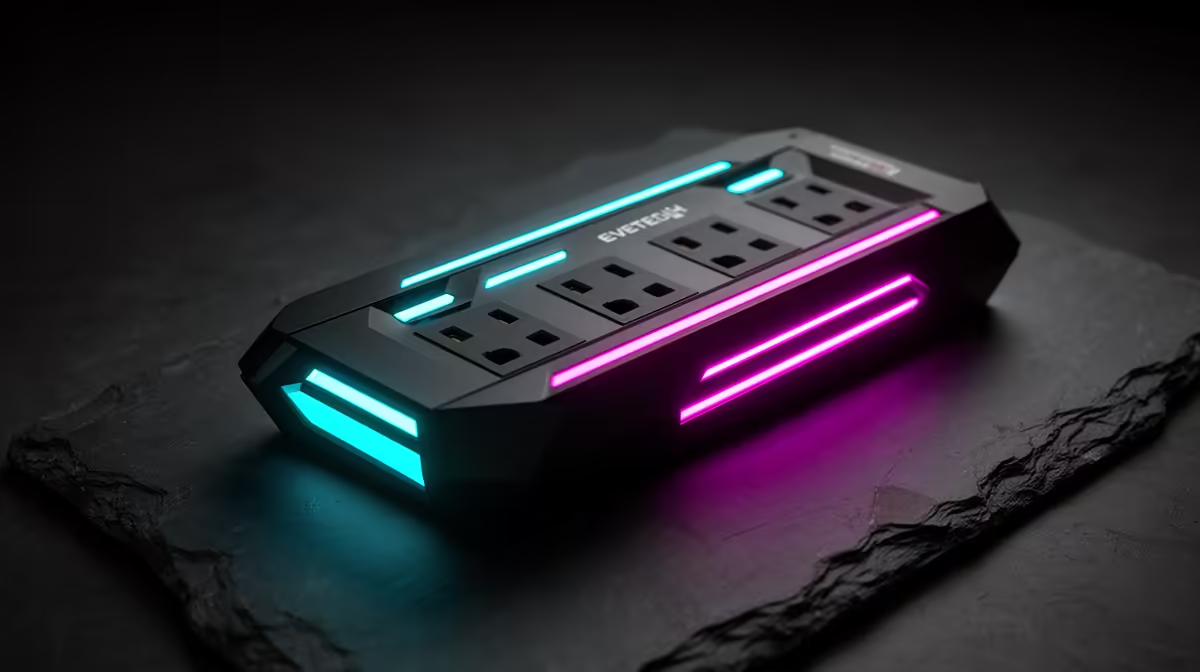
Surge Plug vs Power Strip vs DB Board SPD
Quick Answer
A surge plug protects one outlet path. A surge-rated power strip can protect several connected devices when it is genuine and correctly rated. A distribution-board surge protective device works earlier in the property wiring and must be selected and installed by a qualified electrician.
The best design is coordinated. Buying three random products and plugging them together does not prove layered protection.
Start With the Source and Path
Surges can enter through mains wiring and other conductive paths such as network or antenna connections. Their size, duration and source vary.
No single point-of-use product can stop every event. Direct or severe lightning effects require a broader building and earthing assessment.
Ask a qualified electrician to inspect the supply, earthing, distribution board and existing protection before adding fixed equipment.
What a Surge Plug Does
A surge plug sits at one wall outlet and provides point-of-use protection for the connected load. Check its standard, voltage, current, protective mode and end-of-life indication.
It may sacrifice its protective components over time. A light can show status on some designs, but read the manual because indicator meanings differ.
A surge plug is not an extension lead unless designed as one. Do not stack adapters or overload the outlet.
What a Surge-Rated Strip Does
A power strip adds outlets and, when explicitly surge-rated, point-of-use protection. An ordinary multi-plug with a switch is not automatically a surge protector.
Check total current, plug type, cable rating, protection status and spacing. The PC, monitor and audio should remain within the strip and wall circuit limits.
Do not connect one strip into another. Keep it dry, visible and away from heat or damaged cables.
What a DB Board SPD Does
A distribution-board SPD diverts surge energy at an earlier point in the installation. Device type and arrangement depend on the supply, lightning exposure, earthing and downstream equipment.
Installation changes fixed wiring and belongs to a qualified electrician. The electrician should select protection, backup device and conductor routing for the actual board.
Do not remove covers or work inside the distribution board. Even a switched-off installation can present hazards.
Coordination Matters
Layering works when devices are selected to share surge energy and the upstream and downstream protection coordinate. Cable length, protection voltage and installation arrangement can matter.
A qualified electrician can determine whether separation or a decoupling element is required. Do not assume more protectors always improve the result.
Keep model numbers and installation records. Replace point-of-use devices when their status or maker guidance says protection is exhausted.
Protect Every Conductive Path
A fibre ONT and router have power connections, and network cables can link equipment. Antenna and copper telecom paths may need their own suitable protection.
Fibre itself does not conduct electricity, while powered devices and any copper network segment still create electrical paths.
Ask the relevant service provider and electrician about supported protection. Do not place an unapproved device in a network path and assume signal performance will remain intact.
Keep the PC Power Supply in Context
A good PSU has internal protections for faults and abnormal input, but it is not a substitute for property surge protection.
When replacing a documented damaged unit after assessment, compare Corsair power-supply models and popular PSU choices by exact capacity and connectors.
The approved links cover the protected equipment, not fixed-wiring products. Get the SPD from the electrician's compliant design and quote.
Read Device Ratings Carefully
Check the local standard and certification, nominal voltage, maximum continuous operating voltage, discharge current, protection level and status indication where listed.
Joule ratings on consumer devices are not enough to design the building path. Test method and protective voltage matter.
Avoid products with unclear manufacturer, no standard or no replacement guidance.
Maintain the Layer
Inspect point-of-use status after a known electrical event and during routine checks. Replace damaged, hot or discoloured products.
Ask the electrician how the DB SPD shows end of life and who should inspect it. Keep the board schedule and certificate records.
Do not open a strip or surge plug. Retire it through an appropriate e-waste route.
Check Insurance Terms Separately
Surge protection can reduce risk but does not guarantee insurance cover or claim approval. Read the policy's current conditions.
Keep invoices, electrician records and photos of the installation. Ask the insurer what evidence it expects.
Do not buy a device solely from an informal claim that an insurer requires it. Get the requirement in writing.
Build a Safe Plan
List the PC, monitor, router, ONT and any other equipment that must be protected. Trace mains and data connections.
Have the fixed installation assessed. Then choose point-of-use devices that coordinate with it and fit the total connected load.
Test only normal operation. Surge performance is not a home experiment.
Check Device End of Life
Many SPDs use an indicator window or light to show whether the protective element remains available. The exact meaning comes from the manual.
A strip can continue supplying electricity after surge protection has failed. Do not use "the sockets still work" as the test.
Label installation and replacement dates. Have the electrician explain how the board device is isolated and replaced through the correct process.
Keep Earthing in the Design
SPD performance depends on a suitable earthing and bonding path. A long or poorly routed conductor can raise the protection voltage seen by equipment.
Only a qualified electrician should assess and correct the installation. A point-of-use plug cannot repair defective fixed earthing.
Ask for any required test results and compliance records after work.
Reassess After Building Changes
A new solar inverter, generator interface, distribution board, outbuilding feed or external lightning system can change the protection design.
Tell the electrician about every source and board. Do not move an old SPD arrangement into a changed installation without review.
Update the equipment map and insurer record where the policy requires it.
FAQ
Is a switched power strip a surge protector?
Only when it is explicitly designed and rated for surge protection. A switch alone proves nothing.
Can I install a DB board SPD myself?
No. Fixed distribution-board work belongs to a qualified electrician.
Should I plug a surge strip into a surge plug?
Do not stack products without a coordinated design. Ask the electrician or manufacturer for the supported arrangement.
Trace every mains and data path, have a qualified electrician design the DB layer, and add only point-of-use protection that coordinates with it.