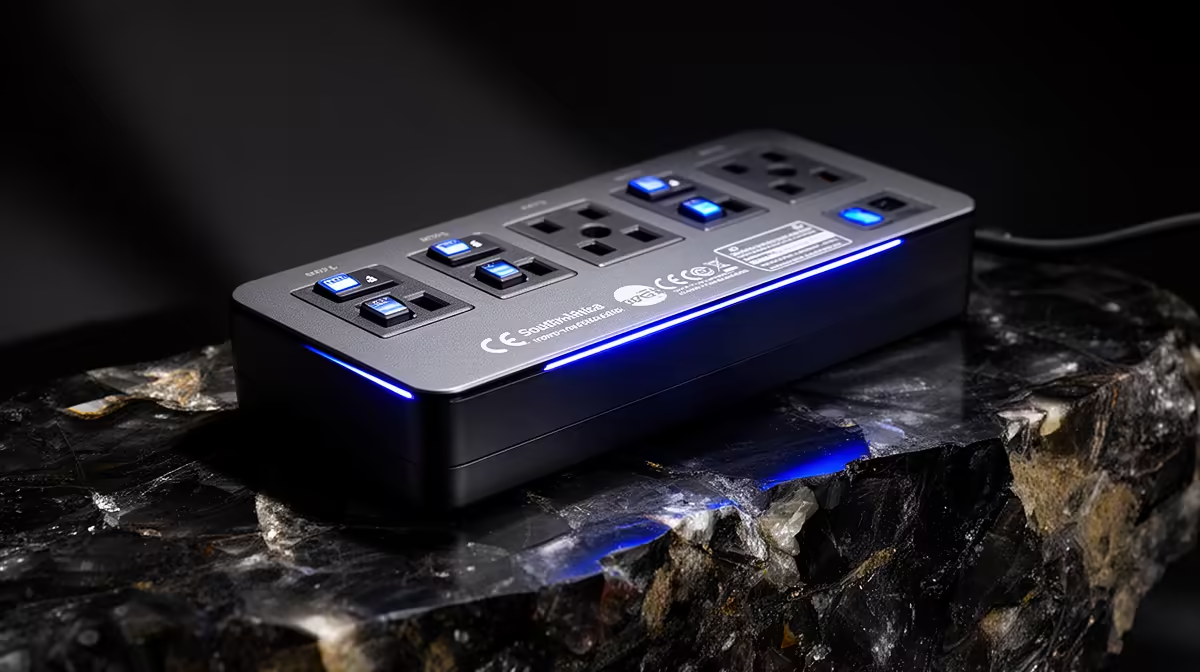
A surge-protected power strip is worthwhile for a video-editing desk when it offers verified protection and safely accommodates the workstation, monitors and storage. It cannot improve render speed or replace backup power. The strip should be selected from load and socket layout.
Inventory the editing desk
Read the power labels for the PC, displays, speakers, external drives and chargers. Keep their combined demand within the strip and wall-circuit guidance. Check whether large adapters block sockets and whether the cord can reach without being crushed or stretched across a walkway.
The reference data does not confirm a surge-strip model or price. Browse Evetech’s current range and verify protection rating, maximum load, status indication, socket standard, spacing, cord length, reset mechanism and warranty. Products with vague protection claims deserve caution.
Connect the strip directly to a sound wall outlet without chaining another multi-plug. Keep it dry, uncovered and clear of paper. Damaged sockets or repeated tripping require qualified attention rather than a larger adapter.
Protect source media, project databases and exports with independent backups. If controlled shutdown time is needed, evaluate a correctly sized UPS separately. The strip is a useful hardware layer, while tested recovery protects the actual editing work. Retest the strip indicator and backup process after any desk change.
Protecting an editing desk? > Check Evetech surge-protection options for verified ratings and layout.