Quick Answer
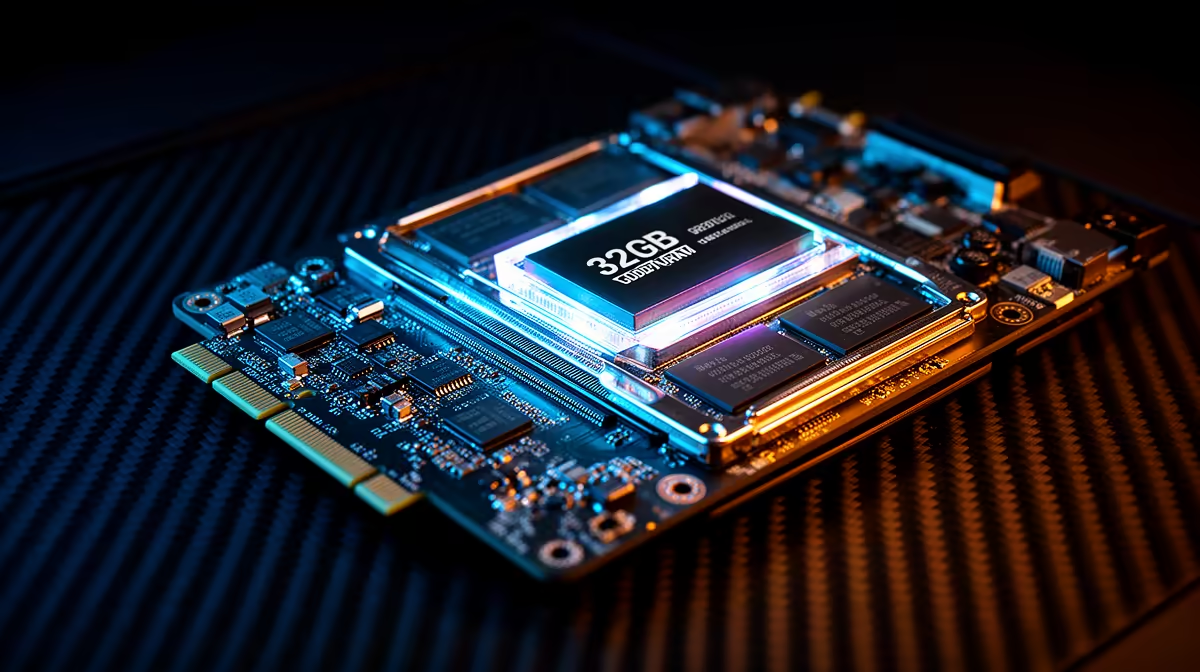
32GB of GDDR7 VRAM on the RTX 5090 provides 1.79TB/s of memory bandwidth across a 512-bit bus, enabling 4K gaming with full asset loads, real-time inference of large AI models up to 20 billion parameters at full precision, and GPU-rendered 3D scenes that would overflow 24GB cards. For gaming alone, 32GB is partly future-proofing; for AI and creative work, it is immediately useful today.
GDDR7 vs Previous VRAM Generations 🖥️
GDDR7 represents a significant jump over GDDR6X. Per-pin bandwidth increases from approximately 21 Gbps on GDDR6X to 28 to 32 Gbps on GDDR7, a 33 to 52 percent improvement. On a 512-bit bus with 32GB capacity, this yields over 1.7TB/s total bandwidth, compared to approximately 1.0TB/s from GDDR6X at 512-bit. For workloads where memory bandwidth is the bottleneck rather than compute throughput, such as path tracing or large tensor operations in AI training, this directly translates to faster task completion. GDDR7 also operates at lower voltage per bit compared to GDDR6X, contributing to energy efficiency at equivalent throughput levels.
Gaming: Where 32GB Matters and Where It Does Not 🎮
For gaming at 4K maximum settings with full ray tracing, current titles use between 14 and 22GB of VRAM in the most demanding scenarios. 32GB provides comfortable headroom beyond today's requirements and covers the expected trajectory of the next two to three game generations. At 1440p, the same games use 10 to 15GB, and 32GB is clearly excess for pure gaming. The indirect benefit of 32GB in gaming is that the card never encounters memory pressure at any resolution, avoiding the frame pacing irregularities that occur when a GPU runs close to its VRAM ceiling and begins compressing or swapping assets. Smooth, consistent frame delivery at 4K ultra benefits from this margin.
AI and Creative Work: Immediate Real-World Benefit 🔧
For South African professionals using GPU-accelerated applications, 32GB GDDR7 delivers immediate, measurable gains. A Blender Cycles render using 25GB of combined scene data runs entirely in GPU memory rather than offloading to system RAM, which would multiply render time by three to five times. For AI inference, a 20-billion-parameter model at 8-bit quantisation requires approximately 20GB of VRAM; 32GB accommodates this with margin for activation buffers. South African developers paying US-dollar API rates for cloud AI can offset those costs significantly by running capable models locally. Video colour grading at 4K in DaVinci Resolve with multiple active AI tools also benefits from VRAM capacity beyond 16GB.
Monitor VRAM Usage Per Application ⚡
Use your GPU monitoring overlay to track VRAM usage separately across multiple open applications. Creative professionals who game and render simultaneously may find that leaving Blender's GPU renderer active while gaming pushes combined VRAM usage above 24GB, making the full 32GB genuinely utilised in a mixed workload session. This dual-use scenario is where 32GB pays off most clearly.
FAQ
Can GDDR7 VRAM be expanded or upgraded after purchase?
No. GPU VRAM is soldered directly to the PCB and cannot be upgraded after manufacture. The VRAM capacity you choose when selecting a GPU is fixed for the card's lifetime.
Does GDDR7's higher bandwidth always translate to higher gaming frame rates?
Not always. Many games are compute-limited rather than bandwidth-limited at 1440p and below. At 4K with full ray tracing, bandwidth limitation becomes real and GDDR7's advantage over GDDR6X becomes measurable in frame rates.
Is 32GB VRAM relevant for video editing at 4K in South Africa?
Yes, particularly for editors using DaVinci Resolve's GPU-accelerated noise reduction, fusion compositing, and AI tools simultaneously. Projects combining heavy colour grading with 3D motion graphics can approach or exceed 16GB of VRAM usage with multiple streams open.
Ready to experience 32GB GDDR7 in action?
The RTX 5090 with GDDR7 VRAM is available at Evetech with local warranty for gaming, creative, and AI workloads.