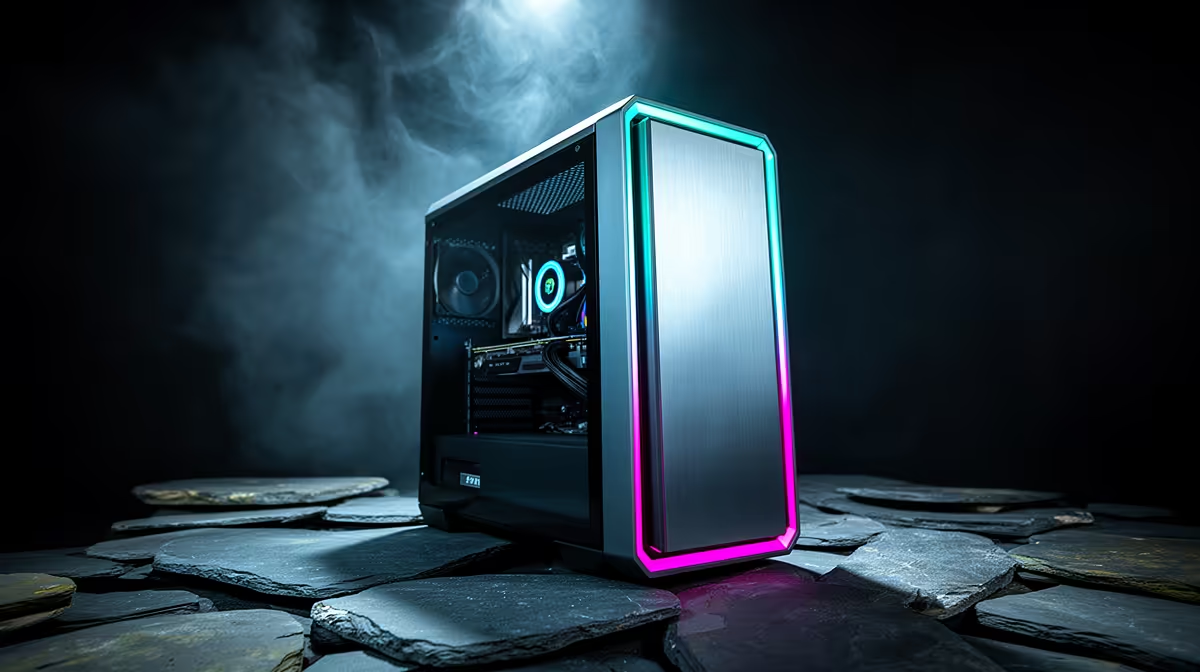
A tower price is only the computer in the box. A first gaming setup may still need a monitor, keyboard, mouse, audio, network connection, desk power and somewhere safe to put everything. Those lines can move the total enough to change the tower tier. Build the whole desk before deciding what you can spend on the PC.
Quick Answer
List the tower and monitor first because they determine the game experience. Add a reliable keyboard and mouse, then headphones or a headset, required network hardware and a suitable power arrangement. Reuse every item that still works. If the full total crosses the ceiling, lower the tower or display target together rather than buying a fast GPU with no monitor suited to it.
The monitor is part of the performance target
Resolution decides how much work the graphics card performs. Refresh rate decides how many frames the panel can show. A R15,000 tower aimed at 1080p 60Hz is a different build from one aimed at QHD 165Hz.
Choose the display before locking the GPU. A 24-inch 1080p high-refresh monitor can make a strong first desk. A 27-inch QHD panel needs more graphics performance but can serve several future towers.
Check adaptive sync, measured response, brightness and ports. The supplied cable may not support every high-refresh mode. Include a suitable cable only after confirming the GPU and monitor standards.
If you already own a sound TV or monitor, test its input lag, resolution and text behaviour. Reuse can keep a better tower inside the total.
Keyboard and mouse do not need to be premium
A basic wired keyboard and accurate mouse can start the setup. Choose layout, shape and connection around daily use. Mechanical switches, wireless features and low mass are preferences or performance refinements, not first-boot requirements.
The mouse should fit your grip and hand. A reliable sensor and stable polling matter more than a huge DPI label. The keyboard should have the keys, size and noise level you need. A full-size board consumes more desk width; a compact board leaves mouse room.
A suitable pad provides consistent tracking and protects the desk. Measure available space after the keyboard is placed.
Audio should keep speech and game cues clear
Closed headphones can reduce room noise and speaker spill into a microphone. A headset adds an integrated mic for voice chat. Separate headphones and microphone create more choice but cost more desk space and setup.
Check comfort through a long session, not a quick fit. Ear pad depth, clamp and weight matter. USB and 3.5mm connections have different device and cable needs.
Use monitor speakers or an existing headset at first when they remain clear. Audio can be upgraded after the tower and display meet the game target.
Network cost depends on the room
Ethernet is the clean gaming baseline. Include the correct cable length and a safe route. Do not run a loose cable across a walkway.
If Wi-Fi is necessary, check whether the motherboard includes it. A desktop without Wi-Fi may need a supported PCIe or USB adaptor. Antenna placement and router distance affect the result more than the largest link-speed number.
Test latency, jitter and packet loss at normal play time. A faster service package cannot repair a weak signal inside the room.
Desk power needs respect
The tower, monitor, router and accessories need safe outlets. Use a suitable surge-protection or UPS approach chosen for the equipment and local electrical conditions. Do not overload adaptors or hide heat-producing power bricks under fabric.
Keep cables away from chair wheels and feet. Label power supplies so peripherals are not connected to the wrong adaptor. If electrical installation work is required, use a qualified professional.
The backup-power project should be sized separately from the first setup where the total cannot absorb it. Never guess runtime from a product name; measure the PC and display load.
Furniture can expose hidden costs
A stable desk needs enough depth for monitor distance and enough width for keyboard and mouse movement. The chair should support a comfortable position and let the feet rest securely. Health or pain concerns deserve advice from a qualified professional.
You do not need a gaming-branded desk or chair. Reuse safe furniture that fits the equipment. A monitor arm is optional when the supplied stand reaches the required height and leaves room.
Check the tower's ventilation. A closed cupboard traps heat. Keep intake and exhaust clear and avoid carpet blocking bottom vents.
Software and setup belong in the total
Confirm whether the tower includes an operating system. Add the cost of any software you actually require through its current official source. Free alternatives may cover some work, but game compatibility and anti-cheat support need checking.
Assembly and testing also have value. A parts build needs tools, time and the skill to troubleshoot first boot. A complete system should still have its exact component list checked.
Back up important files before moving from an old PC. A small external drive may be part of the setup when no backup exists.
Compare the tower only after the desk exists on paper
Use the gaming PC deal range to shortlist towers, then compare popular complete PCs. Open the CPU, GPU, memory, SSD and PSU details.
Create two totals. The first reuses your current display and peripherals. The second buys the complete setup. If the second total moves the tower down a GPU tier, compare the frame rate and display together.
Quote only named product prices from the local pack and state as of July 2026. A category minimum can be an accessory and cannot stand in for the monitor or gaming PC.
A sensible purchase order
Buy the tower and display after confirming they match. Add the basic input and audio needed to use them. Test networking and desk power. Upgrade comfort and convenience after several weeks.
This order keeps a premium keyboard from displacing the graphics card or a large mousepad from arriving before the desk dimensions are known.
Frequently Asked Questions
How much should peripherals add to a first setup?
There is no reliable category amount. Build a named current basket from the monitor, input, audio and network items you lack.
Should I lower the tower or the monitor first?
Keep them matched. A weaker tower may suit 1080p, while a stronger display can remain through future upgrades if the current GPU can use it.
Can I reuse office peripherals for gaming?
Yes when the keyboard, mouse and audio remain reliable and comfortable. Upgrade the part that limits control or communication.
Price the entire first gaming desk with named current products, then choose the tower and monitor as one performance target.