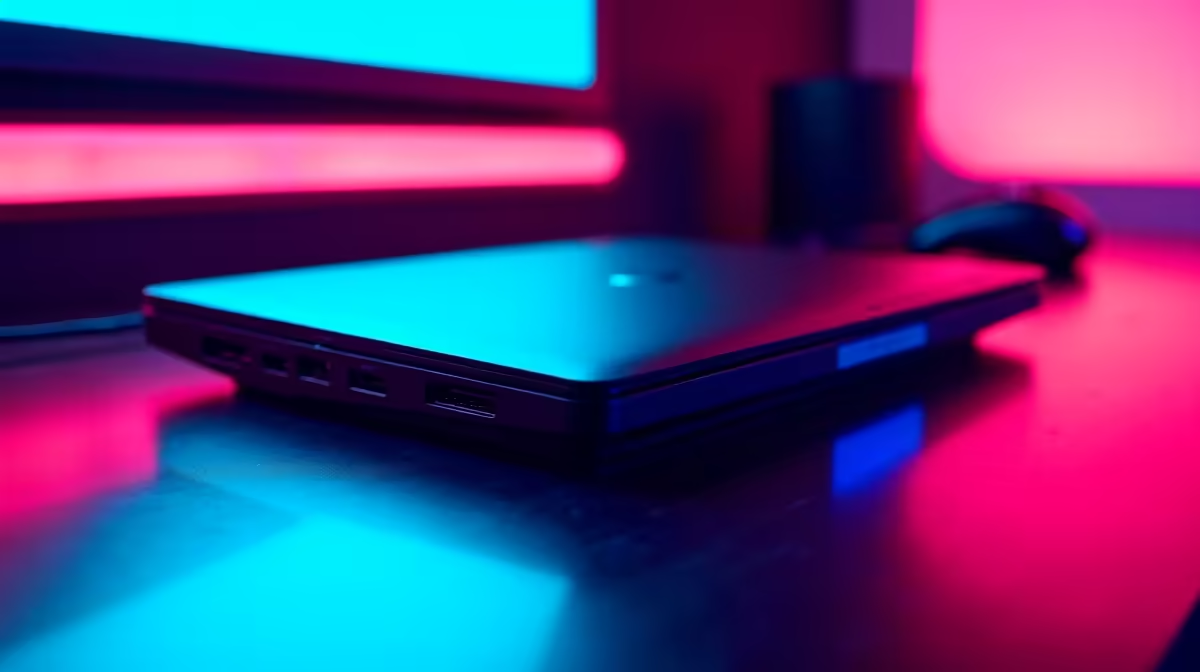
Working on the go in South Africa has its own rhythm, doesn't it? One moment you're at a client's office in Sandton, the next you're trying to beat an unexpected outage at a coffee shop in Durban. Fiddling with a tangled mess of cables for your monitor, mouse, and keyboard every time you set up is a drag. A quality, travel-friendly laptop dock transforms that chaos into a one-plug, instant setup. ⚡
Why a Portable Docking Station is Your New Best Friend
Let's be honest, modern laptops are sleek but stingy on ports. That's where the magic happens. A compact docking station acts as a central hub for all your peripherals. Instead of plugging in four or five different cables, you connect just one USB-C cable to your laptop. Everything else—your external monitor, keyboard, mouse, and even your charger—is already plugged into the dock.
This means you can go from a packed laptop bag to a full-blown workstation in seconds. It’s not just about convenience; it’s about creating a consistent, productive environment wherever you are. And with plenty of surprisingly affordable options available, boosting your mobile productivity won't break the bank.
Key Features for the Perfect Travel-Friendly Laptop Dock
Not all docks are created equal, especially when portability is key. When you're browsing, keep an eye out for these essential features to ensure you get a device that truly supports your mobile workflow.
Essential Ports and Connectivity 🔧
What do you actually need to connect? For most people, the list includes:
- HDMI or DisplayPort: For connecting at least one external monitor.
- USB-A Ports: For your trusty mouse, keyboard, or a USB drive.
- USB-C Power Delivery (PD): This is non-negotiable. It allows the dock to pass power through to your laptop, so you only need to carry your laptop's main charger.
- SD Card Reader: A huge plus for photographers and videographers.
- Ethernet Port: For when that coffee shop Wi-Fi just isn't cutting it.
Top-tier accessory makers, including brands like Promate, specialise in creating compact hubs that pack all this connectivity into a pocket-sized device.
Check Your USB-C Port!
Before you buy, confirm your laptop's USB-C port supports DisplayPort Alternate Mode (DP Alt Mode) and Power Delivery (PD). Most modern laptops do, but it's crucial for video output and charging through the dock. Check your laptop's specs on the manufacturer's website to be sure!
From Cluttered Desk to Instant Setup ✨
Imagine this: you arrive at your co-working space, pull out your laptop, and plug in a single cable. Instantly, your 4K monitor lights up, your ergonomic keyboard is ready, and your machine is charging. That’s the power of a good setup.
This efficiency is a massive win for hybrid workers, students, and frequent travellers. Even gamers can benefit, using a portable dock to quickly connect their gaming laptop to a hotel TV for a big-screen session with a proper mouse and keyboard. 🚀 With many versatile docks under R2000, you can find a powerful hub that meets all your connectivity needs without weighing you down.
Ready for a Clutter-Free Setup?
Stop wasting time with cables and unlock seamless productivity with a single plug. Explore our full range of docking stations and find the perfect travel-friendly companion for your laptop today.