Quick Answer
A fully programmable gaming keypad priced between R1,500 and R3,000 in South Africa replaces several separate peripherals and hundreds of keyboard shortcuts, directly cutting workflow time for streamers managing OBS scenes and video editors navigating long timelines in DaVinci Resolve or Premiere Pro.
What Streamers Get From a Programmable Keypad 🎮
Streaming to platforms while simultaneously gaming requires rapid scene switching, mute toggling, clip saving, and chat interaction. Mapping these to a dedicated keypad keeps your hands on the keyboard and mouse rather than hunting for shortcut combinations mid-stream. A 20-key programmable unit can hold an entire OBS Studio scene layout on one profile, alert sound triggers on another, and Discord controls on a third, switchable in one button press. South African streamers on platforms like Kick and Twitch with audiences in the Johannesburg, Cape Town, and Durban metro areas commonly use keypads to handle the multi-app overhead of a live production without a hardware broadcast panel that costs R8,000 or more.
The Video Editor Workflow Case 💡
In DaVinci Resolve 19, a video editor's most-used actions, cut, ripple delete, colour grade toggle, and export queue, can each sit on a dedicated keypad key with zero memorisation required. Resolve's keyboard customisation allows binding virtually every menu action to a key, and a programmable keypad with onboard memory stores those bindings so they survive across different editing machines without reinstalling software. For editors working on corporate video content in Johannesburg or Pretoria, a keypad at R2,000 pays for itself in reduced editing time within weeks. A jog wheel or scroll wheel integrated into the keypad also handles timeline scrubbing faster than a standard mouse wheel.
Comparing ZAR Tiers and What You Actually Get 💰
At R900 to R1,400, entry-level keypads offer basic macro recording with software-only profile storage and plastic construction. At R1,500 to R2,200, you gain onboard memory, better switch quality, and more programmable layers. At R2,500 to R3,500, you get aluminium builds, Hall Effect or analog optical switches, and professional-grade software with unlimited macro lengths and per-key LED profiles. For streamers producing daily content, the R2,000 to R2,500 tier hits the best value point, durable enough for eight-hour days, programmable enough for complex multi-app workflows.
Use Colour-Coded LED Zones for App Profiles ⚡
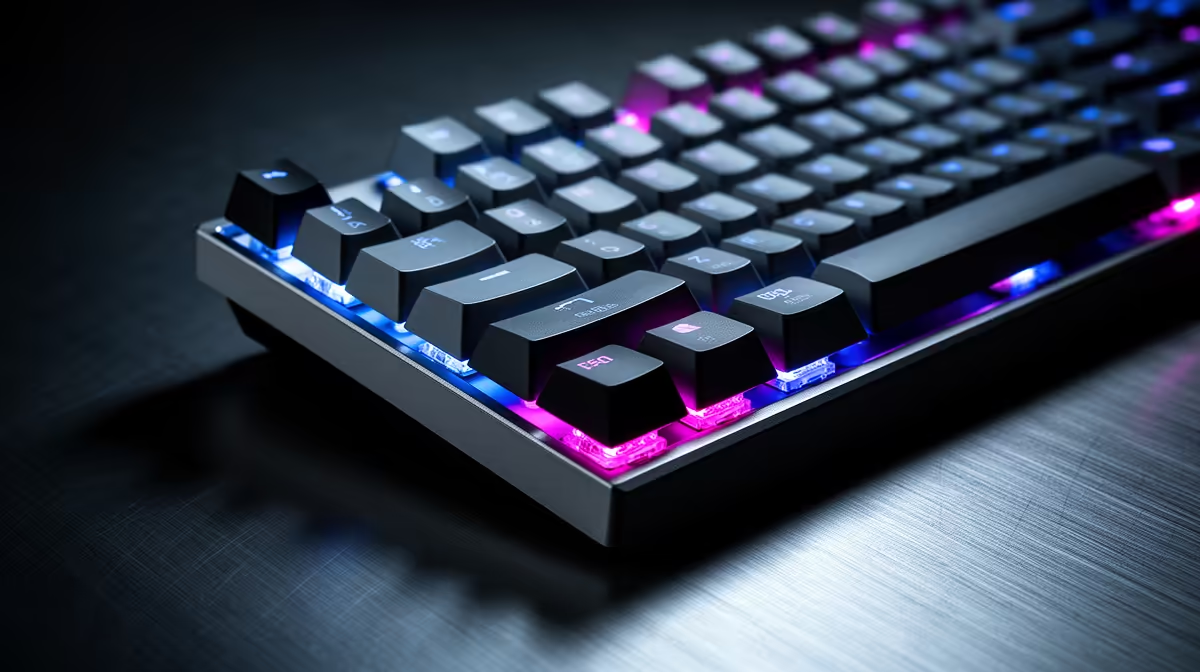
Assign distinct RGB colours to each application profile on your keypad so you can confirm at a glance which profile is active. Set OBS profiles to red, DaVinci to blue, and Discord to green, for example. This visual cue prevents the common mistake of triggering a stream command while inside an editing session.
FAQ
Can a programmable keypad replace a dedicated Stream Deck for streaming in South Africa?
For many streaming workflows, yes. A gaming keypad with robust macro software covers scene switching, hotkeys, and sound triggers. Dedicated stream controllers have more polished software integration with specific plugins, but at two to three times the cost for similar key counts.
Do programmable keypads work alongside a full-size keyboard?
Yes, they connect as a separate USB HID device and operate completely independently. Many streamers and editors keep both, using the keypad exclusively for workflow macros while the keyboard handles all typing.
What software do most gaming keypads use, and does it run well on Windows 11?
Most major gaming keypad manufacturers, including Razer and Corsair, offer Windows 11-compatible software. Confirm the software version supports your operating system before purchasing, especially if buying older stock.
Want to speed up your streaming or editing workflow?
Evetech stocks fully programmable gaming keypads with local warranty across South Africa. Find your setup in the gaming peripherals section at Evetech.