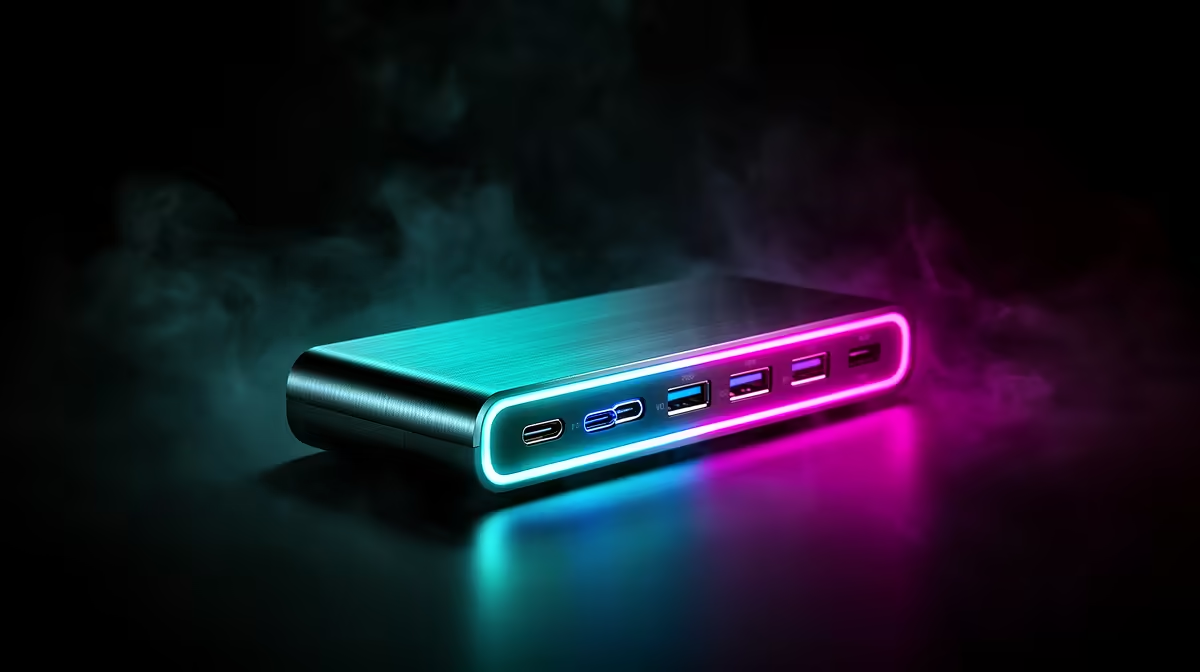
A USB-C hub can carry a 4K gaming display only when the host port, hub, cable and monitor support the required resolution, refresh, colour mode and bandwidth. Many hubs are designed for office video and may limit refresh or add instability.
Verify every link before placing the hub in the gaming path
Check the exact USB-C port for video output, then record the target 4K refresh and HDR mode. Test a demanding game, frame delivery, audio, sleep, wake and reconnect. Compare with a direct graphics output to expose any limitation.
The Promate TransHub-Lite at R305, VersaHub-MST at R1,500 and TB4-01 at R2,600 are verified hub references. Their prices do not prove support for a particular 4K gaming mode. Confirm current video standards, bandwidth, host compatibility, ports, power, thermal behaviour and warranty.
Use a direct GPU output for high-refresh gaming when available. Keep the hub ventilated, use the specified cable and avoid simultaneous high-speed storage transfers if they destabilise video. Set the correct refresh in both operating system and game.
Buy only after a full match passes without black screens or mode reduction. A hub should simplify the desk without weakening the display path.
Simultaneous Ethernet, storage and charging can share bandwidth or power, so reproduce the busiest combined desk state.
Connecting a 4K gaming desk? > Compare Evetech hubs by verified video bandwidth and host support.