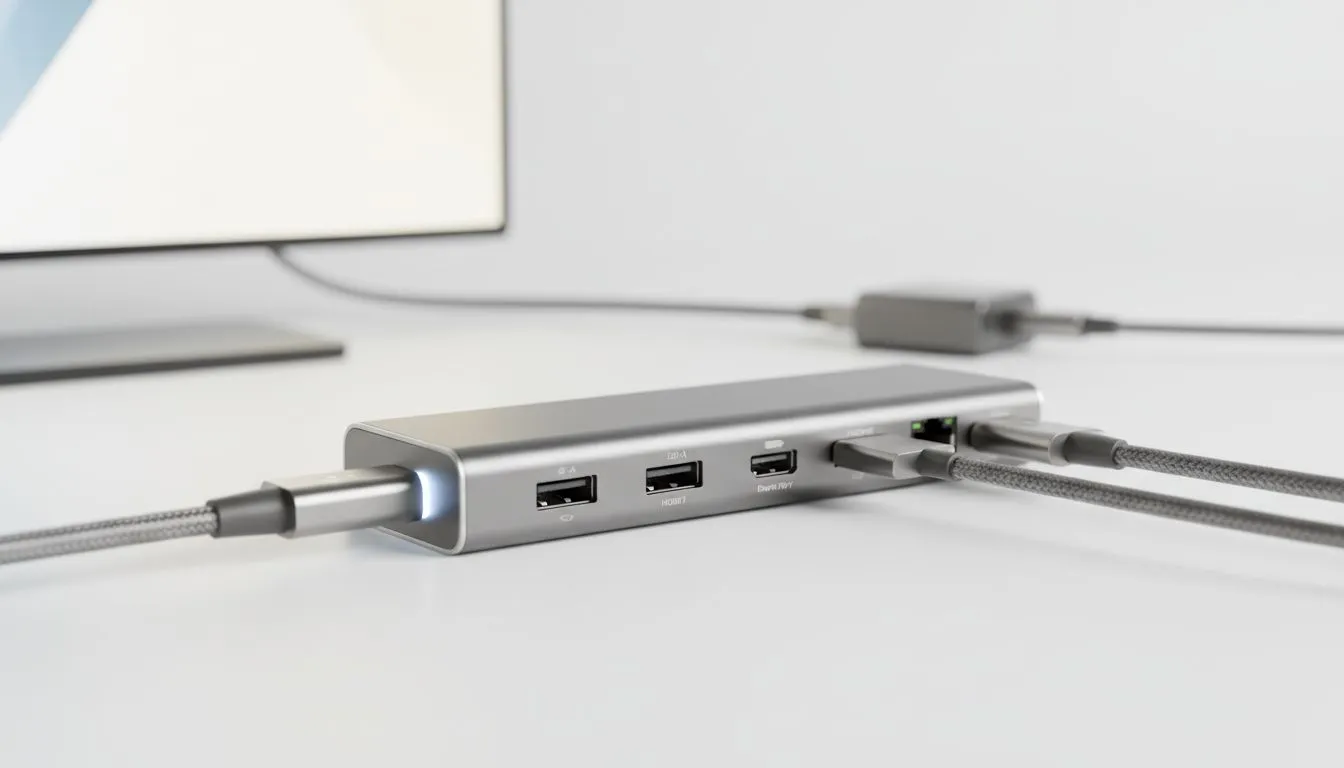
That sleek little USB-C port on your laptop? It’s not just for charging your phone. It’s a powerhouse in disguise, capable of running your 4K monitor and charging your entire setup with a single cable. But not all USB-C ports are created equal. In South Africa, knowing the difference between a basic port and one with full-fat USB-C Power Delivery and DisplayPort capabilities is the key to unlocking a cleaner, faster, more powerful gaming station.
Let's break it down.
What is USB-C Power Delivery (PD)?
Ever tried charging a beefy gaming laptop with a standard phone charger? It’s… not great. This is where USB-C Power Delivery (PD) steps in. Think of it as a smart, high-wattage charging standard that uses the USB-C connector. Instead of a fixed, low power output, PD negotiates with your device to deliver the optimal amount of juice, often up to 100W or even more. ⚡
This is crucial for modern machines. It means you can use a single, compatible charger for your phone, tablet, and even powerful notebooks from our range of Intel laptops on special. Many PD systems are also bi-directional, allowing your laptop to charge other devices. The key takeaway is that Power Delivery turns the humble USB-C port into a versatile charging solution.
Unpacking DisplayPort over USB-C
For gamers, refresh rate is king. You wouldn’t pair a monster GPU with a slow monitor, right? DisplayPort over USB-C, often called 'DP Alt Mode', is the feature that lets you send a pure, high-bandwidth video signal directly from your laptop to your screen. This isn’t a clunky adapter solution; it’s a native video output.
This is how you get those silky-smooth 144Hz+ refresh rates at 1440p or even drive a 4K display without breaking a sweat. It unlocks the full potential of the hardware inside today's top-tier GeForce RTX gaming laptops on special, ensuring the frames your GPU pushes actually make it to your screen in all their glory.
Check The Specs! 🔧
How do you know if your port has these powers? Look for the symbols! A lightning bolt ( Thunderbolt 4) guarantees both DisplayPort and PD. A DisplayPort logo (a 'D' inside a 'P') confirms video output. When in doubt, always check the laptop's detailed specifications on the Evetech product page before you buy to be 100% sure.
The Ultimate Combo: Power, Display, and Data in One
Here’s where it all comes together. A single port that handles both USB-C Power Delivery and DisplayPort is the dream setup for a minimalist, powerful battle station. Imagine this: you get home, plug in one single USB-C cable from your monitor to your laptop, and your whole setup comes to life. ✨
Your laptop starts charging, your external 4K monitor fires up, and your keyboard and mouse (plugged into the monitor's USB hub) are instantly connected. No more fumbling with a separate power brick and HDMI cable. This single-cable convenience is no longer just for premium machines; you can find this feature on many of the best gaming laptop deals available in SA.
This powerful combination is widely supported across the industry, with both Intel and the latest Ryzen laptop deals heavily featuring this technology. It has become a standard for good reason. Even better, you can find this single-cable convenience on fantastic gaming laptops under R20k, making a clean, powerful setup more accessible than ever.
So next time you're shopping, look beyond the CPU and GPU. A proper understanding of USB-C Power Delivery and DisplayPort will ensure your new machine is as convenient as it is powerful.
Ready to Simplify Your Setup?
Understanding USB-C Power Delivery and DisplayPort is your secret weapon for choosing the right tech. It’s about more than just a port; it’s about creating a cleaner, more powerful, and convenient setup. Explore our massive range of laptop specials and find a machine with the ports to power your passion.