


Humidity Damage to PC Components: Recovery Guide
Humidity Damage to PC Components: Recovery Guide. Everything you need to know with SA pricing, step-by-step instructions & expert recommendations.
Read moreUSB conference camera not detected? Follow clear, tested steps to fix no video, no audio, or connection issues fast — drivers, USB ports, firmware, and app settings 🛠️✅
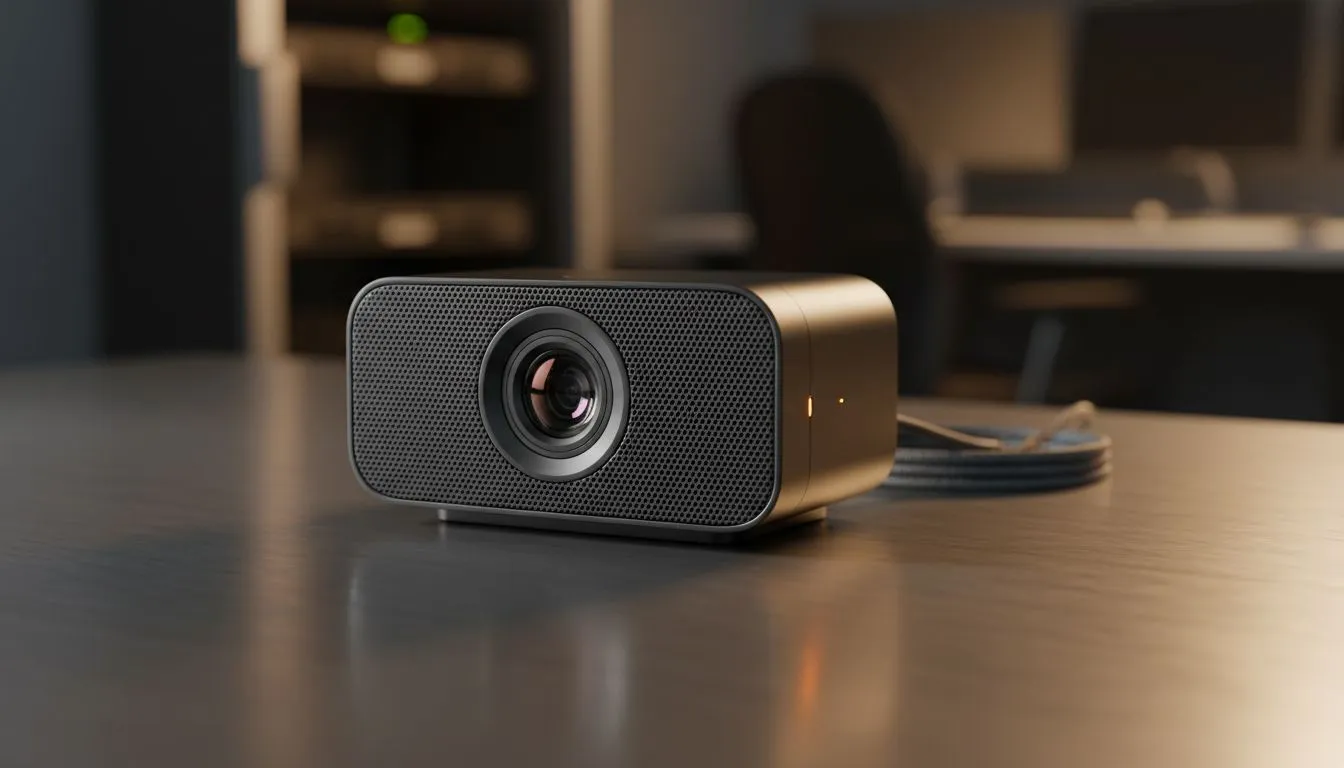
You’ve prepped your notes and the coffee is hot. You join the Zoom call, but your screen is black. It’s a classic South African tech nightmare... the USB conference camera not detected error. Whether it’s for a high-stakes board meeting or a casual catch-up, a failing camera is incredibly frustrating. Let’s get your video and audio back online before the meeting ends. 🔧
Start with the physical connection. It sounds simple, but a loose cable is often the culprit. Try a different USB port on your machine. Sometimes, front-panel ports on a PC case lack the consistent voltage for high-end gear. If you need a reliable replacement quickly, you can buy webcams from Evetech to ensure your hardware is up to the task. Avoid using unpowered USB hubs... these often split the power too thin for video signals. ⚡
If your camera is still acting up, try a 'Hard Reset'. Unplug the camera, shut down your PC, and unplug the power cable for 30 seconds. This clears the USB controller cache and often forces Windows to re-identify the device upon reboot.
Windows privacy settings can be strict. Go to Settings, then Privacy, and ensure "Allow apps to access your camera" is toggled on. If the software is fine but the hardware is aging, finding webcams under R1000 is a great way to get a secondary backup device. 🚀
Drivers are usually the culprit behind a USB conference camera not detected message. Right-click the Start button and open Device Manager. Look for "Cameras" or "Imaging devices." If there is a yellow triangle, your driver is corrupted. Right-click it and select "Update driver." For those needing professional-grade clarity, browsing webcams under R2000 offers options with better sensor quality and more stable driver support.
USB bandwidth is a finite resource. If you have a headset, keyboard, and mouse all on one hub, your camera might struggle to send data. This results in the "not detected" error or choppy audio. Try plugging the camera directly into the motherboard’s rear I/O ports. If your current setup is simply too old for modern apps, look at webcams under R3000 for premium 4K options that handle data more efficiently. ✨
Ready to Find Your Perfect Match? A glitchy camera can ruin a professional presentation or a gaming stream. If your current hardware has seen better days, it might be time for an upgrade. Explore our wide range of webcams and find the perfect lens to keep you in the spotlight.
Try a different USB port and cable, power-cycle the camera, check Device Manager for unknown devices, and update drivers if the plug and play camera not recognized.
Verify the camera is selected in the call app, test in Windows Camera, update video drivers, check privacy settings, and try another USB cable to fix conference camera no video.
Ensure the camera mic is enabled in OS and app, check input levels, update audio drivers, and test with a different app to diagnose conference camera no audio.
Open Device Manager, right-click the camera, select Update Driver or download the manufacturer's driver to perform a usb camera driver update fix.
Use USB 3.0/3.1 ports for bandwidth, avoid unpowered hubs, and test direct motherboard ports to rule out usb port power issues camera.
Check app permissions, close other apps using the camera, reinstall the conferencing app, and verify the camera is set as the default; this solves many camera works in Zoom but not Windows cases.
Yes. Manufacturers release firmware to address detection and performance bugs. Follow official steps to download and apply a camera firmware update conference safely.
Humidity Damage to PC Components: Recovery Guide. Everything you need to know with SA pricing, step-by-step instructions & expert recommendations.
Read more
Gamer Spending Trends April : Complete Setups. Clear setup instructions with SA-specific considerations, troubleshooting tips & recommended components.
Read more
Setting Up DDR5 32GB Kit. Tested & verified settings for best FPS and visual quality on SA hardware budgets.
Read more
Tech Setup Guide for SPU Res Students. Clear setup instructions with SA-specific considerations, troubleshooting tips & recommended components.
Read more
Monster Hunter Wilds Ultrawide Support: 21:9 and. Clear setup instructions with SA-specific considerations, troubleshooting tips & recommended components.
Read more
Apple iPad Durability Guide: Cases, Screen. Practical breakdown of costs, regulations & whether it makes financial sense for SA buyers.
Read more
AMD RX 9050 XT: Rumoured Specs, Price & Release. SA-focused analysis with local pricing data, real-world insights & actionable buying advice.

Can RTX 4080 Super Run AI Workloads for SA Developers Detailed answer with SA data, expert analysis & practical recommendations for local buyers.

Can RTX 4090 Run AI Workloads for SA Developers Detailed answer with SA data, expert analysis & practical recommendations for local buyers.

Top Settings for Intel Arc B580 at Ultrawide 1440p picks evaluated on performance, value & SA availability with current Rand pricing from Evetech.

RTX 4060 CS2 Low Settings at 1080p: FPS Results. Real-world benchmark data, FPS numbers & performance analysis. What SA gamers can actually expect.

Visual Artifacts: Possible GPU Issue Issue #1. Diagnosis steps, proven fixes & when to seek professional help. SA-specific support info included.

Can the RTX 4090 Handle 1440p 144Hz Gaming. Performance testing verdict with real data & practical recommendations for SA buyers.

Top ASUS GPU Under R15000 picks evaluated on performance, value & SA availability with current Rand pricing from Evetech.

GTA 6 Max Settings on RTX 5070. Tested & verified settings for best FPS and visual quality on SA hardware budgets.

Cyberpunk 2077 Max Settings on RTX 5080. Tested & verified settings for best FPS and visual quality on SA hardware budgets.

Starfield Max Settings on RTX 5070 Ti. Tested & verified settings for best FPS and visual quality on SA hardware budgets.

Top RTX 5090 Under R5000 picks evaluated on performance, value & SA availability with current Rand pricing from Evetech.