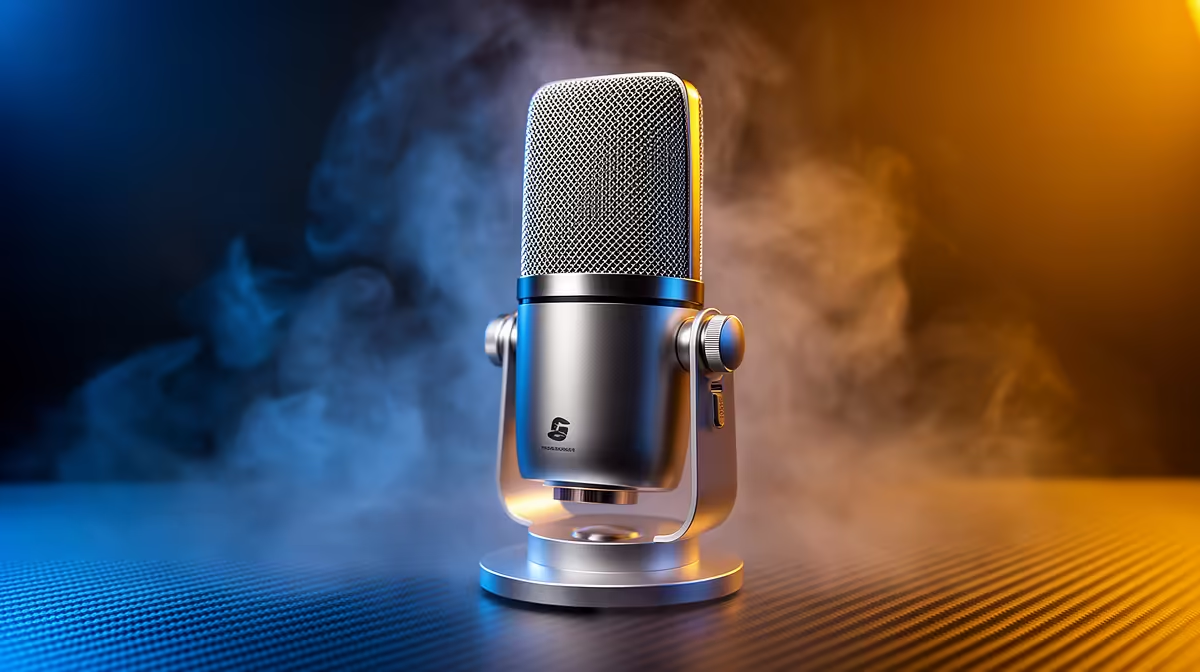
NearStream AM10X-P USB/XLR at R730 is worth buying for a South African creator who records Blender tutorials, client walkthroughs, or voice notes and wants a microphone that can start on USB and still leave room for an XLR setup later.
Best microphone picks for creator audio
A USB mic is useful when your screen recording needs to sound clearer than a laptop mic or headset boom. The NearStream AM10X-P USB/XLR at R730 is the strongest first pick here because the USB/XLR spec gives it more flexibility than a basic desk mic, especially if the same creator desk later adds an audio interface.
The HyperX SoloCast 2 at R690 makes sense when the priority is a neat, simple recording setup for tutorials, Discord calls, and quick project notes. Its SoloCast 2 model line is aimed at straightforward desktop capture, and at R690 it sits close enough to the NearStream AM10X-P USB/XLR to make the choice about simplicity versus connection flexibility.
The MARVO MIC-07 at R351 is the budget option for someone who only needs clearer spoken audio for short clips, class work, or occasional screen recordings. The MIC-07 keeps the spend low, so it is easier to justify if audio is helpful but not the main part of the desk setup.
Creator desk in SA for Blender voiceovers
For a small creator desk, the NearStream AM10X-P USB/XLR at R730 is the safer buy if tutorials, walkthroughs, or client explainers are part of the workflow. The HyperX SoloCast 2 at R690 is better when the setup must stay quick and tidy, while the MARVO MIC-07 at R351 suits a starter desk where the goal is simply to stop relying on weak built-in audio.
Ready to choose the right microphone?
Use HyperX SoloCast 2 at R690 as the microphone shortlist benchmark, then check whether its listed spec matches the space, workload, and upgrade path.