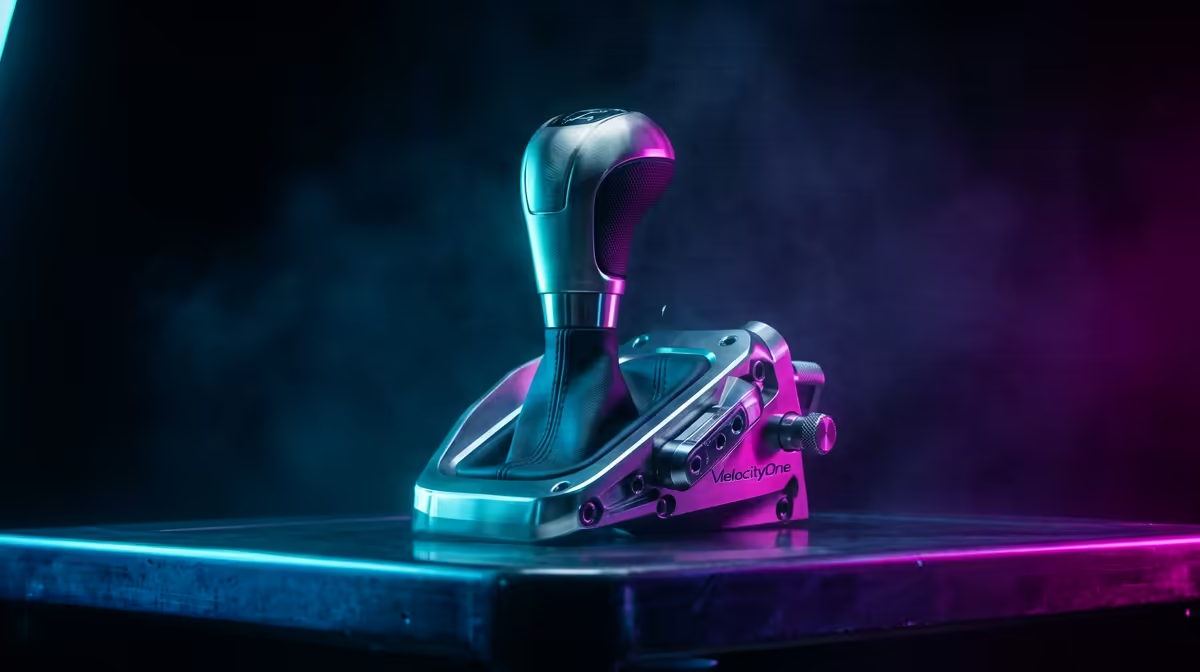
Getting started with your VelocityOne shifter setup
Getting your sim rig just right is the difference between a podium finish and spinning out at Kyalami. If you've just unboxed the Turtle Beach VelocityOne Stand Alone Shifter, you're likely itching to hit the tarmac. This VelocityOne shifter setup: Xbox and PC guide will walk you through the essential steps to ensure your gear is recognised, calibrated, and ready for high-speed action across all platforms. ✨
Before tightening any clamps, ensure your workspace is clear. The shifter is designed to integrate seamlessly with various simulation gear and accessories available in South Africa. Whether you are mounting it to a dedicated cockpit or a sturdy desk, stability is your best friend. A loose shifter during a heavy downshift can ruin your immersion... and your lap time.
Configuring for Xbox consoles
Setting up on Xbox is remarkably straightforward thanks to the plug-and-play nature of the VelocityOne ecosystem. First, connect the shifter directly to your VelocityOne Race Wheel using the included pass-through cable. If you are using it as a standalone unit, ensure your console firmware is up to date.
Navigate to your favourite sim racing title and head into the controller settings. Most modern titles will automatically detect the shifter. However, you might need to manually map the gears in the "Advanced" menu. Remember to save your profile once you've confirmed that reverse and all seven forward gears are registering correctly. 🏎️
Shifter Precision Tip ⚡
If you find the gear shifts feel too light, check the tension adjustment screw usually located near the base. A half-turn clockwise can add that mechanical "clunk" that makes sequential or H-pattern shifting feel far more realistic during intense sessions.
Optimising for PC performance
On PC, the VelocityOne shifter setup: Xbox and PC guide takes a slightly more technical turn. You will want to download the Turtle Beach Control Center app from the Microsoft Store. This utility allows you to update the shifter firmware... a crucial step for compatibility with newer titles.
Once updated, the shifter acts as a standard USB input device. This versatility is excellent for those who jump between racing and flight simulator gear setups. In Windows Game Controllers (joy.cpl), verify that every gate pull triggers a button response. If a game doesn't recognise the shifter immediately, try toggling between "Sequential" and "H-Pattern" modes within the device software to match the car you are currently driving. 🔧
Final calibration and testing
Before you start a full season, run a quick practice session. Pay attention to the throw distance and the engagement point. If you are using a clutch pedal, ensure the bite point aligns with the shifter's physical click. This synchronisation prevents "grinding" gears in-game, which can lead to mechanical failures in realistic sims.
South African sim racers often deal with varying desk heights... so don't be afraid to use the included spacers. A comfortable arm angle reduces fatigue during long endurance races. Now that your setup is complete, the only thing left is to shave those extra tenths off your personal best. 🚀
Ready to Complete Your Racing Rig?
A world-class shifter deserves a world-class setup. From high-end wheels to the latest cockpits, we have the gear to put you on the top step of the podium. Explore our full range of sim racing hardware and upgrade your driving experience today.