Ever hit "Go Live" only to have your viewers complain about a laggy, pixelated mess? You're not alone. For South African streamers, the secret to a buttery-smooth broadcast isn't just about fast internet... it's about mastering video encoding for streaming. Think of it as the unsung hero working tirelessly inside your PC. Understanding how it works is the first step to levelling up your stream from choppy to pro. Let's dive in. 🚀
What is Video Encoding, Really?
At its core, video encoding is the process of compressing your raw gameplay footage into a smaller, more manageable data package that can be sent over the internet to platforms like Twitch or YouTube. Without it, you'd need a god-tier internet connection to upload the massive, uncompressed video files in real-time.
Your PC uses a specific set of rules, called a codec (like H.264/AVC or the newer AV1), to shrink the file size. The better your PC handles this compression, the higher the quality your viewers see, even with a typical South African internet connection.
Hardware vs. Software Encoding: The Big Showdown
When you set up your streaming software (like OBS or Streamlabs), you'll face a crucial choice: software (x264) or hardware (NVENC/AMF) encoding. This decision directly impacts your PC's performance.
Software Encoding (x264)
This method uses your computer's CPU to do all the heavy lifting. It's known for producing excellent image quality at lower bitrates, but it's incredibly demanding on your processor. If your CPU is struggling to run the game and encode the stream, you'll experience in-game stuttering. For this to work well, you need a powerful multi-core processor, making modern Intel PC deals with high core counts a fantastic option for dedicated streamers.
Hardware Encoding (NVENC & AMF)
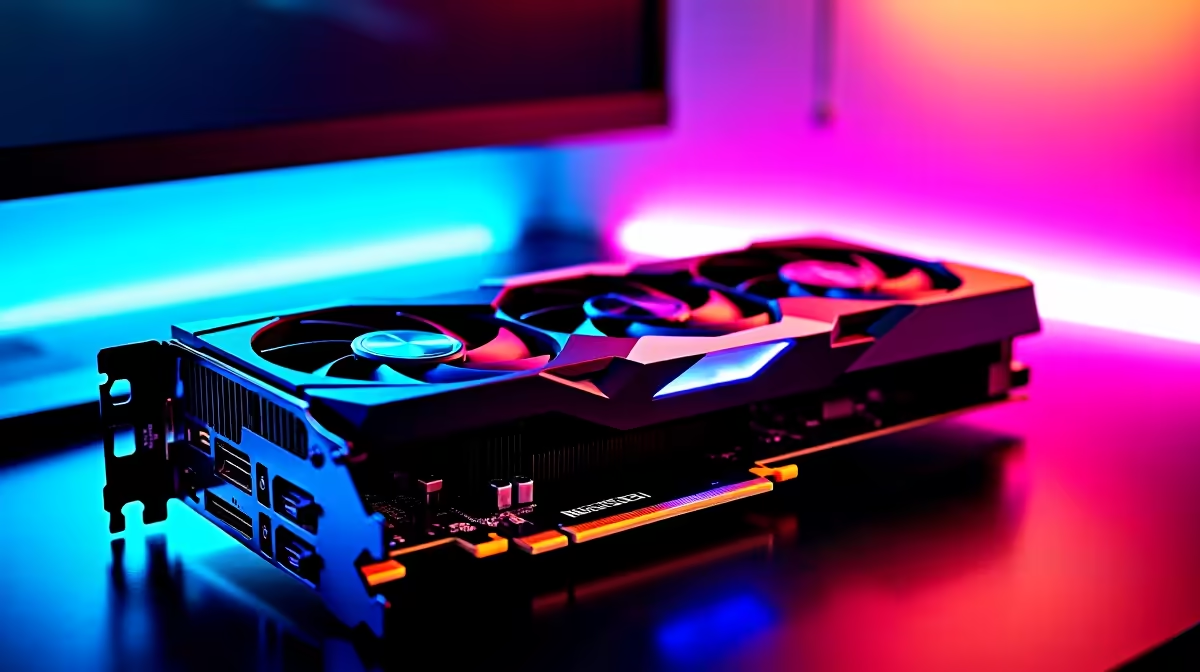
Hardware encoding offloads the work to a dedicated chip on your graphics card. NVIDIA's NVENC (found on GeForce cards) and AMD's AMF (on Radeon cards) are absolute lifesavers for single-PC streaming. The performance impact on your game is minimal, allowing you to maintain high frame rates while broadcasting. The quality has improved so much that for most streamers, it's the best choice. A rig from our AMD Ryzen PC deals often pairs a powerful CPU with a great GPU, giving you the best of both worlds. ✨
Optimising Encoding for South African Internet 🇿🇦
Let's be real: our upload speeds can be unpredictable. This is where understanding video encoding for streaming in South Africa becomes critical. Your bitrate—the amount of data you send per second—is key. A higher bitrate means better quality, but if you set it higher than your internet can handle, you'll get dropped frames and a buffering stream.
A good starting point for a 1080p stream is a bitrate between 4,500 and 6,000 kbps, but this requires a stable upload speed of at least 8 Mbps. You don't always need a top-tier machine; many fantastic PCs under R20k have the hardware to produce a crisp 720p or 1080p stream when configured correctly.
Find Your Perfect Bitrate 🔧
Before you stream, run a speed test (like Speedtest by Ookla) to check your upload speed. As a rule of thumb, set your stream's bitrate in OBS to be no more than 75% of your average upload speed. If your upload is 6 Mbps (6,000 kbps), a safe bitrate would be around 4,500 kbps. This gives you a buffer for any network fluctuations.
Does Your Rig Have What It Takes?
So, how do you ensure your PC is ready for the task?
- For Software (x264): Look for a CPU with 6 or more cores. An Intel Core i5 or AMD Ryzen 5 from the last few generations is a great starting point.
- For Hardware (NVENC/AMF): An NVIDIA GeForce RTX 20-series or newer, or an AMD Radeon RX 6000-series or newer, will provide excellent hardware encoding with minimal performance loss.
If your current setup is causing more frustration than fun, it might be time for an upgrade. A modern machine can make the entire process of video encoding for streaming effortless, letting you focus on your content. Exploring a range of pre-built PC deals is often the quickest way to get a balanced, stream-ready system without the hassle of building it yourself.
Ready to End Stream Lag for Good?
Don't let a struggling PC hold your stream back. The right hardware makes all the difference. Explore our powerful range of pre-built PC deals and find the perfect machine to deliver a flawless broadcast to your audience.