



PCIe 5.0 vs PCIe 4.0 for Video editing in 4k in SA
PCIe 5.0 vs PCIe 4.0 for video editing in 4k is mainly about fit, features, compatibility, cost, and upgrade path, not one automatic winner. SA buyers should match the choice to the setup.
Read moreFor esports, the Razer Viper V4 Pro edges ahead on click latency, while the Logitech G Pro X Superlight 2 stays lighter with longer battery life. Both sell at Evetech, so grip style, claw for the Viper, fingertip for the Superlight 2, should decide it.
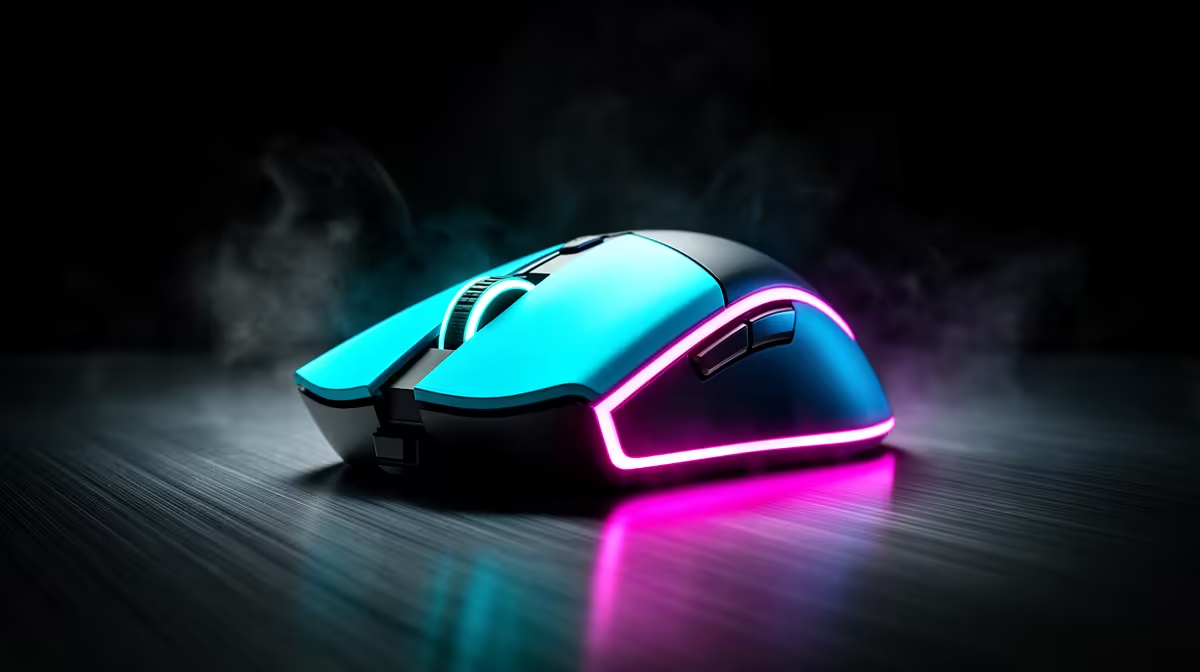
The Razer Viper V4 Pro and Logitech G Pro X Superlight 2 chase the same esports goal with different shapes, switches and wireless systems. A small latency lead in one test cannot tell you which shell lets you stop on a head at the end of a long match. Hand fit still gets the deciding vote.
Choose the Viper if its lower, more defined shape supports your claw grip and you value its measured click response in the games you play. Choose the Superlight 2 if its familiar central hump and restrained shape feel steadier in your hand. Verify current weight, battery and latency tests for the exact revisions rather than assuming a permanent winner.
A claw grip arches the fingers and anchors part of the palm, which can suit a low shell with clear side curves. A fingertip grip keeps the palm freer and uses the fingers for fine control, but hand size changes which mouse feels short or tall.
The Superlight family uses a broad safe shape that accommodates several grips. That versatility can feel less locked-in to someone who wants a sharper waist. The Viper family tends to feel flatter and more sculpted. Exact dimensions and revisions matter, so compare measured length, width and hump position.
Do not let a grip label overrule your hand. Place your fingers on the main buttons, make several slow circles and lift the mouse. If you pinch hard to keep it stable, the shape or coating may be wrong.
A few grams can change repeated lifts at low sensitivity. Balance matters too. A mouse whose mass sits around the grip can feel easier to place than a lighter shell weighted towards the rear.
Skate size, pad and cable drag affect the same movement. Clean feet on a consistent cloth pad before comparing. Match sensitivity and polling rate, then play long enough for your forearm to settle.
Published weights may exclude a receiver, optional puck or grip tape. Use the ready-to-play configuration in your calculation.
Browse the gaming mouse range and popular mouse choices to compare current listings.
Independent testers measure the time from switch actuation to a USB report. Firmware, debounce and polling settings can change the result. A difference of a fraction of a millisecond may be repeatable in equipment while remaining hard to feel through the full game and display chain.
Switch feel can matter more to you. Pre-travel, shell stiffness and rebound affect burst taps. Optical switches avoid mechanical contact bounce but can sound and feel different. Test the side buttons too; a perfect main click does not rescue a side button you cannot reach.
Use one current test source for both mice where possible. Comparing numbers from different rigs and methods creates false precision.
Higher polling sends position updates more often. It can smooth motion on a high-refresh display, provided the game, CPU and USB path handle the rate. It also uses more battery and can increase CPU overhead.
Start at 1,000 Hz. Try a higher setting in your main game while watching frame times, then keep it only if the motion feels better and the system stays stable. Plug the receiver into a clear nearby USB port through the supplied extender if available.
Wireless interference can create more trouble than a theoretical polling advantage. Keep the receiver away from busy hubs and large metal objects.
Battery life changes with polling rate, sleep timing and firmware. A headline measured at 1,000 Hz cannot describe a week at a much higher rate. Compare like-for-like tests and decide how often you are willing to charge.
Charge before an event and keep a suitable cable within reach. Check whether the mouse can play while charging and how cable stiffness affects movement.
Modern flagship sensors track accurately across common competitive sensitivities. Lift-off distance, motion sync and surface calibration can still change feel. Leave angle snapping and acceleration off unless you have a specific reason to use them.
Set DPI once in the mouse software, then adjust game sensitivity. Moving between several DPI stages by accident is an avoidable match problem, so disable unused stages if the software allows it.
Dry and sweaty hands can prefer different surfaces. A smooth coating is easy to reposition; a tackier finish reduces squeeze. Grip tape changes width and texture, and worn tape can leave uneven edges.
Clean with the maker's approved method. Strong solvent can damage a coating. If you add tape, place only enough to stabilise the fingers before wrapping every surface.
Match DPI, polling rate and game sensitivity. Use the same pad and run an aim routine that includes tracking and target switching. Then play real matches, because menu drills do not show button reach or fatigue.
Score comfort, stopping control and click confidence. Use latency, weight and battery results to break a close tie. This order prevents one specification from choosing a shape your hand fights.
Measure hand fatigue after a full session, not only score in a short aim trainer. A shape that keeps the fingers relaxed can preserve control after the first hour.
Keep software changes controlled.
Save one onboard profile with known DPI, polling rate and lift-off settings. Disable automatic game profiles until you understand which values they change. A surprise sensitivity switch can feel like a sensor fault.
After a firmware update, repeat a short tracking and click test before a match. Keep the receiver paired through the official utility and avoid running two mouse-control tools together. The clean profile gives you a stable base for comparing shape rather than settings.
Some test settings may show a click or polling lead. Firmware and method matter, so use current same-lab measurements rather than a permanent claim.
Either can, depending on hand size and contact points. Measure your hand and test whether the hump restricts finger movement.
It can reduce effort, but shape, balance and pad control decide whether the movement becomes more accurate.
Compare esports mice in your own grip first, then use matched latency, weight and battery tests to settle the close call.
Some test settings may show a click or polling lead. Firmware and method matter, so use current same-lab measurements rather than a permanent claim.
Either can, depending on hand size and contact points. Measure your hand and test whether the hump restricts finger movement.
It can reduce effort, but shape, balance and pad control decide whether the movement becomes more accurate.
PCIe 5.0 vs PCIe 4.0 for video editing in 4k is mainly about fit, features, compatibility, cost, and upgrade path, not one automatic winner. SA buyers should match the choice to the setup.
Read more
Wi-Fi 7 vs Wi-Fi 6e for competitive esports comes down to router support, latency goals, device compatibility, and coverage. SA buyers should match the choice to the real network setup.
Read more
ATX 3.1 vs ATX 3.0 for mMO and live-service games buyers - what changes is mostly about compatibility, budget, upgrade path, and setup fit. SA buyers should check device support and real needs before expecting a clear win from either option.
Read more
LGA 1851 vs LGA 1700 can affect Twitch and YouTube streaming when gaming and encoding share CPU resources. For SA creators, the real-world difference depends on encoder choice, memory support, motherboard cost, thermals, and upgrade plans.
Read more
X870E vs X670E for aaa single-player gaming is mainly about fit, features, compatibility, cost, and upgrade path, not one automatic winner. SA buyers should match the choice to the setup.
Read more
Hall Effect switches vs Mechanical switches for mMO and live-service games is mostly about compatibility, budget, upgrade path, and setup fit. SA buyers should check device support and real needs before expecting a clear win from either option.
Read more
A fake 113GB GTA VI ISO reportedly used empty padding around a small malware payload. SA gamers should delete unofficial builds, keep Windows security active and wait for official channels.

Wi-Fi 6E vs Wi-Fi 6 matters for 4K video editing when files move across a network. The real-world difference between Wi-Fi 6E and Wi-Fi 6 for video editing in 4K depends on NAS access, cloud uploads, router range, and SA creator workflows.

The difference between PCIe 5.0 and PCIe 4.0 for SA gamers is mostly bandwidth headroom. Compare GPU slot needs, NVMe speed, motherboard support, and upgrade timing before paying extra for a newer platform.

Gaming PC stuck pixel checks in South Africa should confirm the monitor fault first. Use colour tests, screenshot comparison, cable swaps, display menu checks, and clear photos before deciding on support.

Shokz OpenFit Air 2 earbuds weigh 7.2g each and use a redesigned dual-driver open-ear layout. SA buyers should choose them for comfort and awareness, not maximum isolation.

AMD's current driver now lists a Radeon RX 9050 4GB, while product coverage details a narrowed memory system. SA buyers should weigh the low VRAM ceiling against current local Radeon options.

Samsung Display has demonstrated a 16-inch 2.5K OLED laptop panel running at 300Hz. SA buyers should wait for a named notebook, full panel specifications and a local price before planning an upgrade.

Microsoft says some Windows 11 game crashes after recent updates are linked to RGB-related drivers. Affected SA gamers should confirm the update and driver before using the published registry workaround.

Minisforum's M2 Pro pairs Core Ultra X7, Arc B390 graphics and 32GB onboard memory in 1.8 litres. SA buyers should weigh its fixed memory and $1,439 launch offer against local mini PCs.

Smart monitors can add apps and convenience, but they also add privacy settings and unwanted-software risk. SA buyers should audit the operating system before paying for extras.

Lenovo says Legion Go failures linked to BIOS N3CN42WW are not user error. Affected SA owners should stop retrying the update, preserve proof and open a support case.

The ROG Gjallar gaming soundbar is now listed in the US at $599.99. SA buyers should compare its 2.1.2 audio, wireless bass and built-in chat controls with simpler local options.