Quick Answer
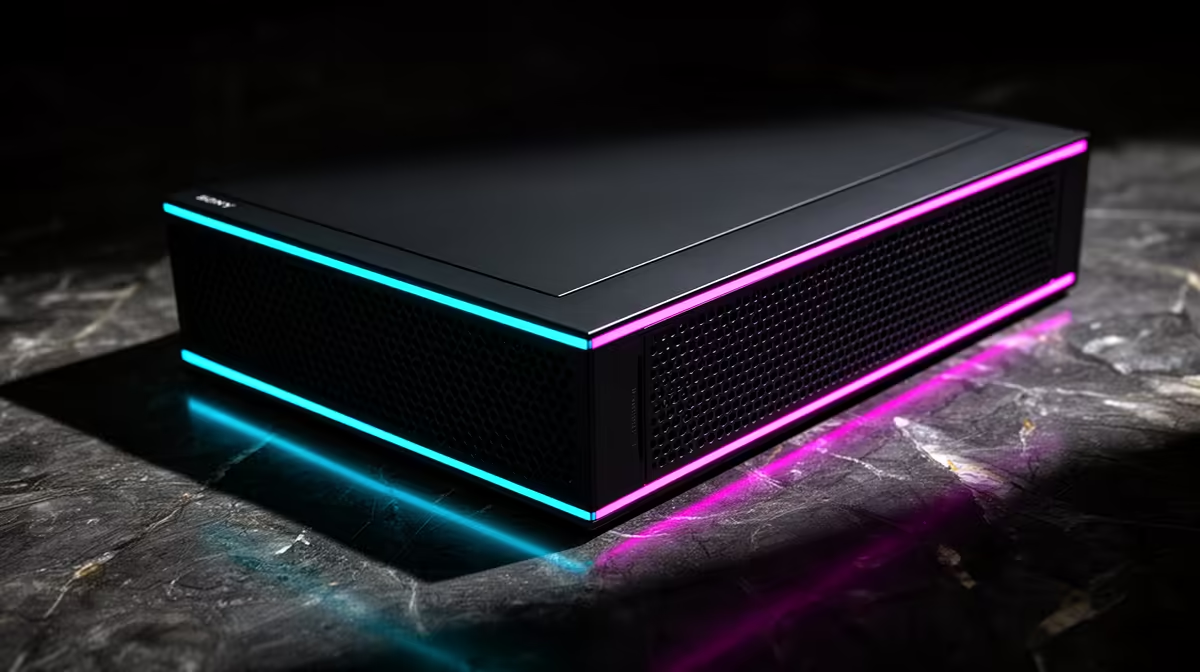
For gaming in Ballito, a UPS is the better first buy when you need the PC, monitor and fibre router to survive short power dips without crashing. A voltage stabiliser only corrects unstable voltage; it will not keep an RTX 4060 gaming PC running for even 1 minute when power drops, so most gamers should start with a 1000VA-1500VA UPS in the broad R1,800-R5,500 category band.
The simple difference
A voltage stabiliser regulates incoming voltage before it reaches the PC. A UPS adds a battery, and many line-interactive models also include AVR for voltage correction. That means the UPS covers more gaming problems: sudden restarts, corrupted updates, router drops and monitor blanking during a short interruption.
For a Ryzen 5 7500F and RTX 4060 build, allow roughly 300W-400W while gaming, plus 20W-40W for a router and ONT. A 650VA unit is usually too small for that chain. A 1000VA unit suits leaner systems, while 1500VA is more realistic for stronger GPUs or dual-screen desks.
When a stabiliser still makes sense
A stabiliser can help if voltage is consistently low or high but the power does not actually cut. It is usually cheaper than a UPS and may suit a TV, console corner or small non-critical device. For a desktop gaming PC, though, it misses the main requirement: enough battery time to save, quit or let Windows shut down cleanly.
Match the unit to your gaming gear
In Ballito, fibre setups often include an ONT, Wi-Fi router and a gaming PC in different corners of the room. Decide whether one UPS protects the whole chain or whether a small network UPS handles the router while a larger 1000VA-1500VA unit protects the PC. Compare Mecer, RCT and APC-style units by watt output, AVR support, socket layout and battery replacement availability.
FAQ
Is a voltage stabiliser safer than a UPS for a gaming PC?
No. A good UPS with AVR gives voltage correction plus battery backup, which is more useful for a desktop gaming PC. The stabiliser is narrower because it cannot provide runtime.
What size UPS should a gamer buy first?
For an RTX 4060-class PC, start at 1000VA and check the watt rating, not only the VA label. Move to 1500VA if the PC has a stronger GPU, dual monitors or capture gear.
Will a UPS improve FPS?
No. FPS still comes from the CPU, GPU and game settings. The UPS protects stability so a 144 Hz session is less likely to end in a hard restart.
Pro Tip
Check the watt output printed on the UPS spec sheet; a 1000VA label is not enough if the watt rating cannot carry your PC and monitor together.