Quick Answer
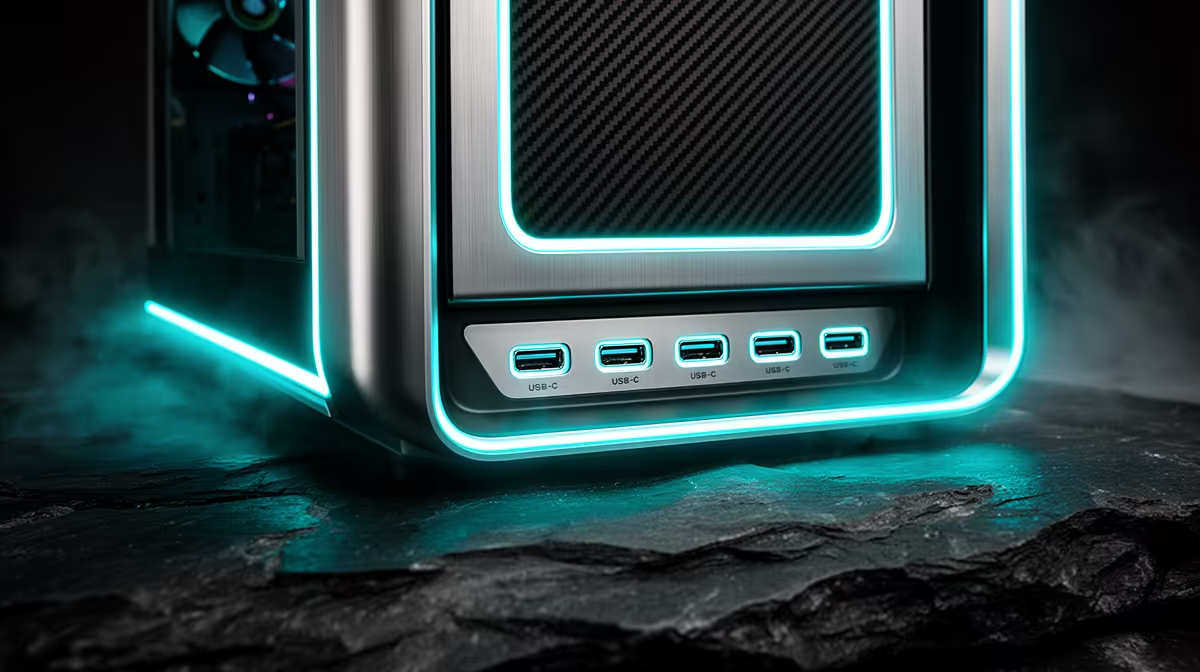
Six 20Gbps USB-C ports on a premium gaming case would give simultaneous dedicated bandwidth to six external devices without speed-sharing penalties. In practice, current premium cases offer one to three USB-C front ports because standard consumer motherboards cannot supply six independent high-speed USB channels. Understanding this gap helps you evaluate front I/O specs accurately before purchase.
What Multiple 20Gbps USB-C Ports Enable 🖥️
Each USB 3.2 Gen 2x2 port provides real-world sustained throughput of around 1,800 to 2,200 MB/s to a quality external NVMe SSD. A video editor simultaneously recording footage, transferring files from a CFexpress reader, and backing up a project to external storage can run operations at full speed on separate ports without bandwidth competition. Gamers benefit from a dedicated port for a USB-C headset with DSP, a second for a controller, and a third for a fast external game library drive. This configuration is most valuable for South African content creators who do dual-duty gaming and production work on one machine.
The Motherboard Requirement Behind Multiple USB-C Ports 🔧
Six 20Gbps USB-C front ports would require a motherboard with six USB 3.2 Gen 2x2 internal headers, which does not exist on any standard consumer board. A case with multiple high-speed USB-C ports typically routes these through a PCIe expansion card or an internal hub. In practice, premium cases offer one to three USB-C front ports at 10Gbps to 20Gbps. When a case advertises multiple 20Gbps front USB-C ports, investigate whether they share bandwidth through a hub or are genuinely independent channels before purchasing, as hub-shared ports do not provide per-port dedicated throughput.
Practical Port Count for Premium SA Gaming Cases 💡
For a South African gamer or creator in 2026, a realistic high-spec front panel includes two USB-C ports (one at 10Gbps, one at 20Gbps) plus two to four USB Type-A ports at 5Gbps to 10Gbps, covering all common peripherals without relying on the rear I/O. Cases in the R3,000 to R5,500 range provide this front I/O alongside E-ATX support, 420mm radiator clearance, and 430mm GPU clearance. The rear I/O on a high-end X870E or Z890 board adds more USB-C including Thunderbolt 4 at 40Gbps.
Match Front USB-C to Your Most-Used External Device ⚡
Before choosing a case for its USB-C front panel, identify which external device you connect most frequently and its maximum transfer speed. If that device is an external NVMe SSD rated at 20Gbps, prioritise a case with a genuine 20Gbps front port on a Gen 2x2 motherboard header. If your most frequent connection is a wireless headset dongle, a 5Gbps port is equally adequate and you can invest the premium case cost elsewhere.
FAQ
Do all USB-C ports on a case front panel support video output?
No. Front-panel USB-C ports are data-only unless the motherboard supports DisplayPort Alt Mode through its internal header. Most current gaming motherboards do not route DisplayPort through front-panel USB-C headers. Use rear I/O ports for display output over USB-C.
Can multiple USB-C devices charge simultaneously from a front panel?
Front-panel USB-C charging depends on the motherboard's USB Power Delivery implementation. Most boards support 15W to 27W per port; some X870E and Z890 boards support 60W on the primary USB-C header. A powered USB-C hub or rear-panel charger handles simultaneous high-wattage charging better than front panel headers.
Is a high USB-C port count a sign of a premium case?
Not automatically. The number of front USB-C ports is one feature among many. A case with two well-specified 20Gbps and 10Gbps USB-C ports plus genuine mesh airflow, 420mm radiator support, and deep cable routing is more valuable than one with four USB-C ports but a solid front panel and thin steel construction.
Looking for a premium case with the front I/O to match your workload?
Explore Evetech's range of high-spec gaming cases with clearly listed USB-C port speeds and specifications.