Quick Answer
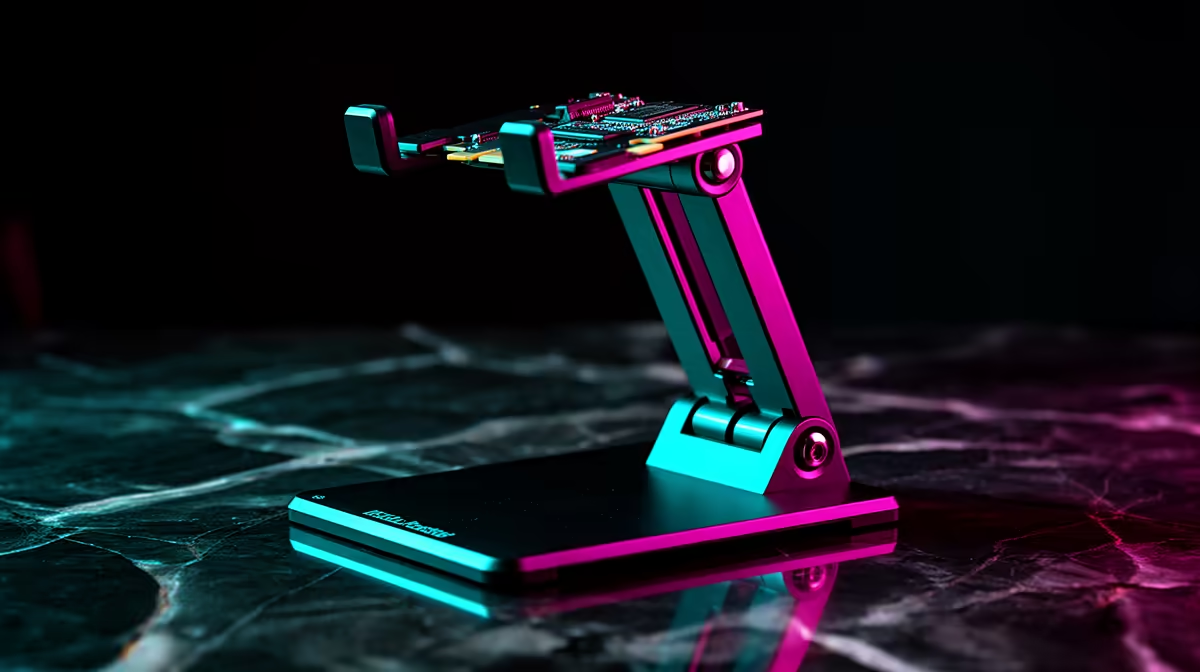
A GPU holder covering 72 mm to 128 mm supports the majority of current-gen graphics cards in standard ATX and mATX tower cases. Measure the vertical distance from your case floor to the underside of your installed GPU: if it falls between 72 mm and 128 mm, this bracket range fits. Most RTX 5070 to RTX 5090 builds in standard mid-tower cases land between 85 mm and 115 mm.
How to Measure GPU Height in Your Case 🔧
With the GPU installed in the PCIe slot and the case lying on its side, measure from the interior case floor panel (not the bottom fan grille) to the bottom edge of the GPU cooler shroud. Use a ruler or tape measure and record the figure in millimetres. A standard ATX mid-tower with a full-length PSU shroud typically places GPU height between 90 mm and 115 mm from the case floor. Compact mATX cases may be closer to 80 mm to 100 mm due to the smaller chassis. The PCIe slot position on the motherboard tray also varies: boards with a higher primary PCIe slot position (closer to the top edge) result in a higher GPU underside height, while boards with the slot closer to the centre of the board land lower.
What the 72-128 mm Range Covers in Practice 🖥️
A 72 mm minimum means the bracket can support cards as close as 72 mm from the case floor, which typically corresponds to a compact mATX case with the PCIe slot positioned near the bottom of the motherboard tray. A 128 mm maximum covers full-size E-ATX cases where the PCIe slot is positioned high.
Adjusting and Installing the Bracket Correctly ✨
Most adjustable GPU holders use a threaded rod or friction-lock collar to set height. Before tightening, check that the bracket base sits flat on the case floor without rocking, which indicates it is clear of any cable routing channels or standoffs. Set the height so the bracket support pad or cup just contacts the GPU underside without pushing the card upward: pushing up bends the PCIe connector in the opposite direction and creates a new stress point. Some holders include a built-in spirit level to confirm vertical alignment, which is useful in builds where the case floor is not perfectly level relative to the PCIe slot. Final brackets in the R150 to R250 range locally cover this feature set adequately for most SA builders.
Add 3-5 mm to Your Measured GPU Height ⚡
When selecting bracket height range, take your measured GPU underside height and add three to five millimetres to account for slight case floor irregularities and the thickness of any non-slip pad on the bracket tip. A bracket set right at the limit of its minimum range may not extend fully or may have reduced clamping stability. Choosing a bracket whose midpoint of its range matches your GPU height gives the most secure and adjustable result.
FAQ
What if my GPU underside is exactly at 72mm or 128mm?
A bracket at its very minimum or maximum extension is mechanically less stable than one set to mid-range. If your measurement is at the edge of the range, consider a bracket with a wider adjustment range, such as 60 mm to 140 mm, for better stability and security.
Can I use a 72-128mm GPU holder in both an mATX and ATX case?
Yes, the bracket range is case-agnostic. What matters is the measured height of your specific GPU in your specific case, not the case form factor. Measure both cases if you plan to transfer the build later.
Do GPU support brackets come with the right-sized base for all PC cases?
Most use a standard rectangular base that fits on the case floor between the PSU shroud and the GPU bracket panel. Confirm your case has unobstructed floor space in that area before ordering, as some compact cases have raised cable routing channels that may require a smaller base footprint.
Need a GPU holder that fits your exact case height?
Browse Evetech's selection of adjustable GPU support brackets with a range of height specifications, all with local stock and delivery across South Africa.