Quick Answer
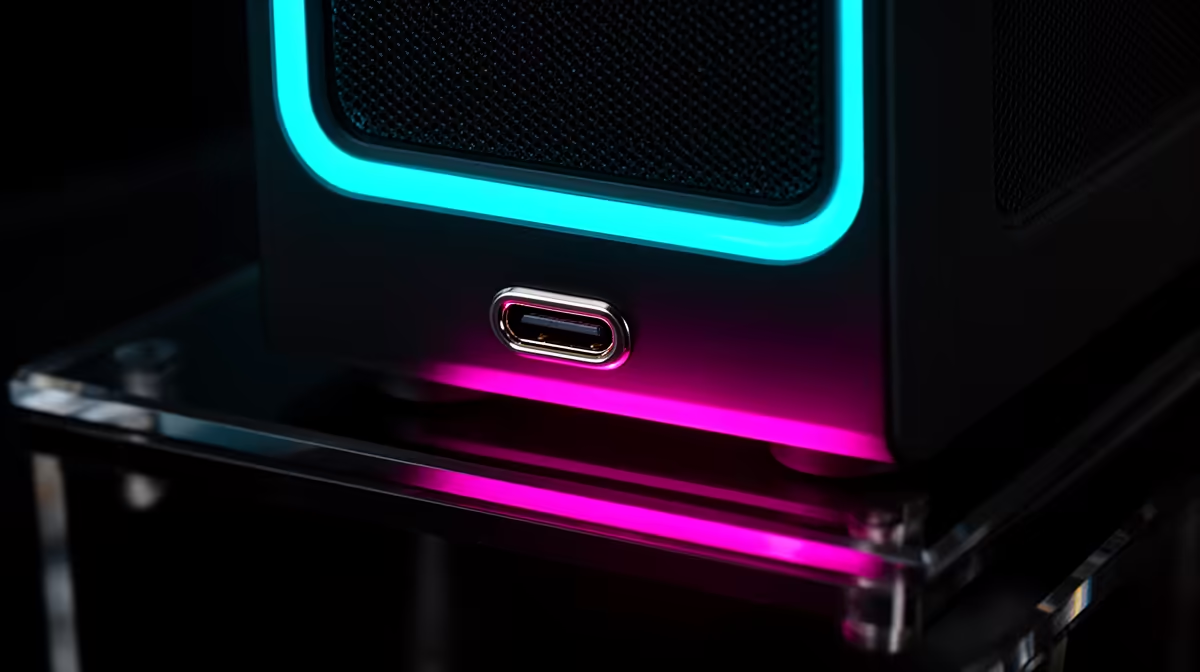
Front USB Type-C on a PC case provides USB 3.2 Gen 2 (10Gbps) or USB4 (40Gbps) transfer speeds and quick-charge capability directly from the front panel, eliminating the need to reach behind the tower for controllers, portable SSDs, and modern phones. It is the fastest front-panel connection a gaming PC currently offers.
Why Front USB-C Matters More in 2026 Than Ever 🔌
Nearly every high-end peripheral released in 2024 and 2025 ships with a USB-C connector as primary or secondary: Xbox Series X controllers support USB-C for wired play, Sony DualSense controllers charge via USB-C, portable NVMe enclosures use USB-C for 20Gbps transfers, and flagship gaming headsets increasingly charge via USB-C. If your case only has USB-A front ports, using these devices requires an adapter (which often limits speed to USB 2.0) or permanently occupying a rear USB-C port. Front USB-C also enables fast charging: USB 3.2 Gen 2x2 front panels with power delivery can supply 27 to 60W, charging a Samsung Galaxy S25 from flat to 80 percent in under 40 minutes without a wall charger.
The Motherboard Header Requirement 🔧
Front USB-C is not purely a case feature. The speed and power delivery depend on the internal header on the motherboard. A USB 3.2 Gen 2 Type-C front header delivers 10Gbps and basic power delivery. A USB4 Gen3x2 header delivers 40Gbps and higher power delivery, but requires a motherboard with that specific header, typically only on Z890, X870E, and top-tier B850 boards. Before buying a case based on its USB-C front port, check whether your motherboard has the correct header type. Most mid-range boards in the R3,000 to R5,000 range include a USB 3.2 Gen 2 front-panel C header, which is sufficient for gaming peripherals and phone charging.
Practical Impact on an SA Gaming Desk 🇿🇦
For SA gamers who use their PC as a media hub (charging phones, offloading dashcam or drone footage, connecting portable drives), front USB-C eliminates a persistent irritation. In compact Johannesburg or Cape Town apartments where the tower sits under a desk, reaching behind a full-tower case to plug in a cable is genuinely awkward. Front USB-C reduces this to a one-second action. Premium mid-tower and full-tower cases from Lian Li, Corsair, and Phanteks now include USB 3.2 Gen 2 Type-C as standard. Cases in the R2,000 to R4,000 range at Evetech increasingly include this feature; budget cases under R1,500 often still ship with USB-A only.
Check Your Motherboard Header Before Buying the Case ⚡
Open your motherboard manual and search for USB3_TC or USB4 front panel header. The header label tells you the maximum speed the front USB-C can achieve. If your board only has a USB 3.2 Gen 1 Type-C header (5Gbps), the front port will be limited to that speed even if the case is rated for 10Gbps. This does not affect charging, but matters for portable SSD transfers.
FAQ
Is front USB-C the same as Thunderbolt 4 on a gaming PC?
Not automatically. Thunderbolt 4 requires Intel-certified controllers and is rarely found on front panel connectors. Front USB-C on most gaming cases provides USB4 Gen2 (20Gbps) or USB 3.2 Gen 2 (10Gbps), which lacks Thunderbolt-specific features like daisy-chaining and eGPU support. For standard device connectivity and charging, the difference is irrelevant.
Can front USB-C charge a laptop?
Only if the motherboard header supports USB Power Delivery at sufficient wattage (65W or more) and the front USB-C cable is rated for that current. Most gaming cases provide USB-C at 15 to 27W, which can trickle-charge a laptop but will not maintain charge during demanding use.
My case has a front USB-C but my motherboard has no USB-C header. What can I do?
Add a PCIe USB-C expansion card that provides an internal USB-C header, available for R500 to R900 at Evetech, giving the front port full 10Gbps functionality.
Want front USB-C on your next gaming build?
Evetech stocks mid-tower and full-tower cases with USB 3.2 Gen 2 and USB4 front Type-C ports from Lian Li, Corsair, Phanteks, and Fractal.