Wireless Smart Projection: Cable-Free Entertainment Benefits 🔧✨
South African gamers, movie nights just got cleaner. Imagine casting your PlayStation or laptop to a wall without trailing HDMI snakes across the lounge... Wireless smart projection saves space, reduces cable chaos, and brings big-screen immersion to flats, braais, and student digs. In this guide you'll get practical setup tips, budget pointers in ZAR, and where to shop in South Africa. Ready? 🚀
Wireless Smart Projection — how it works and why it matters
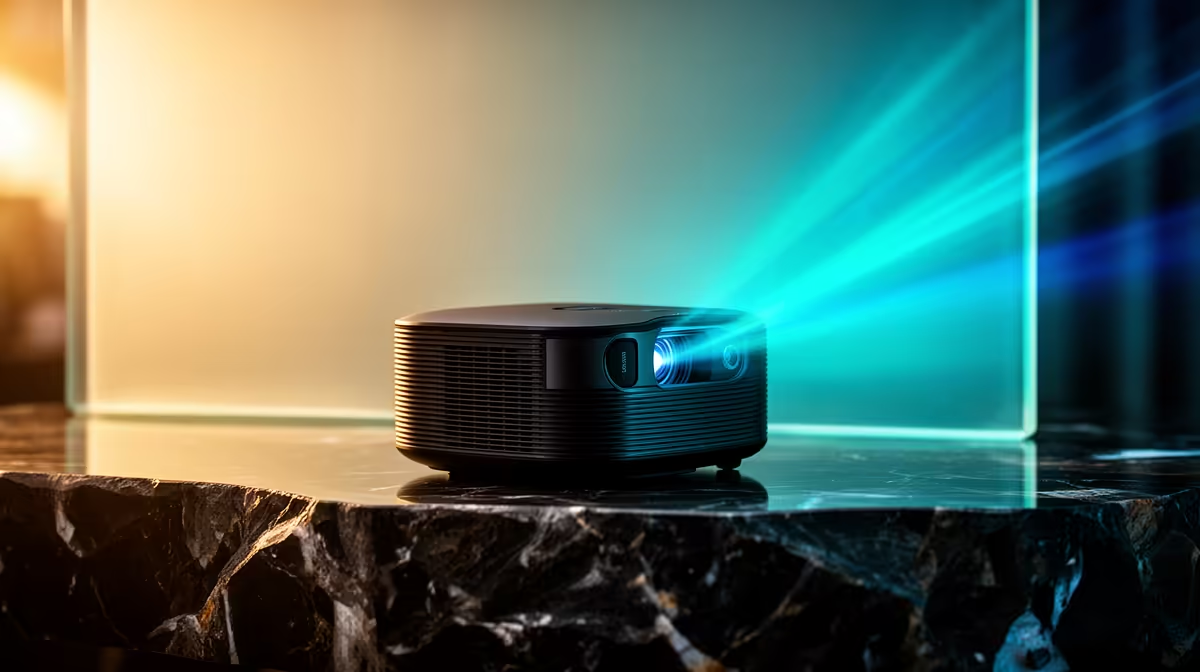
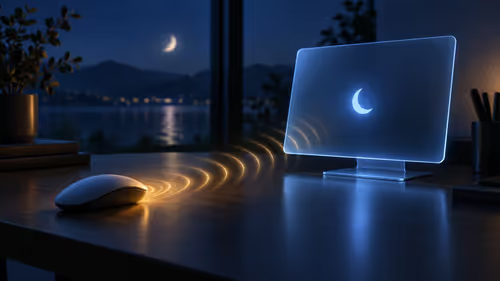
Wireless smart projection uses Wi‑Fi, Bluetooth or built‑in casting to stream content from consoles, phones, or PCs to a projector. That means fewer ports to worry about and faster setup for impromptu matches or film nights. Want a quick look at the range? You can browse Evetech’s full projector selection here: shop projectors at Evetech. This page is a good starting point for specs and local stock.
Wireless Smart Projection for gamers: latency, audio and placement
The trick for gaming is balancing low-latency modes and a solid audio chain. Look for projectors with an explicit low-latency or game mode in the product notes. If you prefer a single-brand shortcut, check the ViewSonic models Evetech stocks — they often include gamer-friendly features: ViewSonic smart projectors. For compact setups or travel, Promate has portable options worth considering: Promate compact models.
Projection Pro Tip ⚡
Place the projector so the lens is level with the centre of your screen or wall. If you can't move the unit, use keystone correction sparingly — it alters pixels. Use a short HDMI or USB-C cable just for initial pairing, then cast wirelessly once paired for cleaner sessions.
Budgeting and local buying tips — cable‑free on a budget
You can find solid wireless smart projectors across price bands. If you want to keep spend under R7,000, filter local inventory to see practical, affordable choices and compare lumen ratings and smart OS support: projectors under R7,000. Remember, lumen count, resolution, and input options matter more than brand hype. For sound, a Bluetooth speaker pairs quickly with many smart projectors and avoids extra cabling.
Final setup checklist and a quick micro‑story
A Cape Town gamer I worked with swapped a bulky TV for a wireless projector and reclaimed his living room. He set the projector on a bookshelf, paired his PS5 via the console’s cast settings, and used a compact Bluetooth soundbar for crisp dialogue. Nightly raids became cinematic... and his partner finally had back her coffee table.
Checklist:
- Confirm low-latency/game mode in specs.
- Test Bluetooth or Wi‑Fi casting before you buy.
- Measure throw distance and screen size.
- Consider an Evetech return or warranty policy when buying locally.