Quick Answer
For Wits Data Science, the safe laptop minimum is Core i7 or Ryzen 7, 16 GB to 32 GB RAM and 1 TB SSD. SA students should budget about R14,000 to R28,000; the NSFAS R5,200 device allowance alone does not cover even the cheapest suitable new laptop, so plan the balance before registration pressure starts.
Minimum Specs For The Course
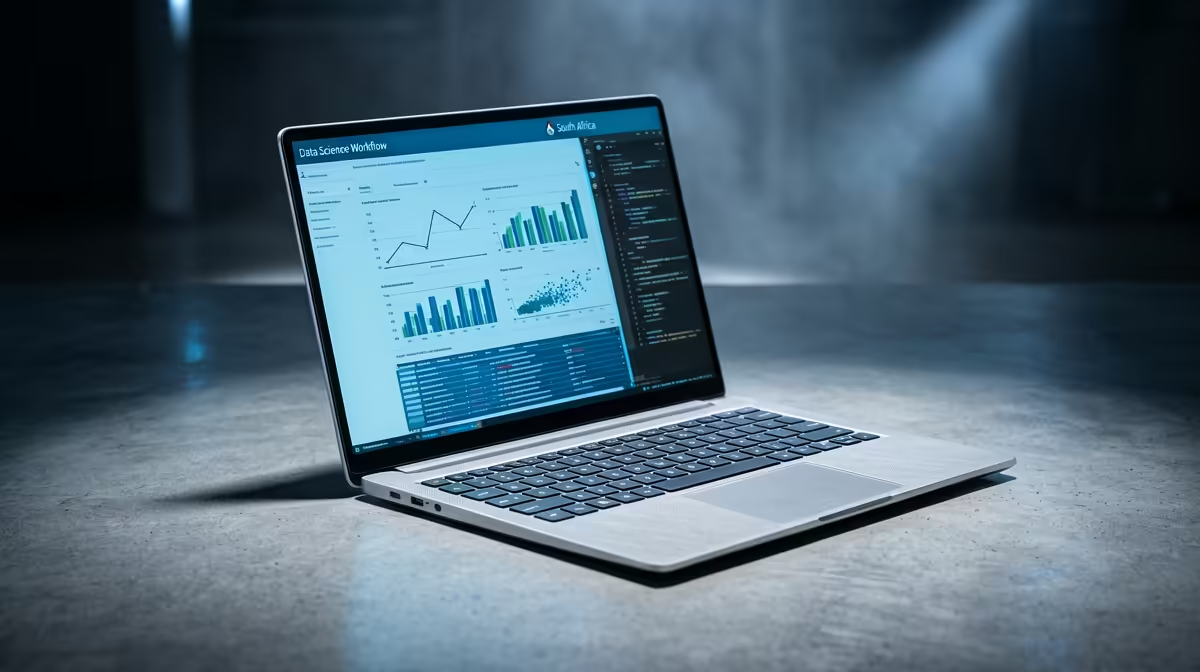
Wits Data Science students need a laptop that can handle Python notebooks, datasets and dashboard work. The practical floor is Core i7 or Ryzen 7, 16 GB to 32 GB RAM and 1 TB SSD, because 8 GB RAM and small 256 GB drives become frustrating once browser tabs, PDFs, Teams calls and course software run together. A dedicated RTX GPU matters for viewport work, rendering and media timelines.
Best SA Laptop Shortlist
Compare ASUS Vivobook Pro, Lenovo LOQ and MSI Modern higher-spec laptops. The useful choice is not the thinnest laptop; it is the one with enough RAM, storage and keyboard comfort to survive daily campus use. Parktown, Braamfontein and residence travel also make battery life and a sturdy backpack-friendly chassis important. If the laptop will be the only machine for the degree, choose 16 GB RAM as the baseline, not the upgrade dream.
Budget, Warranty And Campus Practicality
Keep the purchase inside about R14,000 to R28,000 unless your course workload clearly needs RTX graphics or 32 GB RAM. A 14-inch or 15.6-inch laptop is usually easier to carry than a large gaming model, but creative and technical courses may justify the extra weight. Buy with a clear local warranty path, keep the invoice, and add a protective sleeve before moving between lectures, labs and residence.
FAQ
Is 8 GB RAM enough for Wits Data Science?
No, 16 GB is the safer minimum. 8 GB can open basic documents, but it struggles once research tabs, spreadsheets and course apps run together.
Do Wits Data Science students need a gaming laptop?
Yes, an RTX gaming or creator laptop is sensible for this course if you will render, model or edit often. Spend on CPU, RAM, SSD space and battery life before chasing gaming features.
What storage size should I choose?
Choose at least 512 GB SSD, and move to 1 TB if you work with media, datasets or project files. Cloud storage helps, but local SSD space keeps labs and offline work smoother.
Student Check
Before ordering, confirm the faculty software list, then choose 16 GB RAM and enough SSD space for the full academic year.