Quick Answer
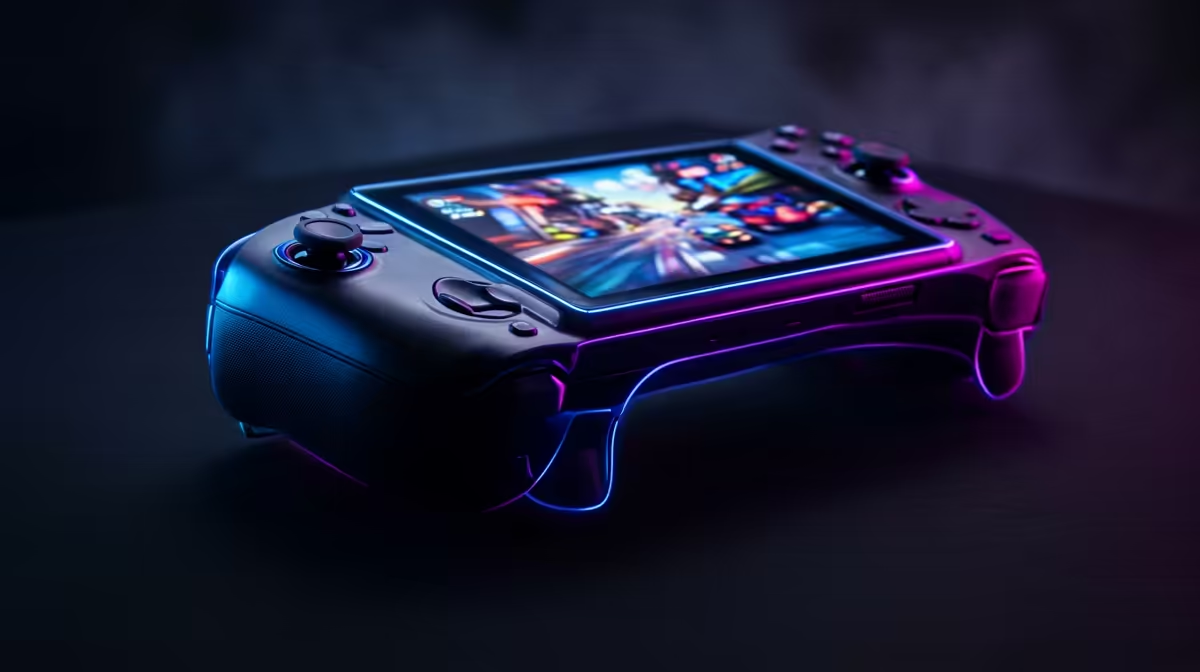
Wolfenstein The New Order is playable on Steam Deck OLED when you tune for a steady cap instead of maximum graphics. Use 60 fps on Steam Deck and 80-120 fps on Z1 Extreme handhelds, a 10-18W power target and expect roughly 2.5-5 hours depending on brightness, Wi-Fi and storage speed.
Recommended Handheld Settings
Start with medium textures, low shadows, motion blur off and a 40 fps cap for heavier scenes. For lighter games, 60 fps is fine at 800p, but the best feel comes from a flat frame-time graph. Keep FSR off unless the image is too soft at native resolution.
Battery And Storage
A ASUS ROG Ally X RC72LA gives the OLED screen, better standby behaviour and useful storage for a few large games. If your library is bigger, add a 512GB or 1TB microSD card and leave 20GB free for updates. Budget around R12,000-R28,000 for the handheld tier before accessories.
When To Dock
Docking to a 1080p TV is reasonable for indie and older games, but heavy games should stay near handheld resolution. SA buyers should check warranty handling, charger quality and case protection because handheld repairs are less simple than swapping a desktop component.
FAQ
What fps should SA players target for Wolfenstein The New Order?
Target a stable 40 fps for heavier scenes and 60 fps only when the frame-time graph stays calm. A locked 40 fps often feels better on handheld than an unstable 55-60 fps.
Is a 1TB model worth paying for?
Yes if you keep several large games installed or use the device as a travel PC. For one or two games, a 512GB model plus a quality microSD card is usually enough.
Should I buy accessories immediately?
Buy a case and reliable USB-C charger first. A dock, keyboard or screen protector can wait until you know whether the handheld will live on a desk, TV cabinet or travel bag.
Pro Tip
Before checkout, set the fps cap you expect to use and check that storage, charger and case are in the basket, not only the handheld.