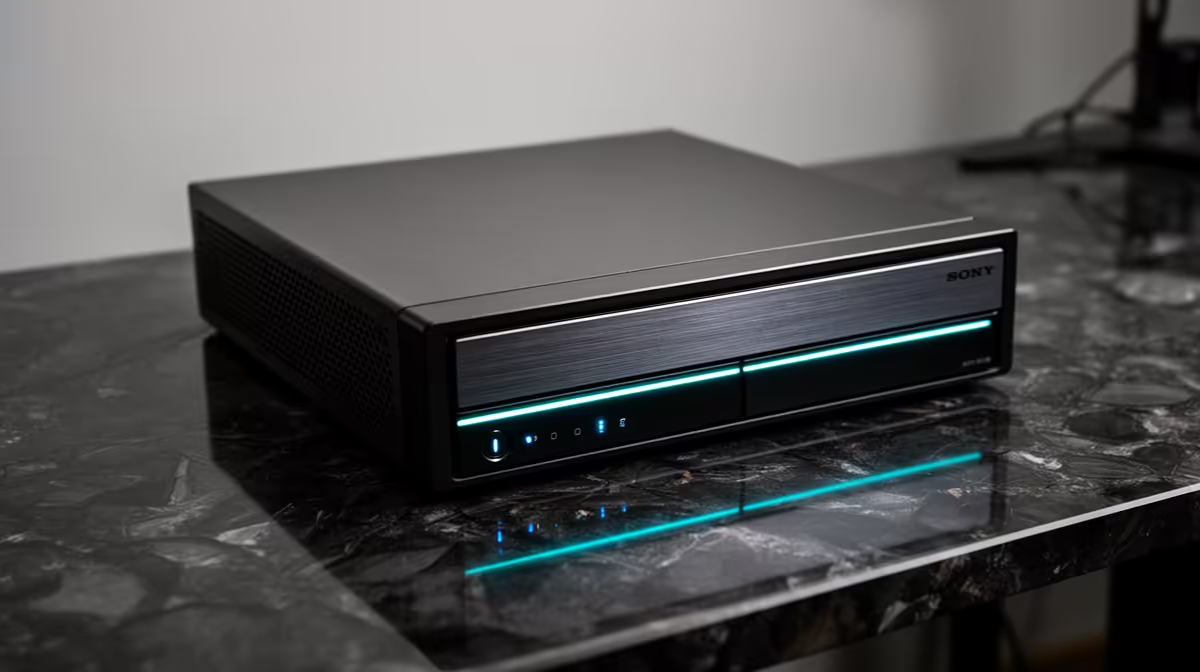
The CUDY AC1200 4G LTE at R1,396 suits a home office where the router must keep a fibre or mobile backup connection available for video calls, cloud apps, and messaging during the working day.
Router choices for a stable desk setup
A work setup should start with the device that has to stay powered. The CUDY AC1200 4G LTE at R1,396 is the stronger pick here because the 4G LTE spec gives you a practical backup path when the fixed connection is not enough. Pair it with a UPS sized for your router cupboard, then keep only the internet essentials on that battery so runtime is not wasted.
The CUDY N300 Travel at R450 makes sense for a smaller desk, temporary work area, or backup kit. Its N300 spec is basic, but the lower price helps if you simply need a light network option for email, browser work, and a laptop on a compact table.
The ASUS PCE-AX1800 adapter at R147 is not the unit you plug into a UPS, but its AX1800 spec is useful when a desktop PC needs a stronger wireless link back to the main network. It is a low-cost way to improve the computer side of the connection while the CUDY AC1200 4G LTE at R1,396 handles routing.
Fibre router cupboard for remote work
For a South African home office, put the UPS near the fibre router cupboard and check that the CUDY AC1200 4G LTE at R1,396, with its 4G LTE capability, is the device being protected first. A UPS for a monitor or printer is secondary if the priority is staying reachable on calls and cloud documents.
Ready to choose the right router?
Anchor the work professional choose brief around CUDY AC1200 4G LTE at R1,396 if its listed spec is the feature you need to protect.