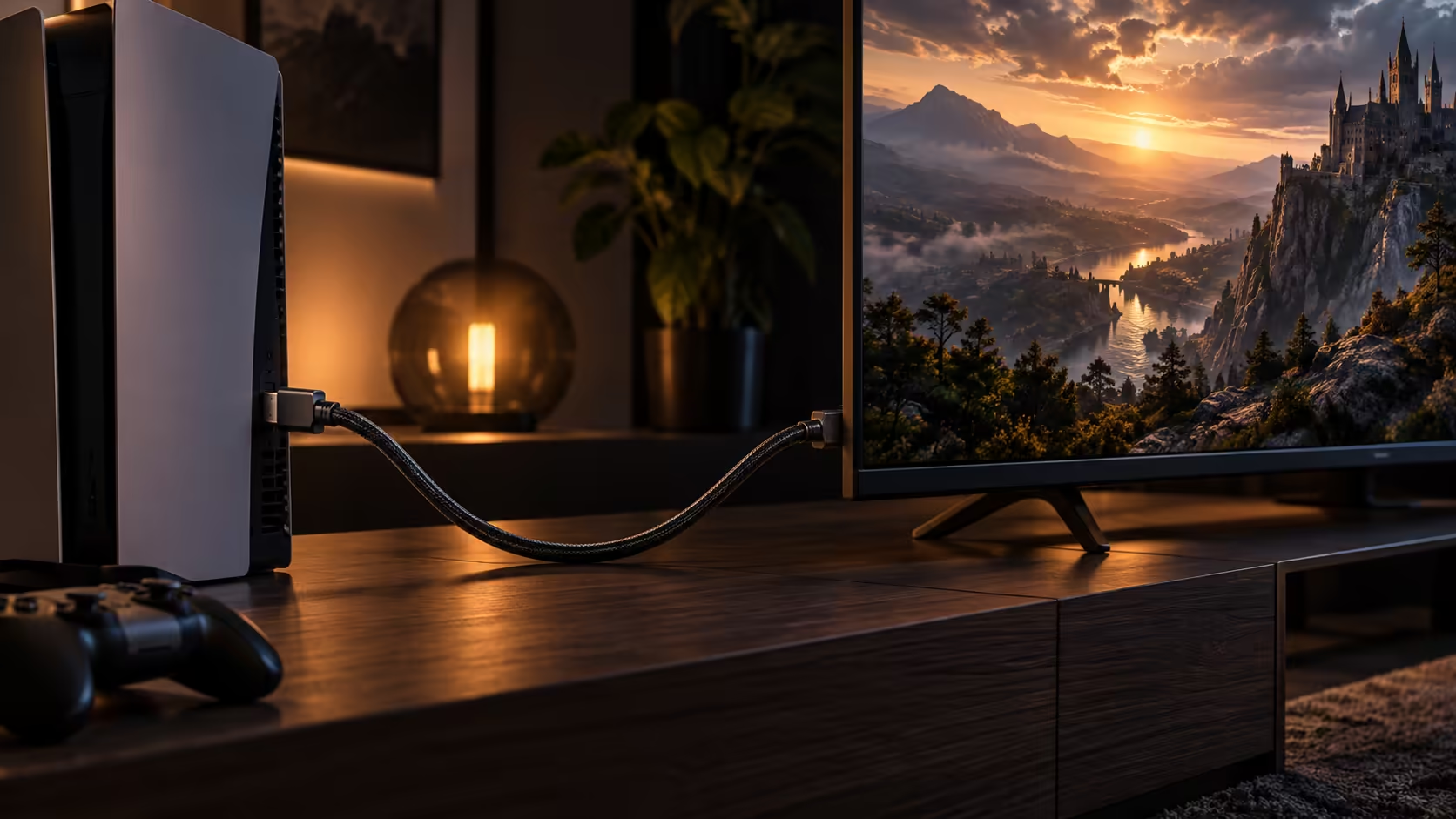
Not every HDMI 2.1 cable upgrade is worth the money the moment you read about it, and not every household should wait either. Three situations make the case clearly, and everything outside them can sit on the shopping list a while longer without costing you anything.
Quick Answer
Three situations justify it, and everything else can wait. Buy when a 120Hz screen and a capable console are already in the house, when an old wire is dropping out, or when a wall mount would make a later swap painful. Otherwise a working 4K 60Hz link at R299 or less is fine exactly as it is.
✅ Situation one: the hardware is already capable
If a 120Hz-capable television or monitor and a console or graphics card that can output that mode are both already sitting in the room, a lead from the comprehensive cable range is not an upgrade you are buying ahead of time, it is the missing piece stopping hardware you have already paid for from doing its job. This is the clearest case of the three, since the value shows up the same evening the cable arrives.
The gap between owning capable hardware and actually seeing it work is often smaller than people expect, sometimes a single cable swap standing between a console sitting in a box for a week and a fully working 120Hz setup that same night. Checking this first, before assuming a fault lies elsewhere in the chain, saves a surprising amount of frustration.
🧮 Working out the actual cost of waiting
The financial argument for waiting is smaller than it looks once you account for how these situations tend to play out. A basic HDMI 2.0 cable and a 48Gbps HDMI 2.1 one at the same length are close enough in price that the difference rarely changes a household budget either way. What actually costs money is buying the wrong one twice: once now for a setup that needs the higher rating, and again later once the mismatch becomes obvious after a new console or panel arrives.
That second purchase also tends to come with hidden costs beyond the cable itself, whether that is a return trip to a store, a delivery fee on a small item ordered on its own, or simply the frustration of a new console sitting capped below its own capability for a week while the right cable is sourced. None of that changes the core three-situation test above, but it is worth having in mind when the price difference between the two tiers looks larger than it actually is.
⚠️ Situation two: the current cable is already failing
A cable that intermittently drops picture, sparkles under motion, or occasionally forces a display back to a lower resolution is worth replacing regardless of whether you are chasing a higher mode or not. An unrated or ageing lead degrading at 4K60 will only get worse as the connection is used more, and a properly rated 48Gbps cable at R299 removes that variable for less than the cost of an evening spent troubleshooting a fault that turns out to be the wire.
🧱 Situation three: the cable is about to disappear behind a wall
Once a cable is routed behind a wall mount, tucked through a cable channel, or run under flooring, replacing it later means undoing that whole piece of work all over again. If a wall-mounted television install is happening anyway, or a desk is being rebuilt with hidden cable routing, spending the small difference on a 48Gbps-rated lead now avoids pulling the whole run apart the day a 120Hz screen eventually arrives. The Anker 1.8m fits this scenario well at R299, short enough for most mounted setups and rated for whatever the next few years bring.
🔎 Reading your own setup honestly
The hardest part of this decision is not the cable, it is being honest about which of the three situations actually applies to your own lounge or desk rather than the one that sounds most compelling in an article. A console bought 2 years ago and a television bought 5 years ago are not automatically a matched pair just because both are recent by general standards, so check the specific model numbers on both sides rather than assuming recency implies compatibility.
The same honesty applies to a cable that "seems fine." Intermittent faults are, by definition, easy to miss if they only show up occasionally, and a cable degrading slowly can pass unnoticed for months before the drop-outs become frequent enough to investigate. If you have never actually tested the connection under a demanding game or an HDR movie, a quick check now is worth more than waiting for an obvious failure later.
⏸️ When it genuinely can wait
A working setup fixed permanently at 4K 60Hz, with no 120Hz screen or console anywhere in sight and no hidden cable run planned, gets nothing extra from the higher-rated cable today. Our monitor deals page and the sleeved cable range are both worth a look once one of the three situations above actually arrives, rather than acting on the upgrade before there is a real reason to.
Frequently Asked Questions
Is a small amount of picture flicker reason enough to replace a cable?
Yes, worth investigating at least. Intermittent flicker under load is one of the more common early signs of a cable reaching the edge of what it can carry reliably.
Does a hidden cable run really need to be rated higher than current needs?
It is a reasonable precaution, since the labour cost of accessing a cable behind a wall or under a floor is usually far higher than the small price difference between an HDMI 2.0 and 2.1 lead.
Should I upgrade my cable before or after buying a new console?
Either order works, but buying the cable first means the console is ready to run at its full capability from the moment it is unboxed, rather than sitting capped at 60Hz for a day or two.
Is there any downside to buying an HDMI 2.1 cable I do not need yet?
Only the small extra cost over a basic cable, which is minor at short lengths and often worth it purely as insurance against a future upgrade.
Ready to decide if now is the moment to upgrade?
Check whether your hardware, your current cable or an upcoming install actually calls for it.