


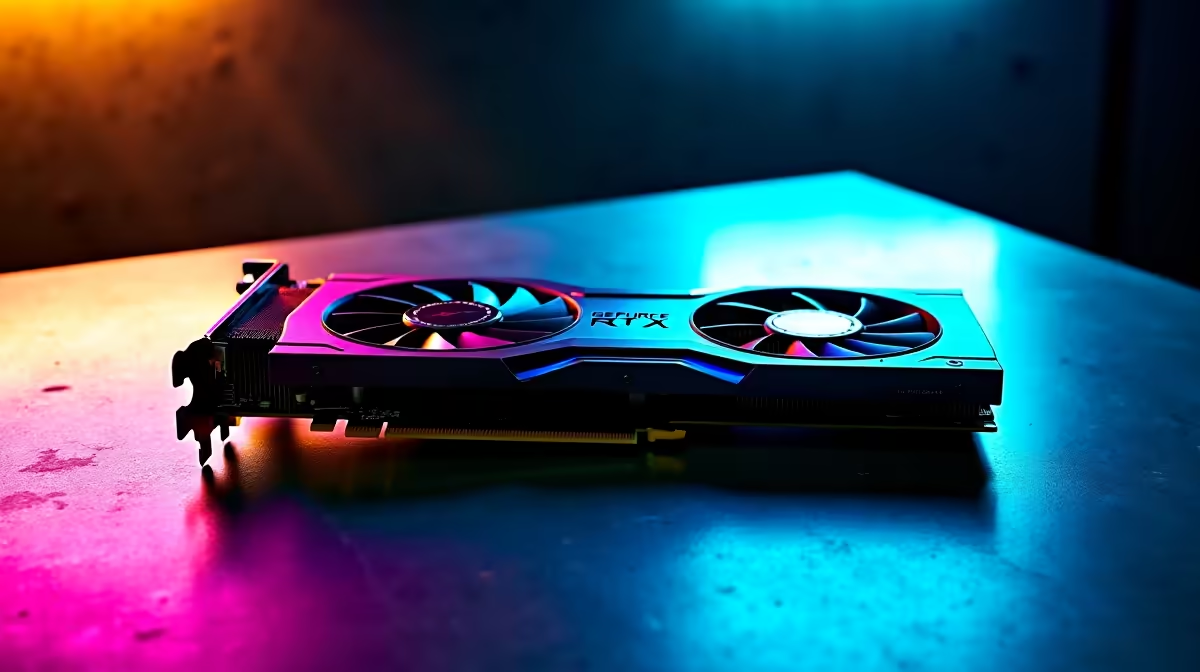
Unlocking the Best Call of Duty Warzone Settings for RTX 4060 Ti
If you’re in South Africa hunting for peak Call of Duty Warzone performance on your RTX 4060 Ti, you’re about to get your sweet spot. This guide focuses on FPS optimisation, balancing crisp visuals with smooth gameplay to help you clutch those wins every time. Whether upgrading your GPU or tweaking settings, these optimisations will take your Warzone battles to the next level ⚡.
Why FPS Optimisation Matters on the RTX 4060 Ti
The RTX 4060 Ti is a powerful card, but Warzone’s fast-paced maps demand more than just raw horsepower. FPS optimisation reduces lag spikes and frame drops, so each shot you take feels pinpoint accurate. You don’t want your graphics card running full blast if it means chasing fluctuating framerates.
For those shopping upgrades, Evetech has a solid selection of the latest graphics cards, including several RTX 4060 Ti models tailored for budget and performance balancing. Buying the right GPU at a great ZAR price lets you invest saved rand into other system tweaks.
Best Warzone Graphics Settings for Smooth RTX 4060 Ti Performance
Resolution and Refresh Rate
Stick to a 1080p resolution if you want top FPS. Paired with a 144Hz or higher monitor, lower resolution gives your card room to shine in framerates without sacrificing clarity. Many SA gamers find this balance ideal for Warzone's fast gunfights.
Texture and Shadow Quality
Set texture quality to ‘High’ but keep shadow details and ray tracing off or on low. Shadows look cool but impact FPS heavily. The RTX 4060 Ti’s RT Cores can handle some ray tracing, but Warzone’s competitive edge means less visual fluff and more responsive play.
Anti-Aliasing and Effects
Use SMAA T2X for anti-aliasing — it smooths edges without crushing FPS. Turn off motion blur and depth of field for clarity in hectic scenes. These small tweaks help your visuals stay sharp while the GPU focuses on fast frame delivery.
Advanced Optimisations
Enable NVIDIA Reflex Low Latency to reduce input lag, a crucial advantage in Warzone. Also, turn on DLSS Quality mode if you want a slight FPS boost while preserving detail. These features leverage the RTX 4060 Ti’s architecture perfectly.
Build Your Ultimate Gaming Setup in South Africa
To complement your settings, consider browsing Evetech’s pre-built PC deals. These rigs come optimised for gaming performance, saving you hassle on component compatibility. For laptop fans balancing mobility and power, check out the latest gaming notebooks designed to support graphics cards like the RTX 4060 Ti.
Pro Tip: Keep Your Drivers Updated
Game-ready driver updates from NVIDIA often include Warzone optimisations. Always update via GeForce Experience before tweaking settings — it ensures smoother gameplay out the gate!
Wrapping Up Your Warzone FPS Optimisation
Every frame counts when dropping into Verdansk or Caldera. Optimising Call of Duty Warzone settings on your RTX 4060 Ti means you get that edge whether in solo squads or intense multiplayer. From resolution to advanced GPU features, every adjustment builds your smoothest, most consistent experience.
Before you dive in, remember to explore Evetech’s latest gaming PC deals and specials to upgrade your whole setup at competitive prices.
Ready to level up your Warzone gameplay? Discover unbeatable deals and build your dream rig today — Shop now at Evetech for performance that leaves lag in the dust.










