


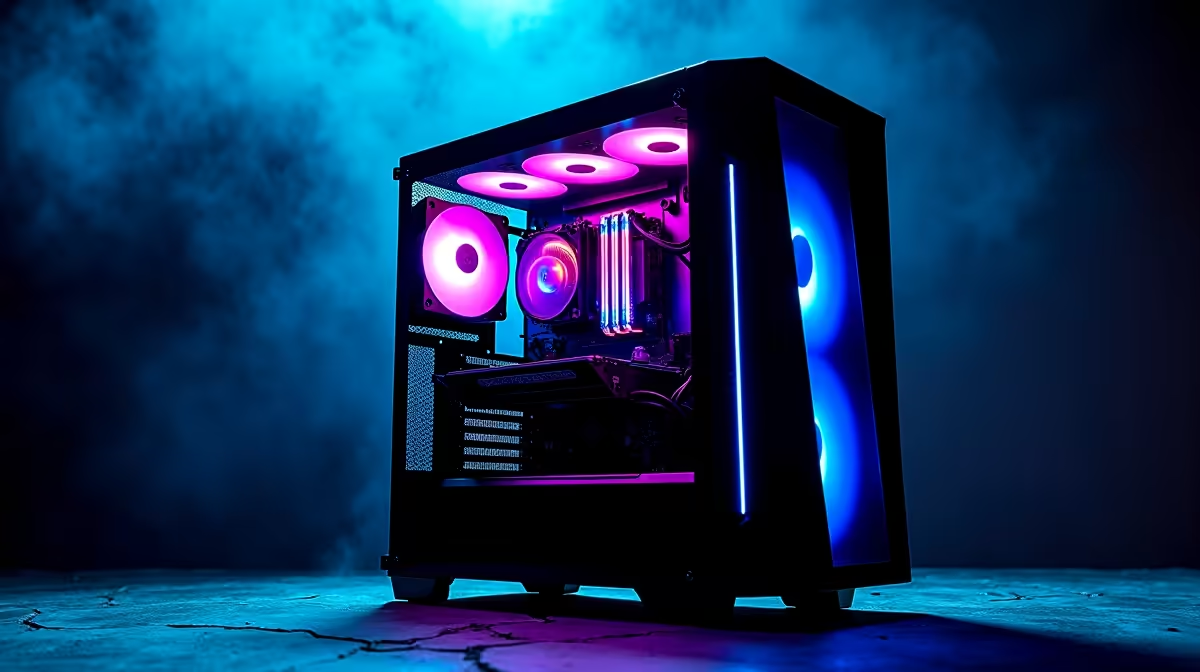
Commanding thousands of Skaven or Chaos warriors on your screen is glorious... until your frame rate drops to a slideshow. If you are battling stuttering during massive sieges, you need the best Total War Warhammer III PC settings for maximum FPS in 2026. Let us help you optimise your rig so you can conquer the Old World without your PC melting into a puddle of ZAR-draining regret.
Balancing Visuals and Performance in 2026 🚀
Creative Assembly's flagship strategy title remains incredibly demanding. Even a few years after launch, pushing those ultra textures requires serious horsepower. If you are running an older rig, tweaking your graphics options is the quickest way to regain smooth gameplay. However, if your system is truly ancient, it might be time to browse the best gaming PC deals to find a machine capable of handling Immortal Empires without breaking a sweat.
Best Total War Warhammer III PC Settings for Maximum FPS
To get that buttery smooth 60+ FPS during massive clashes, you need to know which settings drain your resources. Here are the optimal tweaks for your setup.
Unit Size and Shadows
Keep your unit size on 'Large' instead of 'Ultra'. Ultra looks cinematic but destroys CPU performance when thousands of units collide. Next, turn shadows down to 'Medium' or 'Off'. Rendering dynamic shadows for every single goblin is a massive GPU tax. If your current GPU is struggling here, it could be time to buy graphics cards that feature modern upscaling tech.
Textures and VFX Detail
You can usually leave texture detail on 'High' if you have at least 8GB of VRAM. If your card has less, drop it to 'Medium' to avoid stuttering when panning the camera. Set VFX detail to 'Medium'. High VFX causes massive frame drops when spellcasters unleash area-of-effect magic.
Anti-Aliasing and Reflections
Stick to FXAA or TAA. Avoid MSAA unless you have a top-tier system. Finally, turn off Screen Space Reflections (SSR). SSR looks great on water maps but eats up frames unnecessarily during standard land battles.
Storage Speed Pro Tip ⚡
Always install Total War Warhammer III on an NVMe SSD. Mechanical hard drives will cause excruciatingly long load times between turns and battles. If you are upgrading, ensure your motherboard supports Gen 4 or Gen 5 NVMe drives for the best experience.
When Settings Are Not Enough 🔧
Sometimes, no amount of tweaking can save an outdated processor or a struggling graphics card. Strategy games are notoriously CPU-heavy. Calculating the pathing, morale, and combat stats for thousands of individual models requires a processor with excellent single-core performance. If you want to experience the game in all its chaotic glory, a hardware upgrade is the only path forward.
For those who prefer a plug-and-play solution, checking out pre-built PC deals is a smart move. You get a balanced system tested for optimal cooling and performance. Alternatively, if you are a gamer on the move who wants to conquer provinces during load shedding, there are incredible laptops for sale in South Africa that pack desktop-level power.
Always keep an eye on your budget. Building a high-end rig in SA means watching the Rand closely. To stretch your ZAR further, keep tabs on the latest tech specials so you can secure premium components without breaking the bank.
Ready to Conquer Immortal Empires? Do not let a lagging PC cost you the campaign. Whether you need a massive GPU upgrade or a whole new setup, Evetech has the hardware to push your frame rates to the limit. Explore our massive range of gaming PC specials and build the ultimate command centre today.











