

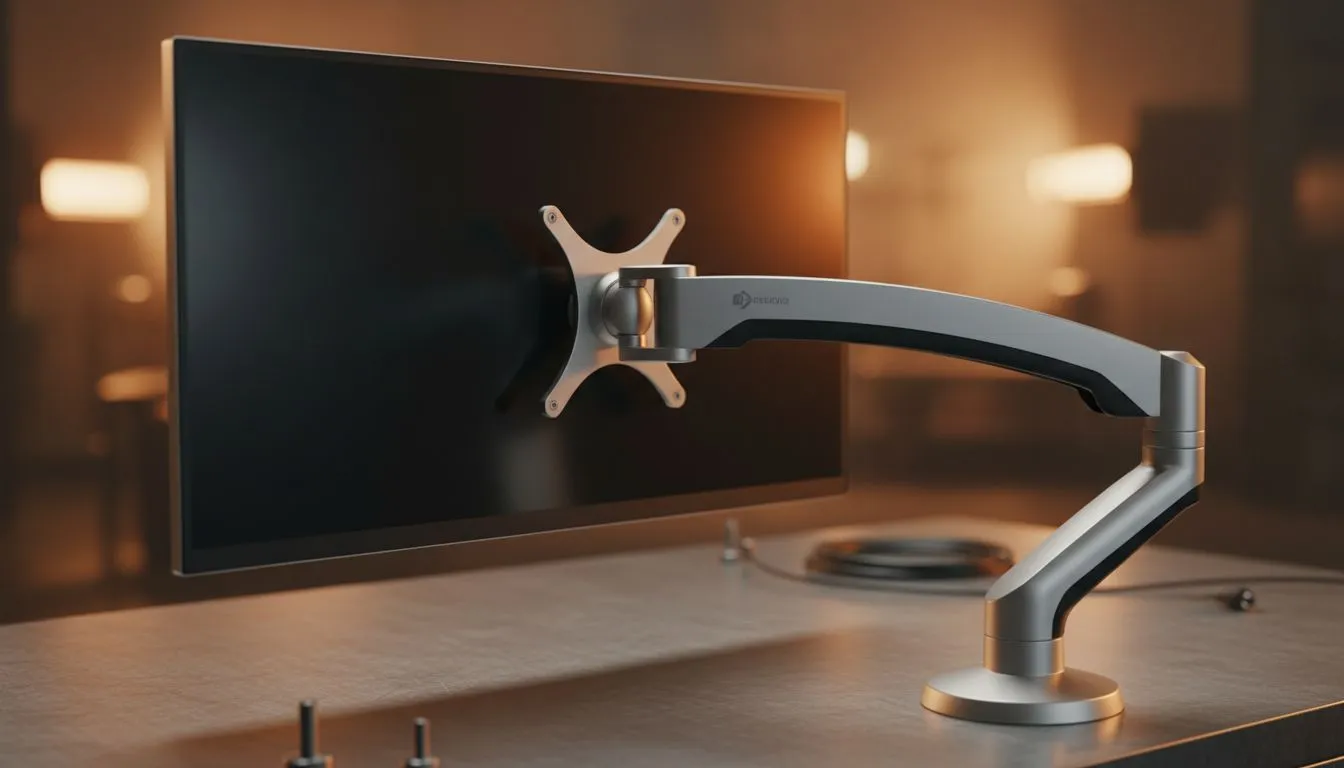
Why Monitor Height for Posture Matters
Ever finished a five-hour session in Warzone only to feel like your neck is made of dry biltong? You aren't alone. Many South African gamers ignore their setup until the pain starts. Adjusting your monitor height for posture is the easiest way to adjust correctly to reduce neck pain and stay in the game longer without needing a physio on speed dial. 🔧
When you sit at your desk, your eyes should naturally hit the top third of the screen. If you are looking down, you are putting massive strain on your cervical spine. This is why browsing the latest PC monitors with adjustable stands is so vital for your health.
The Science of Sitting Straight
Poor ergonomics can lead to tension headaches and decreased focus. To fix this, ensure your screen is about an arm's length away. If you prefer a traditional look, many flat screen monitors offer excellent tilt and height adjustments. For those who want more immersion, curved monitors can actually reduce eye strain by keeping the edges at a consistent focal distance.
Productivity Pro Tip ⚡
If your monitor stand doesn't go high enough, don't just slouch. Use a dedicated monitor riser or a sturdy arm mount. Your eye level should be roughly 5cm to 10cm below the top edge of the monitor casing for the most natural neck position.
Smooth Visuals and Better Health
It isn't just about height... it is about how your eyes track movement too. Stuttering images cause you to lean forward, ruining your form. Using a display with AMD FreeSync helps keep motion fluid. Similarly, NVIDIA users should look for G-Sync compatible displays to ensure a tear-free experience. This keeps you sitting back comfortably instead of squinting at the screen. 🚀
Finding the Sweet Spot
If you are a creative professional or a competitive gamer, colour accuracy matters just as much as height. Choosing IPS panel monitors ensures that even if you shift slightly in your seat, the colours remain vivid. Most modern screens now include Adaptive Sync technology to bridge the gap between performance and visual clarity.
Remember, your setup should work for you... not the other way around. Investing a few minutes to find the right monitor height for posture today will save you years of discomfort. Whether you are grinding ranks or finishing a work project, your neck will thank you. ✨
Ready to Find Your Perfect Match? Your posture is only as good as your gear. For the best ergonomics, high refresh rates, and unbeatable value in South Africa, upgrading your display is the first step. Explore our massive range of monitor specials and find the perfect screen to protect your neck and boost your game.











