


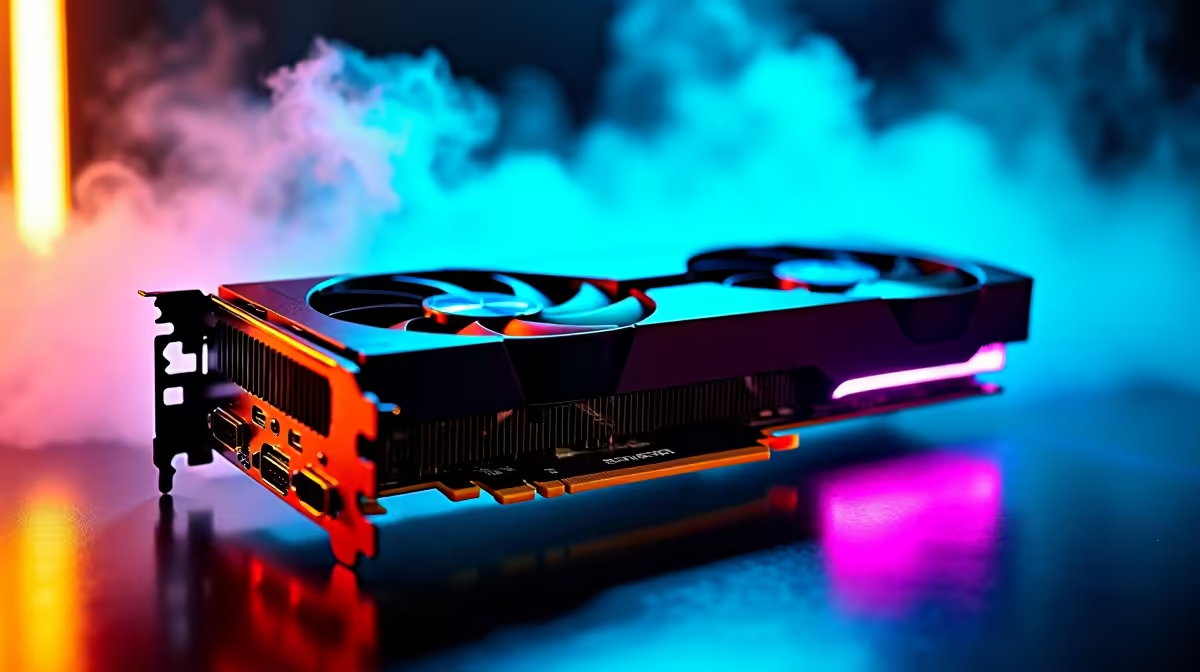
Want to push your new GPU without frying it? With hardware prices in ZAR making us all sweat, getting maximum frames from your system is essential. If you just picked up Nvidia's newest entry-level powerhouse, you're in the right place. Our RTX 5050 overclocking guide will show you safe OC settings to boost your FPS without risking your investment. Let's get tweaking...
Why Overclock the RTX 5050? 🚀
The RTX 5050 is incredibly efficient. It delivers fantastic 1080p performance right out of the box. But Nvidia often leaves a little extra headroom on the table. By applying safe OC settings, you can squeeze out extra frames. This is perfect if you are browsing the latest graphics cards. It shows exactly how far budget options can go.
Essential Prep for Maximum Performance
Before touching any sliders, you need the right software. Download MSI Afterburner and a benchmarking tool like Heaven. Make sure your system has decent airflow. Upgrading your whole setup? Checking out the best gaming PC deals ensures you get a chassis with solid cooling. Good airflow keeps temperatures down while you push clock speeds higher.
Cooling Pro Tip ⚡
Always set a custom fan curve in MSI Afterburner before applying your RTX 5050 overclocking guide settings. Keeping your GPU under 75 degrees Celsius prevents thermal throttling and ensures your safe OC settings actually deliver maximum performance during long gaming sessions.
Finding Your Safe OC Settings 🔧
Start with your core clock. Increase it by +50MHz and run a benchmark. Keep bumping it up by +15MHz until your benchmark crashes or shows weird colours... then dial it back by 15MHz. That's your stable core. Next, move to the memory clock. The memory on the 50-series is quite robust. You can often start with a safe +200MHz jump.
Want a system that is already tuned? Our pre-built PC deals completely remove the guesswork from hardware setup.
Stability Testing Your GPU Overclock
Once you find your numbers, play a demanding game for an hour. Cyberpunk 2077 is a great stress test. If the game crashes, lower your core and memory clocks slightly. Stability is much better than a tiny FPS boost.
Not a desktop gamer? You can still get incredible performance on the go. Mobile GPUs are locked down tighter. However, modern gaming notebooks for sale offer built-in software to safely optimise power limits.
Enjoying Your Free Performance Upgrade ✨
Overclocking is essentially free performance. As long as you stick to safe OC settings and avoid messing with core voltage, your hardware remains perfectly safe. It is a brilliant way to maximise your ZAR value.
Always check our daily tech specials. You might find the perfect high refresh rate monitor to match your newly boosted frames.
Ready to Upgrade Your Rig? Pushing entry-level hardware is incredibly rewarding, but sometimes you just need raw, unadulterated power. Explore our massive range of gaming PC specials and find the perfect machine to conquer your next adventure.









