In today's remote work world, your video feed is your virtual handshake. For South African professionals, a grainy, poorly lit laptop webcam no longer makes the right impression on important client calls or team meetings. Upgrading to a dedicated webcam is one of the easiest ways to instantly boost your professionalism and ensure you come across as clear and credible. This Q&A guide will help you choose the perfect camera for your home office setup. 🎥
Your Professional Webcam Questions
Q: What's the real difference between my laptop's built-in webcam and a dedicated one?
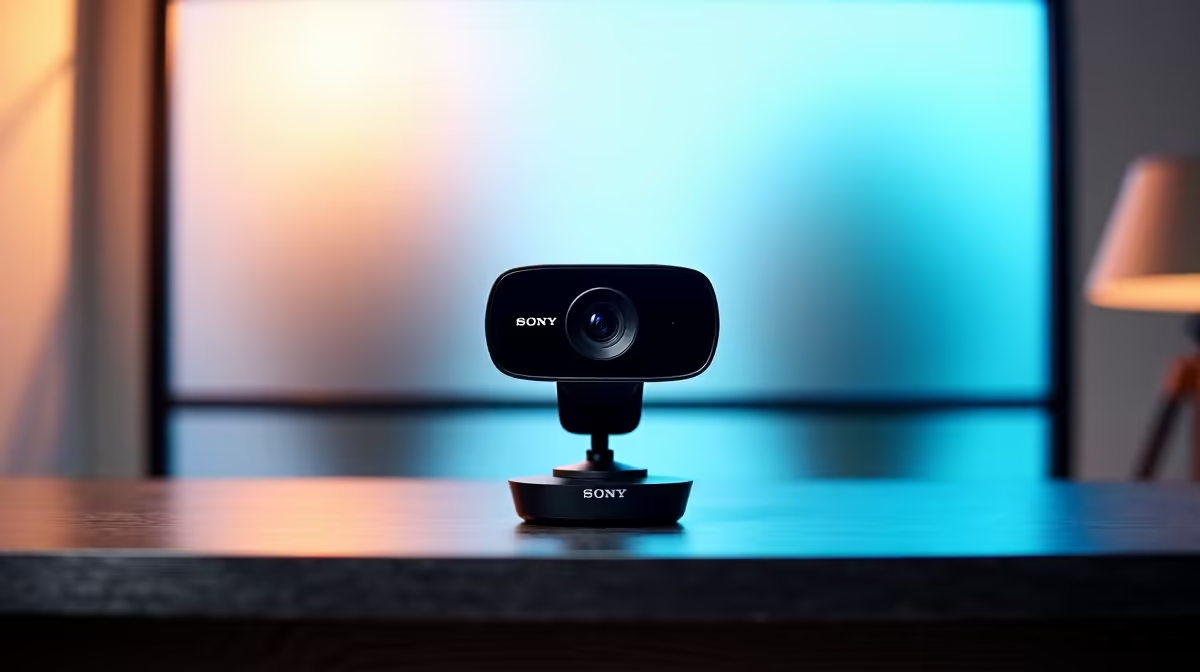
A: The difference is night and day. A dedicated webcam has a much larger, higher-quality lens and sensor. This translates to a sharper picture, more accurate colours, and vastly superior performance in low-light conditions. It’s the single biggest leap in quality you can make for your video calls. You can explore the full range of options among the many webcams for sale to see the variety available.
Q: Is 1080p resolution good enough, or do I need a 4K webcam?
A: For professional use on platforms like Microsoft Teams, Zoom, or Google Meet, 1080p (Full HD) is the gold standard. It delivers a crisp, detailed image that looks great on any screen, without requiring excessive internet bandwidth. While 4K is amazing for content creation, it's often overkill for daily meetings as most conferencing software will compress the video anyway.
Q: My home office lighting is a bit dark. What features should I look for?
Ready to Build a More Reliable Setup? Look for webcams that specifically mention features like automatic low-light correction or HDR (High Dynamic Range). Some models even have a built-in ring light. These features adjust the image automatically to keep you looking bright and clear, even when the lighting around you isn't perfect.
Lighting Is More Important Than Resolution
A great webcam can't fix terrible lighting. Always try to position yourself facing a light source, like a window or a lamp, not with it behind you. A simple desk lamp placed in front of your monitor can make a bigger difference to your picture quality than jumping from 1080p to 4K.
Q: How important is the webcam's built-in microphone?
A: It’s a matter of convenience versus quality. A good webcam's microphone will be a definite step up from your laptop's, often featuring noise-cancelling technology to reduce background echo and chatter. However, for the absolute best audio quality, a separate USB microphone will always outperform a webcam's built-in option.
Q: What's the best way to start looking for the right webcam for me?
A: The easiest way to get started is by seeing what’s out there. A simple webcam search on the Evetech site will show you all the current models. From there, you can easily filter by price, brand, and resolution to narrow down the options that fit your specific needs and budget.
Q: I see one particular brand mentioned a lot for office use. Are they worth it?
A: A strong reputation is usually earned. Brands become industry standards by consistently delivering reliable, high-quality products that are easy to use. For instance, many South African professionals and businesses choose Logitech webcams because of their proven track record, excellent software support, and "plug-and-play" simplicity that works every time.
Key Takeaways
- Upgrade Your Image: A dedicated webcam offers a massive improvement in video quality over any built-in laptop camera.
- 1080p is the Sweet Spot: For professional video meetings, Full HD resolution provides a sharp, clear picture without straining your internet connection.
- Fix Your Lighting: Good lighting is crucial. Position yourself facing a light source for the best results.
- Look for Key Features: Auto low-light correction and noise-cancelling microphones are important features for any home office setup. ✨
Upgrade Your Professional Presence
Don't let a fuzzy webcam undermine your professional image. A small investment in a quality webcam makes a huge difference in how you're perceived. Shop now at Evetech for performance that leaves lag in the dust.