


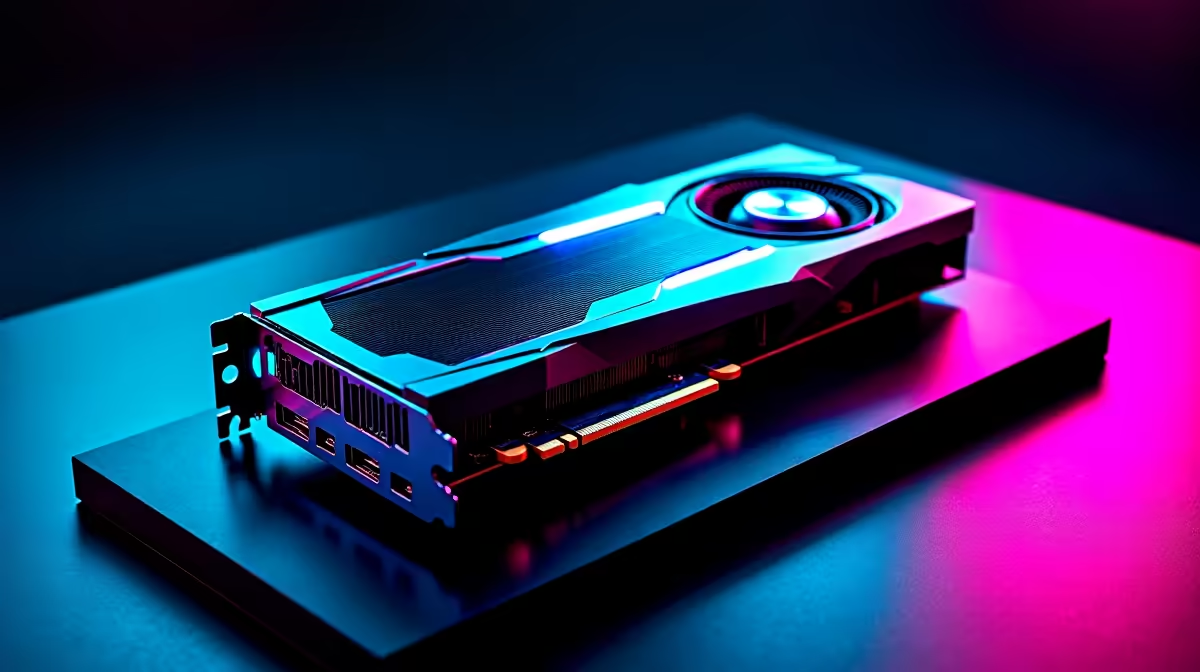
Mastering GTA 6 Settings on RTX 4070 for Smooth Gameplay 🚀
South African gamers gearing up for GTA 6 want one thing: smooth, breathtaking gameplay without the dreaded lag. If you own an RTX 4070, you’re already halfway there. But are your settings dialled in to squeeze every frame of performance from this powerful card? Let’s explore how to optimise GTA 6 settings on RTX 4070 to find that sweet spot between stunning visuals and fluid framerates.
Why Optimise GTA 6 Settings on RTX 4070?
The RTX 4070 is built to handle next-gen titles with ease. Yet, even this card needs fine-tuning to run GTA 6 flawlessly. South African gamers often face fluctuating power and network conditions, so optimising your setup enhances consistency and reduces stutter. You’ll enjoy a more immersive experience with sharper textures, better shadows, and smoother gameplay.
Looking for a graphics card upgrade? The best range of graphics cards on Evetech can turbocharge your PC’s performance without breaking the bank.
Key Settings to Optimise on Your RTX 4070 for GTA 6
Resolution and Refresh Rate
Setting your resolution to native 1440p or 4K depends on your monitor. For RTX 4070, 1440p is the best balance, maintaining smooth frame rates above 60 FPS. Set your refresh rate to match your monitor’s maximum to avoid screen tearing.
Ray Tracing and DLSS
Ray tracing adds cinematic realism but can lower performance. With the RTX 4070, activate ray tracing on medium settings for that signature GTA 6 glow while keeping FPS up. Enable NVIDIA DLSS (Deep Learning Super Sampling) in performance mode—it uses AI to upscale images and dramatically boost frame rates.
Texture Quality and Shadows
Choose high texture quality to keep streets and characters sharp, but drop shadow quality to medium or low to reduce GPU load. Shadows are GPU-intensive and trimming them keeps your gameplay buttery smooth.
For tips on assembling a complete setup, check Evetech’s best gaming PC deals which pair well with your RTX 4070.
Simple FPS Boost
How about tweaking the render distance? Lower it a notch to improve frame rate without losing immersion. GTA’s cityscape is impressive up close, so shorter draw distances often go unnoticed during high-speed chases. 🚗
Overclocking Your RTX 4070 in GTA 6
If you want to push FPS even higher, moderate overclocking can help. Use tools like MSI Afterburner to safely increase core clock speed by 5–7%. Remember to monitor temperatures—keeping your GPU under 75°C ensures stability. If temperatures rise, adjust your fan curve via BIOS or software.
CPU pairing matters too. A solid Intel i7 or AMD Ryzen 7 complements the RTX 4070, preventing bottlenecks during intense gameplay. Need a pre-built option? Evetech’s pre-built PC deals offer great combos at competitive ZAR prices.
Laptop vs Desktop for GTA 6 with RTX 4070
South Africans on the move might consider laptops with RTX 4070 graphics. While not as powerful as desktop setups, gaming laptops offer portability. Choosing models with at least 16GB RAM and a high-refresh-rate display helps maintain smooth play.
Look at Evetech’s wide selection of notebooks for sale in South Africa if you want mobility without sacrificing much power.
Bonus: Stay Updated and Save Big 🚧
Game patches often include optimisations relevant to RTX GPUs. Keep your drivers updated through NVIDIA GeForce Experience for best results. Also, Evetech’s specials page regularly features deals which can save you hundreds on upgrades or accessories that enhance your GTA 6 experience.
Upgrade Your Gaming Setup Today For unbeatable RTX 4070 performance tweaks and gear, Shop now at Evetech and leave lag behind with sharp visuals and buttery smooth frames.











