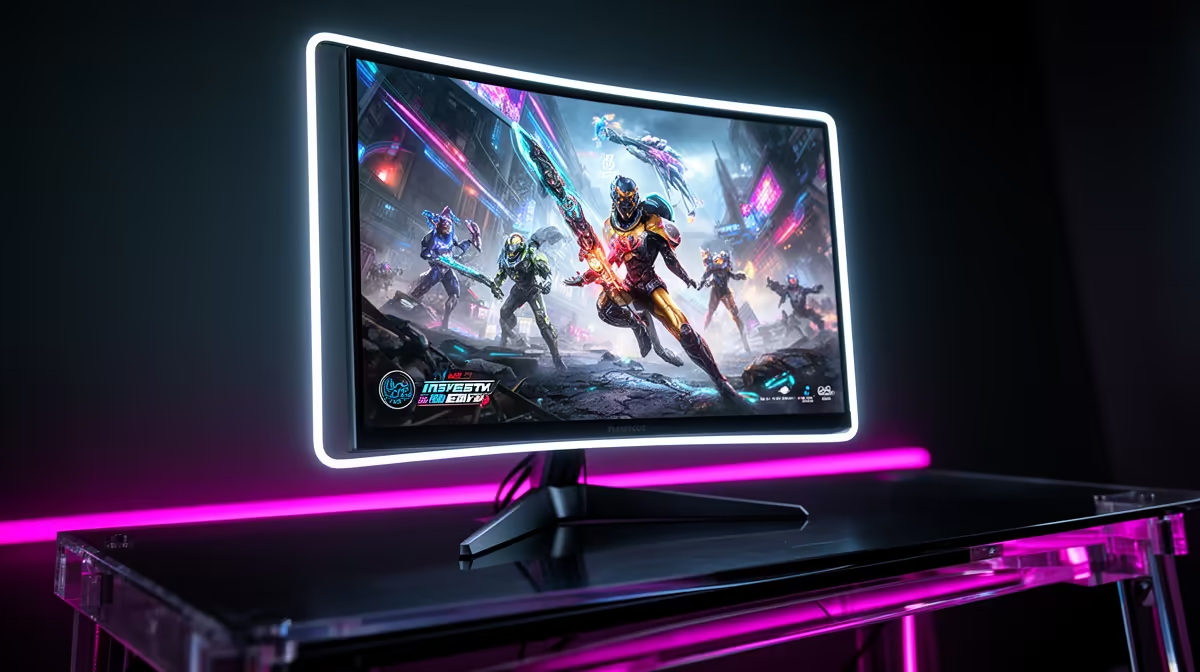
So, you’ve finally got your hands on a PlayStation 5 or Xbox Series X here in South Africa. Awesome! But are you still plugging it into that old 60Hz TV? If so, you're leaving a massive amount of performance on the table. A high refresh rate monitor for console gaming isn't just a luxury for PC pros anymore; it's the key to unlocking the true speed and responsiveness your next-gen console was built for.
Why High Refresh Rate Monitors Matter for Console Gaming
For years, 60 frames per second (fps) at 60Hz was the gold standard. But modern consoles can now push out up to 120fps in many popular titles. When your screen can only refresh 60 times per second (60Hz), you’re literally missing half the frames your console is producing.
Upgrading to a 120Hz or 144Hz monitor means you see every single one of those frames. The difference is night and day:
- Buttery-Smooth Motion: Everything from aiming down sights in Apex Legends to weaving through traffic in Forza feels incredibly fluid.
- Reduced Input Lag: The time between pressing a button and seeing the result on-screen is cut down, giving you a crucial competitive edge.
- Clearer Visuals: Fast-moving objects appear sharper with less motion blur, making it easier to track opponents.
This single upgrade can make you a more competitive player overnight. Many of the modern gaming monitors available today offer these features at prices that won't break the bank.
Getting Your Setup Ready for 120Hz Gaming
Before you can enjoy those high frame rates, you need to ensure your setup is correctly configured. It’s not quite plug-and-play, but it’s simple once you know what to look for.
The Right Connection: HDMI 2.1 vs 2.0
Your console's HDMI port is crucial. The PS5 and Xbox Series X ship with an HDMI 2.1 port, which is the gold standard for delivering a 4K resolution signal at 120Hz. If you want the absolute best visual quality without compromise, pairing your console with one of the latest 4K gaming monitors featuring an HDMI 2.1 port is the way to go.
However, you don't need HDMI 2.1 to get a 120Hz experience. Many fantastic 1080p and 1440p monitors use the more common HDMI 2.0 standard, which is fully capable of handling 120Hz at those resolutions. This is often the sweet spot for budget-conscious gamers in South Africa.
Game-Specific Settings 🔧
that enabling 120Hz on your console is only half the battle! Many games like Call of Duty: Warzone or Fortnite require you to switch to a 'Performance Mode' within the game's own video settings. Always check in-game options to ensure you're actually getting that buttery-smooth 120fps experience.
Enabling Performance Mode on Your Console
You’ll also need to dive into your console’s settings:
- On PlayStation 5: Go to
Settings > Screen and Video > Video Outputand enable "120Hz Output". - On Xbox Series X|S: Go to
Settings > General > TV & display options. UnderDisplay, select 120Hz from theRefresh ratedropdown.
More Than Just Hertz: Other Key Monitor Features
When looking for the best high refresh rate monitor for console gaming, don't just focus on the refresh rate. Other specs are just as important for a top-tier experience.
Response Time & Panel Type
Look for a monitor with a 1ms (GtG) response time. This minimises "ghosting," a blurry trail that can appear behind fast-moving objects. Most high-performance PC monitors suitable for consoles will use IPS or VA panels, which offer a great balance of speed and vibrant colour.
Resolution & Size
While 4K is amazing, a 27-inch 1440p (QHD) monitor is often the perfect balance of sharpness, performance, and price. If you prefer a more immersive feel, some gamers swear by curved monitors to fill their peripheral vision.
Variable Refresh Rate (VRR)
VRR, often known as AMD FreeSync or NVIDIA G-Sync, syncs your monitor's refresh rate with your console's frame rate. This eliminates ugly screen tearing and stuttering, ensuring the smoothest gameplay possible. Both the PS5 and Xbox Series X|S support VRR, so it’s a feature well worth having. For those who game on the go or attend local LANs, even some portable monitors now include these essential gaming features. 🚀
Finding the right high refresh rate monitor for console gaming in South Africa is all about matching features to your budget. You can find some incredible value by checking out the best PC monitor deals, where you can often get premium performance without the premium price tag.
Ready to See the Difference? Upgrading to a high refresh rate monitor is one of the biggest improvements you can make to your console setup. Stop letting your TV hold you back. Explore our massive range of gaming monitors and find the perfect screen to unleash your PS5 or Xbox in South Africa.