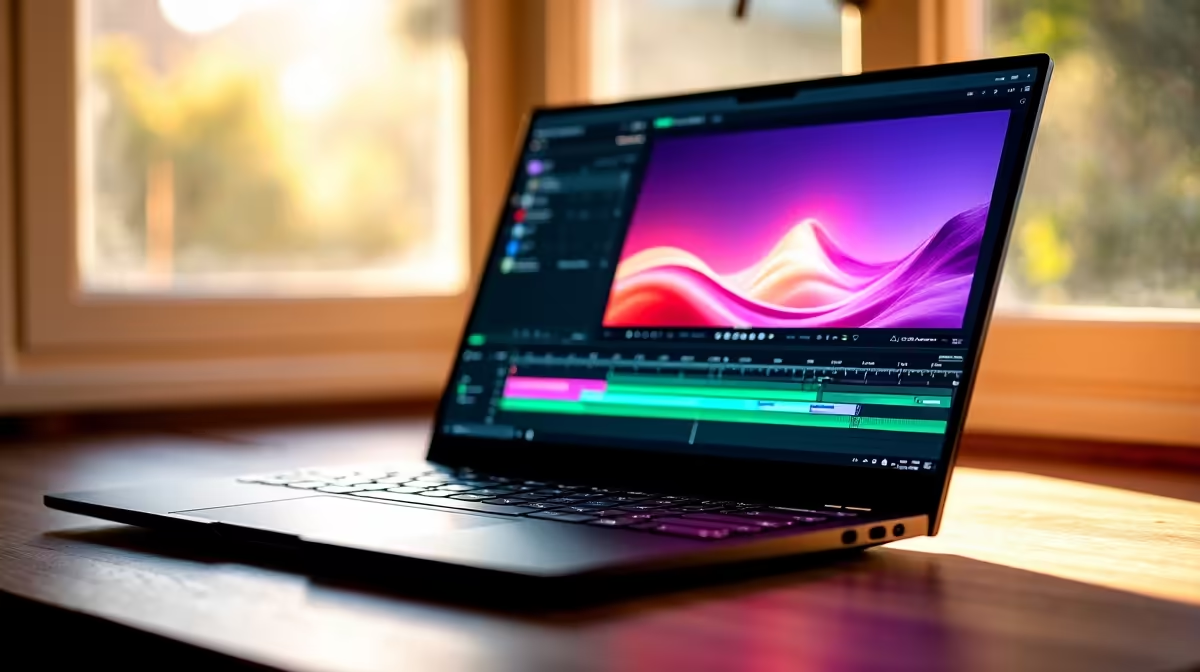
Ja, we’ve all been there. For South African video editors and content creators, a dead battery is more than an inconvenience… it's a deadline disaster. Finding a long battery laptop for video editing in South Africa that also has enough power to handle 4K timelines can feel like a mission. But don't stress, we're here to help you find the perfect balance between power and portability.
What to Look for Beyond the Battery 🔋
While battery life is critical, it’s only one part of the puzzle. A top-tier video editing laptop needs a solid foundation to prevent bottlenecks and frustrating lag. Before we get to endurance, let's quickly cover the core components you can't ignore.
CPU & GPU: The Power Duo
Your Central Processing Unit (CPU) is the brain, handling tasks like encoding and rendering. More cores and higher clock speeds mean faster exports. Whether you're looking at the latest multi-core beasts from Intel's laptop range or the incredible efficiency of AMD-powered laptops, a powerful CPU is non-negotiable. The Graphics Processing Unit (GPU), meanwhile, accelerates your timeline, making playback smoother and handling visual effects with ease.
RAM & Storage: Speed is Everything
For video editing, 16GB of RAM is the absolute minimum. If you're working with 4K footage or complex After Effects projects, 32GB or more is highly recommended. Pair that with a fast NVMe SSD for storage, and you'll see your project files and applications load in a flash.
Finding a Video Editing Laptop with All-Day Power
Here’s the reality: a high-performance machine churning through a 4K render will chew through its battery faster than a basic laptop used for browsing. The secret is finding a device that’s efficient during light tasks but can unleash its full power when plugged in. This is where modern tech truly shines. ✨
Many of today's best gaming laptop deals are actually fantastic for creators. They pack top-of-the-line CPUs and GPUs, robust cooling systems, and increasingly, technologies like NVIDIA Advanced Optimus, which intelligently switches between integrated and dedicated graphics to save power when you don't need maximum performance. This makes them surprisingly versatile options for a video editing laptop with good battery life.
Optimise Your Power Plan ⚡
In Windows 11, click the battery icon in your taskbar and select a power mode. Use 'Best power efficiency' when you're just organising clips or doing simple cuts on the go. When you're ready to render or apply heavy effects, plug in and switch to 'Best performance'. This simple habit can add hours to your unplugged work time.
So, What's the Best Choice for SA Creators?
The "best" laptop really depends on your specific workflow and budget. However, a few trends are clear:
- AMD Ryzen™ Processors: Laptops with AMD's Ryzen 6000 and 7000 series chips are known for their incredible performance-per-watt, offering a fantastic blend of power and battery efficiency.
- Intel® Core™ Ultra Processors: Intel's new "Ultra" series and Evo-certified laptops are specifically designed for low power consumption during everyday tasks, giving you more juice when you're away from the plug.
- Don't Overlook Gaming Laptops: With their powerful hardware and improving battery tech, they offer some of the best value for money in ZAR for creators who need a machine that can do it all. 🚀
Ultimately, the goal is to find a machine that won’t leave you powerless—literally—when inspiration (or a deadline) strikes.
Ready to Stop Watching the Battery Icon?
Finding the perfect balance between raw rendering power and all-day endurance is key. Whether you're a professional editor or a rising YouTube star, the right machine is waiting. Explore our massive range of laptop specials and find the perfect creative partner today.