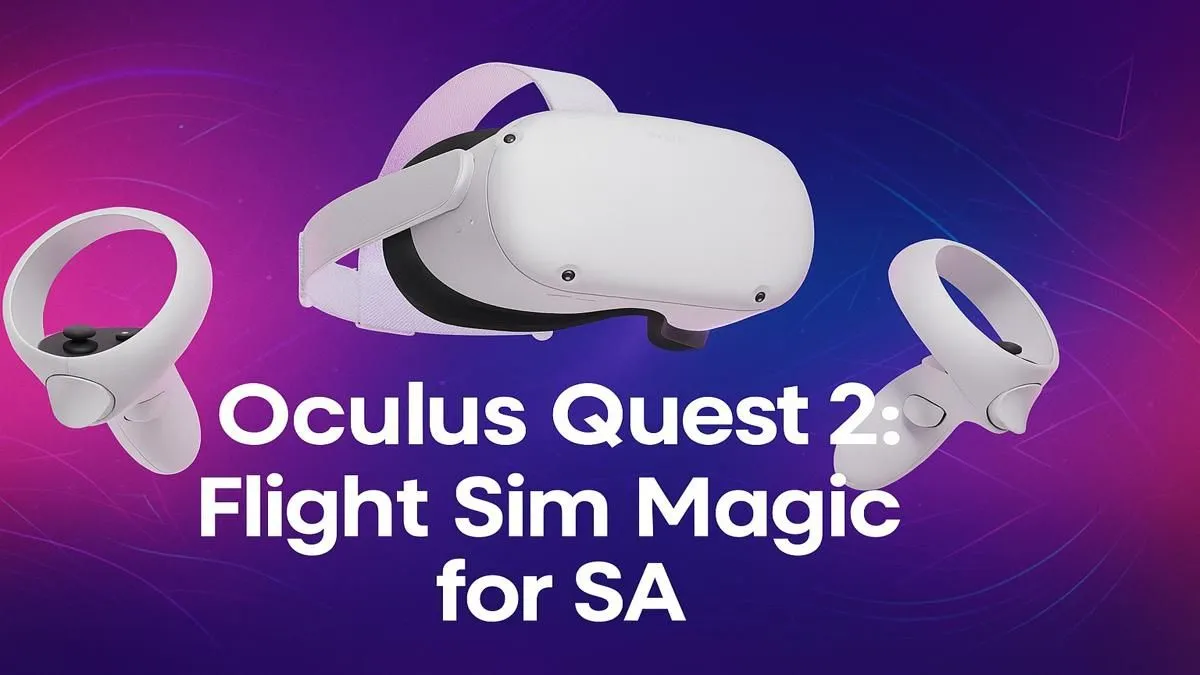
Ever dreamt of soaring over the Drakensberg escarpment or banking a Cessna over Table Mountain's iconic peak? That fantasy is closer than you think. The Oculus Quest 2 isn't just for standalone games; it's your personal key to the cockpit. This guide will show you how to set up the ultimate Oculus Quest 2 flight simulator experience right here in South Africa, turning your gaming den into a hyper-realistic flight deck. Let's get you airborne. ✈️
Your Ticket to the Skies: Why PCVR is Essential
While the Quest 2 is a brilliant standalone device, the most breathtaking flight simulators, like Microsoft Flight Simulator 2020, live on the PC. By connecting your Quest 2 to a capable computer, you unlock a world of unparalleled detail, realistic physics, and live weather... a true next-level VR flight sim experience. This process, known as PCVR streaming, requires a machine with enough muscle to handle both the simulation and the demands of virtual reality.
To avoid stuttering visuals and truly appreciate the view from 30,000 feet, you'll need a rig built for the task. Investing in one of these purpose-built Microsoft Flight Simulator gaming PCs is the most direct route to a smooth, immersive journey.
Connecting Your Quest 2: Wired vs. Wireless
Getting your Oculus Quest 2 flight simulator running involves linking it to your PC. You have two main options, each with its own pros and cons.
The Wired Route: Oculus Link Cable
The simplest and most reliable method is using a high-quality USB-C cable (like the official Oculus Link cable or a compatible alternative). This direct connection provides the most stable and graphically consistent experience, as it isn't affected by Wi-Fi congestion. Just plug it in, enable Link in the Quest 2 settings, and you're ready for pre-flight checks.
Wireless Freedom: Air Link & Virtual Desktop
Want to fly without being tethered to your desk? Oculus Air Link (a free, built-in feature) and the popular third-party app Virtual Desktop let you stream the simulation over your home network. The freedom is incredible, but it comes with a catch: you need a very stable Wi-Fi setup. For best results, your PC should be connected to your router via an Ethernet cable, and your Quest 2 should be on a clear 5GHz Wi-Fi channel.
Optimisation Pro Tip ⚡
For Microsoft Flight Simulator, start with the default 'VR' graphics preset and then make small adjustments. One of the biggest performance wins is lowering the 'Render Scaling' setting in the VR graphics options to 80 or 90. The visual difference is often minimal, but the frame rate boost can be huge, leading to a much smoother flight.
Building Your Ultimate Cockpit 🖥️
To truly feel like you're in command of an aircraft, you'll want to upgrade from the standard Quest controllers. A proper flight setup can transform the experience from a game into a genuine simulation.
First, tactile control is everything. A Hands-On Throttle-And-Stick (HOTAS) or a flight yoke brings the cockpit to your desk. You'll find a fantastic selection of Thrustmaster flight sticks and yokes that provide the precision and feedback needed for realistic manoeuvres. For those long-haul flights from Cape Town to Johannesburg, comfort is key. Investing in one of our ergonomic and comfortable gaming chairs will save your back, allowing you to focus on your flight plan, not on aches and pains.
Even in VR, a good screen is non-negotiable for setting up flights, navigating menus, and for those times you want to fly on a traditional display. Our range of high-quality PC monitors offers crisp visuals for all your pre-flight prep. And for the ultimate wrap-around view when you're not wearing the headset, nothing beats the peripheral vision offered by immersive curved monitors.
Is Your PC Ready for Takeoff?
A smooth Oculus Quest 2 flight simulator experience is incredibly rewarding, but it's also one of the most demanding tasks you can ask of a gaming PC. The graphics card (GPU) does the heavy lifting for rendering the world in high resolution for two separate eye displays, while the processor (CPU) handles the complex physics and simulation data. If your PC is a few years old, you might find yourself flying a slideshow instead of an airplane.
Ensuring your components are up to spec is the final, crucial step before you request clearance from the tower. The journey is worth it... the feeling of looking out your cockpit window at a sunset over the Pilanesberg is something you'll never forget. ✨
Ready to Build Your Dream Cockpit?
The skies are calling. An incredible Oculus Quest 2 flight simulator experience is within reach, but it demands the right hardware. From powerful GPUs to responsive controls, we have everything you need. Explore our range of custom gaming PCs and build the ultimate rig to conquer the virtual skies.