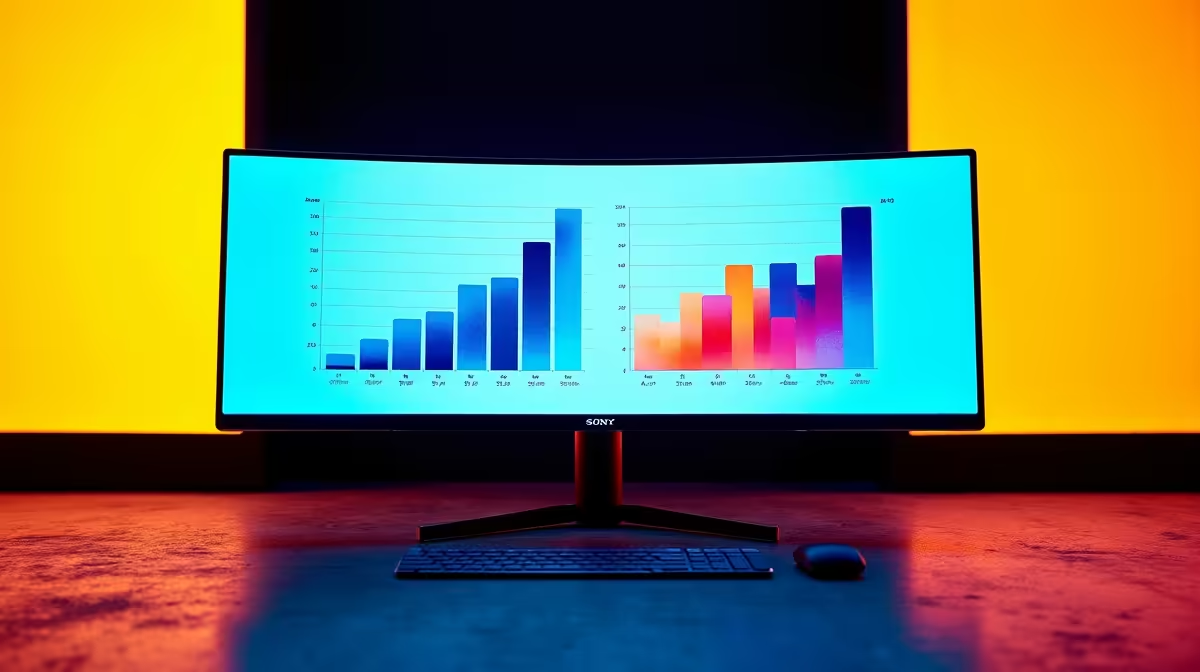
Tired of the endless alt-tab dance between spreadsheets, documents, and chat windows? That dual-monitor setup with its annoying bezel gap and mismatched colours isn't helping either. Imagine a seamless, panoramic workspace that lets you see everything at once. That’s the power of an ultrawide monitor for productivity. Specifically, the 34-inch model has become the multitasking hero for South African professionals, coders, and creators looking to reclaim their focus and declutter their desks.
Why a 34" Ultrawide is Your Productivity Powerhouse
Switching to a single 34-inch ultrawide monitor isn't just about aesthetics; it's a fundamental upgrade to your workflow. Think of it less as a wide screen and more as a command centre for your entire digital life. The immediate benefit is the sheer, uninterrupted screen real estate.
Instead of two separate 16:9 screens, you get a single, cohesive 21:9 aspect ratio canvas. This means you can have your primary application open in the centre, with reference materials and communication apps neatly snapped to the sides… no more turning your head back and forth. This seamless view is a core reason why so many are exploring the latest PC monitor deals to find their perfect fit.
The gentle arc found on most models also plays a huge role. It’s not just for looks; it’s ergonomics. The curve matches your natural field of view, reducing eye strain and making it easier to see content at the edges of the screen. It’s a subtle but significant feature you’ll appreciate after a long day, and a key reason to browse the best curved monitors available. 🖥️
Real-World Scenarios: The Ultrawide Advantage
But how does using an ultrawide monitor for productivity translate to actual tasks? Let's break it down.
For the Developer & Data Analyst
Imagine having your code editor, a live preview window, and your terminal open side-by-side. No more minimising or resizing. For data analysts, a massive spreadsheet is no longer a scrolling nightmare. You can view more columns simultaneously, making comparisons and analysis far more efficient.
For the Content Creator
Video editors, this is for you. A 34-inch ultrawide allows for a full-length timeline at the bottom of your screen, with ample space above for your preview, effects controls, and media bins. It’s a workflow accelerator that many high-resolution 5K & 4K monitors can't match in terms of horizontal space.
Productivity Pro Tip ⚡
On Windows, use the PowerToys FancyZones utility to create custom snap layouts for your windows. It's a lifesaver for managing multiple apps on an ultrawide monitor, letting you organise your timeline, preview window, and asset folders perfectly for video editing.
For the Everyday Multitasker
Even if you're not a specialist, the benefits are clear. You can write a report in one window while keeping the source material visible in another, all while your email or Teams chat sits comfortably on the side. It transforms your desk into the ultimate command centre, a stark contrast to the compact utility of portable monitors designed for on-the-go work.
Making the Right Choice for Your Setup
When you start browsing for PC monitors, the specs can seem daunting. For a 34-inch ultrawide focused on productivity, prioritise a resolution of 3440x1440 (WQHD). This gives you sharp text and plenty of detail without needing to scale your display.
And when the workday is done? That immersive screen transforms into an incredible canvas for gaming. The wider field of view provides a significant advantage in many titles, making it a brilliant dual-purpose investment. You can find many such displays among our huge range of all gaming monitors. Finally, ensure your new screen has the right ports (like DisplayPort 1.4 or USB-C) and consider grabbing the right monitor accessories to perfect your new, streamlined setup. ✨
Ready to Expand Your Horizons?
An ultrawide monitor isn't just an upgrade; it's a new way of working and playing. It's time to ditch the bezel and embrace the panoramic view. Explore our massive range of PC monitor deals and find the perfect 34" multitasking hero for your setup.