


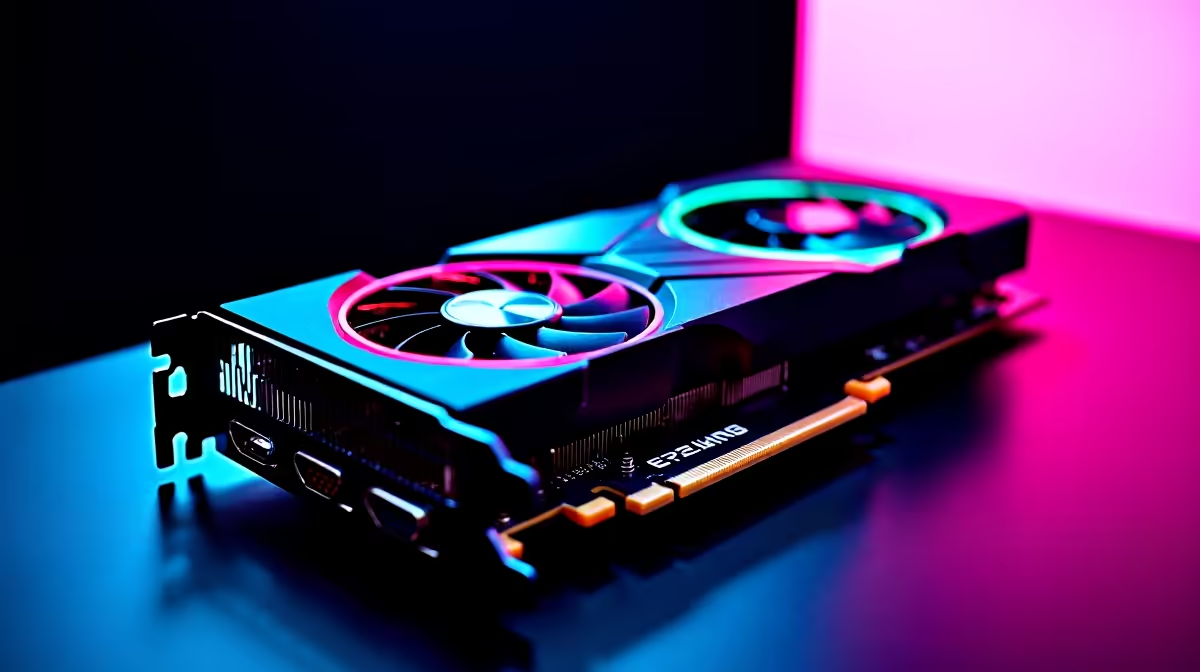
Unlocking the Best FPS on Your RTX 4060 Ti in South Africa 🚀
The RTX 4060 Ti is a popular choice for gamers craving high frame rates without draining their budget. But what settings should you use on RTX 4060 Ti for best FPS? Whether you’re tackling Apex Legends or diving into AAA titles, optimising your settings is key to smooth gameplay. Let’s break down the best tweaks and upgrades to squeeze every frame from your GPU.
Key RTX 4060 Ti Settings for Maximum FPS 🎮
Getting the most out of your RTX 4060 Ti starts with the right in-game settings and driver configurations. While the card packs power with its Ampere architecture, the correct balance between image quality and FPS makes all the difference.
Lower Ray Tracing for Better Performance
Ray tracing can transform visuals but demands heavy GPU power. Consider disabling or lowering ray tracing settings in games to boost FPS. The RTX 4060 Ti supports DLSS (Deep Learning Super Sampling), which intelligently upscales your game, giving you sharper images without sacrificing performance.
Optimise DLSS Settings to Your Advantage
DLSS lets you play at a lower resolution internally while outputting crisp visuals. Set DLSS to “Performance” mode in demanding games—this can add a solid 15-25% FPS boost. This tweak is especially useful if you’re gaming at 1080p or 1440p.
If you need an upgrade to handle these settings without breaking the bank, explore the latest pre-built PC deals on Evetech. They offer configurations that perfectly complement the RTX 4060 Ti’s capabilities.
Essential NVIDIA Control Panel Settings for RTX 4060 Ti
Tweaking the NVIDIA Control Panel will also help push your FPS higher. Head to the ‘Manage 3D Settings’ panel and customise these for gaming:
- Set Power Management Mode to “Prefer maximum performance”
- Turn off Vertical Sync (V-Sync) to reduce input lag and get smoother gameplay, though be mindful of screen tearing
- Enable Shader Cache to speed up load times and rendering
These small adjustments fine-tune the GPU’s behaviour, especially in competitive games where every millisecond counts.
Upgrade Your System Components for Smoother Play 🔧
Sometimes, GPU tweaks aren’t enough. Your CPU, RAM speed, and storage influence FPS too. If your build feels sluggish, check out Evetech’s selection of graphics cards to find complementary parts that enhance your RTX 4060 Ti’s performance. Pairing it with a fast SSD and at least 16GB RAM is a good rule of thumb.
South African gamers looking to game on the move might prefer high-performance notebooks. Be sure to browse Evetech’s range of notebooks for sale in South Africa featuring the 40-series GPUs for reliable FPS on the go.
Smart FPS Boost Tip
To keep your rig cool and FPS high, adjust your GPU fan curves in MSI Afterburner. Slightly increasing the fan speed can reduce thermal throttling without much noise—better stability means higher frame rates! {{/TipBox}}
Monitor Special Deals and Stay Ahead in Gaming
Timing your GPU upgrade or PC build with Evetech’s latest specials can save you serious rands. South African gamers know every saved ZAR helps in stacking better gear or grabbing games that complete the experience.
Check back often to catch discounts on RTX 4060 Ti upgrades or bundles that optimise your setup for top FPS.
Maximise Your Gaming Performance Today Ready to dominate at buttery-smooth frame rates? Shop now at Evetech for the best RTX 4060 Ti components and unbeatable deals that keep lag far behind.










