


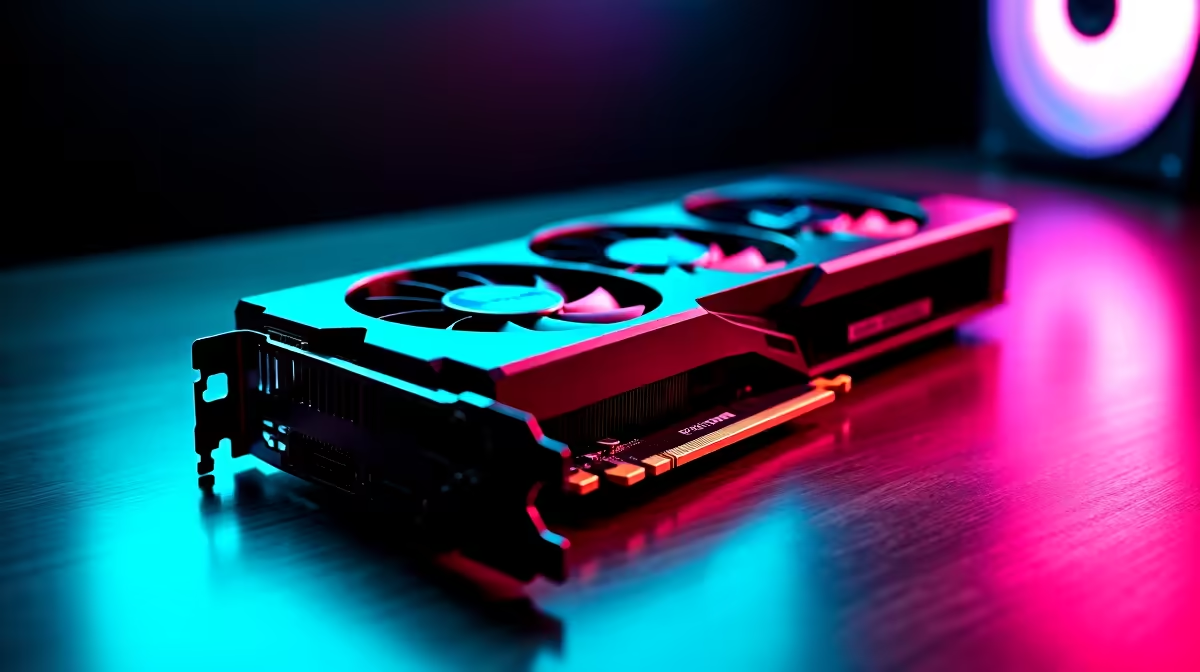
Unlock Top FPS on Your RTX 5060 Ti in South Africa
South African gamers and tech buyers know the itch for buttery-smooth gameplay is real 🔥. The RTX 5060 Ti packs serious punch, but are you squeezing out the best FPS from it? Whether you're chasing high frame rates for competitive shooters or crisp visuals in open-world games, fine-tuning your settings is key. Here’s how to optimise your RTX 5060 Ti to get the most frames per second without sacrificing the immersive experience.
Best GPU Settings for RTX 5060 Ti Performance
The RTX 5060 Ti handles ray tracing and DLSS brilliantly, but default settings can throttle performance. Start by tweaking your Nvidia Control Panel:
- Set Power Management Mode to "Prefer maximum performance" to avoid throttling.
- Enable Resizable BAR in your motherboard BIOS if supported — this lets your CPU and GPU swap data faster.
- Use DLSS Balanced or Performance mode in supported titles to boost FPS with minimal hit to gráfico quality.
- Turn off or reduce Ray Tracing effects in ultra-demanding games for a cleaner FPS boost.
Also, use the GeForce Experience overlay to adjust settings per game for optimal balance.
How to Balance Graphics Quality and FPS
High settings look fantastic but can tank FPS quickly. Here’s a quick rundown for your RTX 5060 Ti:
- Resolution: Stick to 1080p or 1440p for peak performance—4K will stretch the card.
- Texture Quality: Set to high, but lower shadows and reflections to medium or low to free up GPU cycles.
- Anti-aliasing: Use DLSS to smooth edges without a big frame rate drop.
- Avoid V-Sync: This can cap FPS unnecessarily and introduce input lag.
Fine-tuning these can give you a solid 10-20% FPS improvement when combined with DLSS and power mode tweaks.
Essential RTX 5060 Ti Tech and Deals for South Africans 🛠️
Upgrading your PC goes beyond settings. Getting the right hardware to match your GPU is critical. Check out Evetech’s graphics cards range for great options to complement your RTX 5060 Ti. Whether you want the latest GPUs or solid budget picks, Evetech delivers.
If you’re in the market for a full system, dive into their best gaming PC deals which often bundle powerful RTX cards with well-optimised rigs. Pre-built PCs from Evetech can be a hassle-free way to start gaming on a strong platform.
RTX 5060 Ti in Laptops and Specials to Watch
Not into desktops? The RTX 5060 Ti variant in gaming laptops is a solid pick for mobility without losing too much power. Evetech’s notebooks selection offers models complete with this GPU, perfect for gamers who want to take their rig anywhere.
Don’t miss out on local bargains and deals on GPUs and more—you might find what you need in Evetech’s specials section. Timing a sale right can free up cash for faster SSDs or a better monitor to complement your frame rate gains.
Pro Tip: Adjust Your Fan Curve
Lower your GPU fan curve by 5% to reduce noise while maintaining temps. Cooler, quieter setups keep you focussed on the game, not the hum of your PC.
Wrapping Up: Custom Settings for Winning FPS
When you optimise your RTX 5060 Ti correctly, you’re not just playing—you’re competing on a higher level. The sweet spot for settings depends on your game choice and monitor specs but starting with power mode and DLSS tweaks is a smart move. Keeping a close eye on local hardware deals and pre-built systems at Evetech makes upgrading easier and more affordable.
Level Up Your Gaming Setup Today Ready to maximise your FPS with the right hardware and deals? Shop now at Evetech for performance that leaves lag in the dust.











