



A tiny desktop is appealing until the one tool you rely on refuses to behave. ASUS Ascent QN10 brings Snapdragon X2 Elite to a compact Windows machine, with a September announcement following the platform's earlier introduction. For South African buyers, the important question is whether the software, accessories and configuration match the job you need done.
Quick Answer
ASUS specifies an 18-core Snapdragon X2 Elite processor and an 80 TOPS NPU in a chassis smaller than 0.7 litres. Local alternatives provide a budget reference: Evetech listed the Ninkear M7 V2 at R6,999 and MINISFORUM NAB6 Lite at R8,299 on 18 September 2026. Those prices are for different x86 machines, so check your Windows on Arm workflow before comparing the new device with them.
🧩 Make a list of the programs that must work
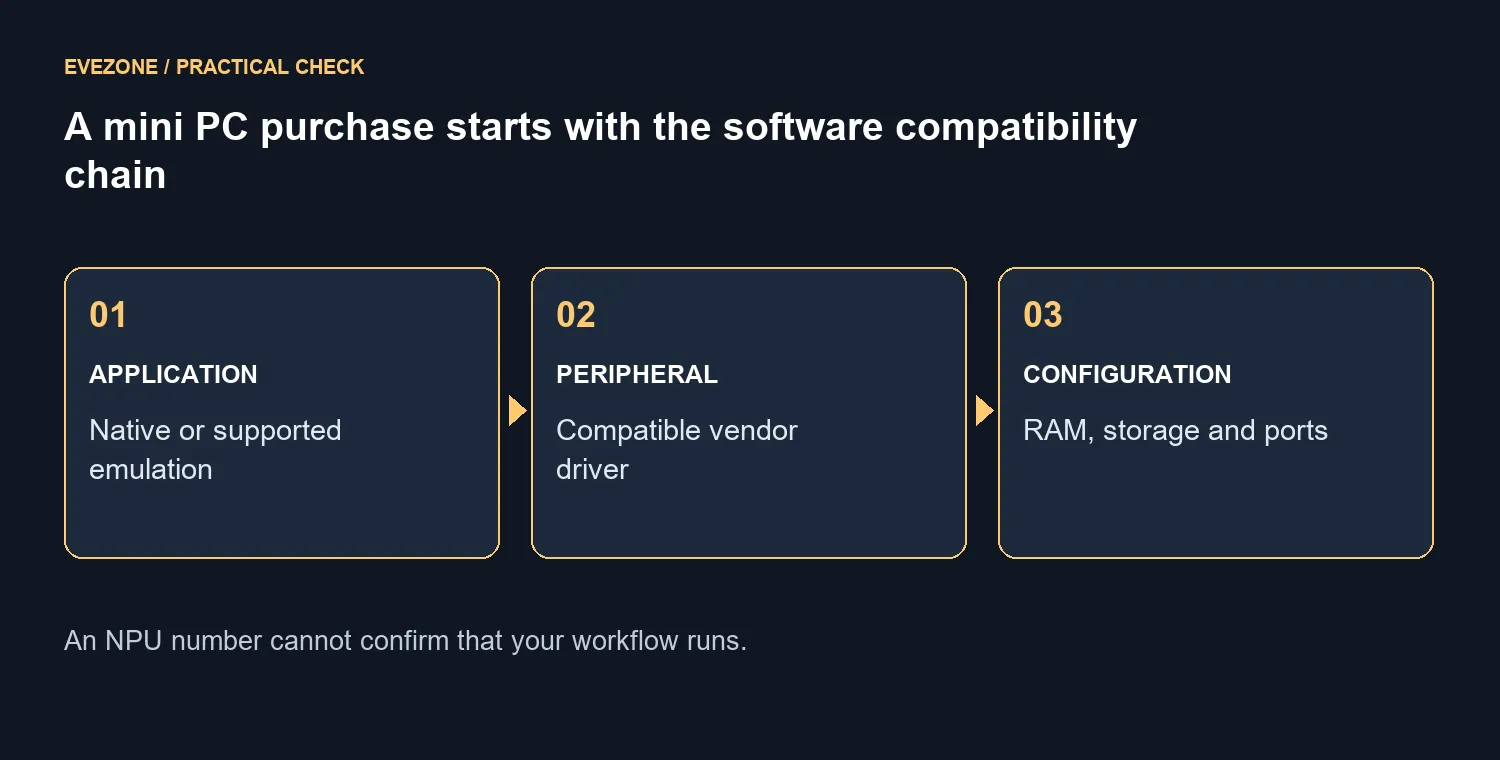
Start with the software you cannot replace easily. Include the main application, its plug-ins, any licensing utility and the drivers used by attached devices. A successful browser demonstration tells you little about a specialised workflow that depends on several components working together.
For each item, look for an explicit statement about the supported operating system and processor architecture. If the vendor documents an Arm-native version, use that information. If it relies on emulation, establish whether the exact features you need are supported rather than assuming every extension behaves like the main program.
This is also a useful test for gaming expectations. The presence of Windows does not by itself validate a particular game, launcher or peripheral. A buyer who wants a compact office machine can have very different requirements from someone expecting it to replace a gaming tower. Write down the non-negotiable tasks before exploring the mini-PC range.
⚙️ Read the CPU, graphics and NPU as different parts
The announcement identifies the Snapdragon X2 Elite platform with an 18-core Oryon CPU. Its NPU is rated at up to 80 TOPS. That AI capability figure describes a different type of work from the CPU or integrated graphics, and it cannot be converted into a gaming frame rate.
Before paying extra for a feature, identify a program that can use it. Ask which operation the NPU accelerates, whether it runs locally and what the supported configuration is. If the answer is unclear, judge the computer on the ordinary tasks you already understand rather than budgeting for a hypothetical benefit.
The same caution applies to core counts. More cores do not remove software compatibility requirements. Prefer a test of the application you use over a broad claim that a compact system will replace every larger desktop. That leaves room for the machine to be useful without promising results that have not been measured.
📦 Compare complete configurations and the whole desk
ASUS documentation lists configurations up to 32GB LPDDR5x and two M.2 storage slots. Confirm the exact memory and storage fitted to the SKU being offered, along with its documented upgrade limits. A range specification is not proof that every box contains the largest configuration.
Include the operating system, display, keyboard and any necessary connections in the total. A compact computer can save space while still needing room for an external power adapter and cable bends. Check the display inputs you plan to use, especially if the desk will have more than one monitor.
The local snapshot provides concrete alternatives without guessing a QN10 price. The R6,999 Ninkear M7 V2 listing included 16GB RAM and a 512GB SSD, while the R8,299 NAB6 Lite listing had 8GB RAM and a 512GB SSD. Both were marked in stock. Their different configurations matter more than simply calling one the cheapest mini PC.
If the new machine also needs a new screen, compare suitable gaming monitors as a separate part of the budget. You should not discover after checkout that a preferred refresh mode needs a different connection or that your intended desktop layout is impractical.
Frequently Asked Questions
Is the September announcement the first mention of QN10?
No. The Snapdragon mini-PC platform was introduced earlier, with a fresh ASUS announcement on 17 September. The earlier introduction should not be confused with a confirmed South African stock date.
Does 80 TOPS tell me how quickly my work will finish?
Only a relevant supported workload can answer that. The number alone does not describe application compatibility or the time taken by your particular project.
Can I assume my old peripheral will work?
Check its vendor's driver support for the intended system. A connector that physically fits does not establish that all device functions are available.
Should I order the smallest memory configuration?
Decide from your applications and the exact upgrade policy. Do not plan a later memory upgrade unless the product documentation explicitly supports it.
Who should keep using their current PC?
Anyone whose essential workflow is already reliable and has not been verified on the new platform can wait. That is especially sensible when replacing the machine would introduce software uncertainty without solving a current problem.
Need a compact PC that fits your daily software? Compare Evetech mini PCs by complete configuration and verified application support. Make the program list first, then choose the box that can run it.










