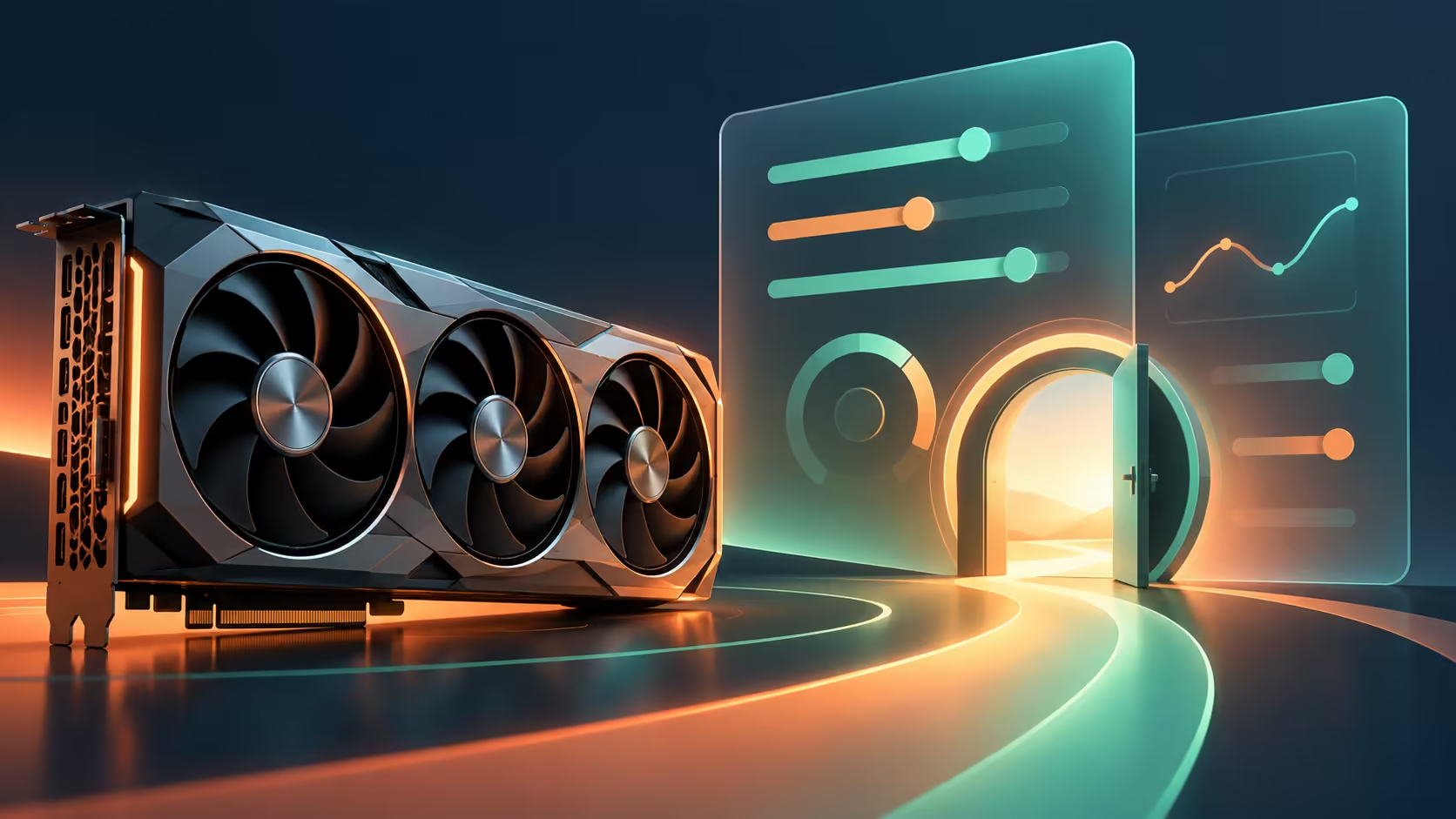
A tuning program that refuses to open can make a healthy graphics card look suspicious. GPU Tweak III 2.2.1.1 addresses a particular launch failure with recent NVIDIA drivers. Identify whether the problem is the utility opening, a game crashing or the display losing output before treating all three as the same fault.
Quick Answer
The 21 October release fixes GPU Tweak III failing to launch with Game Ready driver 616.92 or later, plus a Level Sense crash when changing cards in a multi-card setup. Checking this software costs R0 in additional hardware. It is a targeted utility update, not evidence that a new graphics card is required or that every display problem is solved.
🧩 Name the failing program first
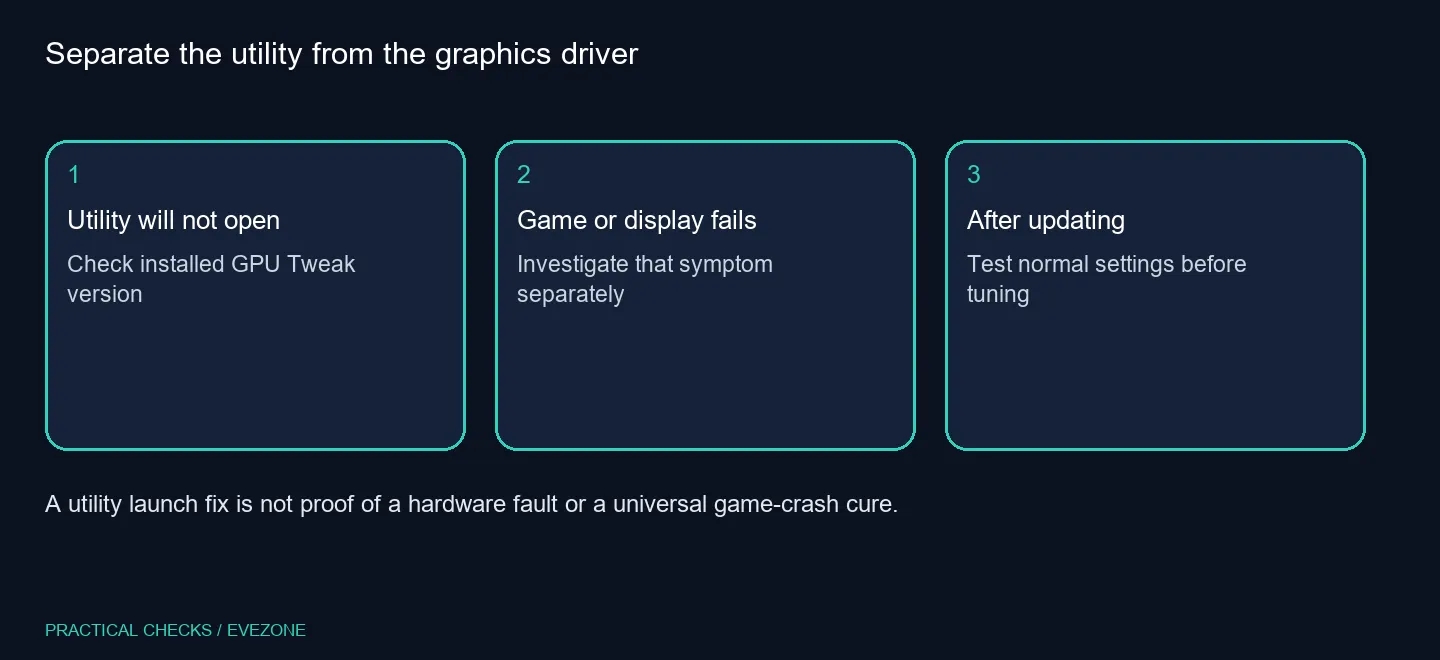
Write down what happens when you try to use the PC. Does the desktop work while only the tuning window fails to appear? Does the failure happen inside one game? Does the screen go blank before you can open anything? These observations send troubleshooting in different directions.
GPU Tweak III and the graphics driver have separate version numbers. Record both rather than saying only that the GPU software is current. The official notes identify a specific driver threshold for the utility launch bug, which is much more useful than guessing from the age of the card.
The local catalogue remains a separate buying decision. Evetech listed a different MSI GeForce GT 710 2GB card at R1,099 on 22 October. That entry is a dated price example, not a recommendation for modern gaming or a replacement required by this utility problem.
🛠 Update without changing every tuning variable
Use the official utility download for the supported Windows version. Save a record of the settings you rely on before making changes, then follow the installation instructions. Confirm the application opens before trying to evaluate additional functions.
The site describes clock, power, fan-control and monitoring tools. Their existence does not mean all of them should be adjusted during diagnosis. If you change the utility, driver and several performance settings together, it becomes harder to tell which change affected the result.
Begin with a straightforward test: open the utility, check that it identifies the expected card, close it and reopen it. For a multi-card system, pay particular attention to the card-switching action mentioned in the notes. A successful launch is evidence about that action, not a full stability benchmark.
🎯 Decide when hardware research is useful
If a game still fails after the utility opens, keep a separate record of the game and error. Do not keep reinstalling a tuning tool simply because it was the first thing you suspected. Similarly, an actual loss of display output deserves its own checks.
When a replacement is justified by a confirmed requirement, compare all nvidia geforce graphics cards or all amd radeon graphics cards with the rest of the PC. Driver support, power requirements and intended workloads remain relevant. A software launch bug alone is a poor reason to spend a graphics-card budget.
There is no measured frame-rate gain established by these patch notes. Judge the update first on whether it resolves the listed utility behaviour on your machine. That keeps the test small enough to understand and avoids turning a maintenance release into a performance promise.
Frequently Asked Questions
Which driver-related problem is fixed?
The notes address GPU Tweak III failing to launch with NVIDIA Game Ready driver 616.92 or later.
Is this a new graphics driver?
No. It is an update to the GPU Tweak III utility, a separate piece of software.
What multi-card fix is listed?
The notes address a Level Sense crash when switching between cards in a multi-card setup.
Should I overclock to test the update?
Start with normal settings and confirm the utility opens. Changing several tuning values makes diagnosis less clear.
Does it fix every game crash?
No. The listed launch and utility fixes do not establish a cure for unrelated application or display failures.
What is the first budget step?
Check the software version for R0 additional hardware spend before assuming you need a replacement graphics card.
Does the utility now open normally?
Keep testing at normal settings, and compare Evetech graphics options only when you have a clear hardware requirement.