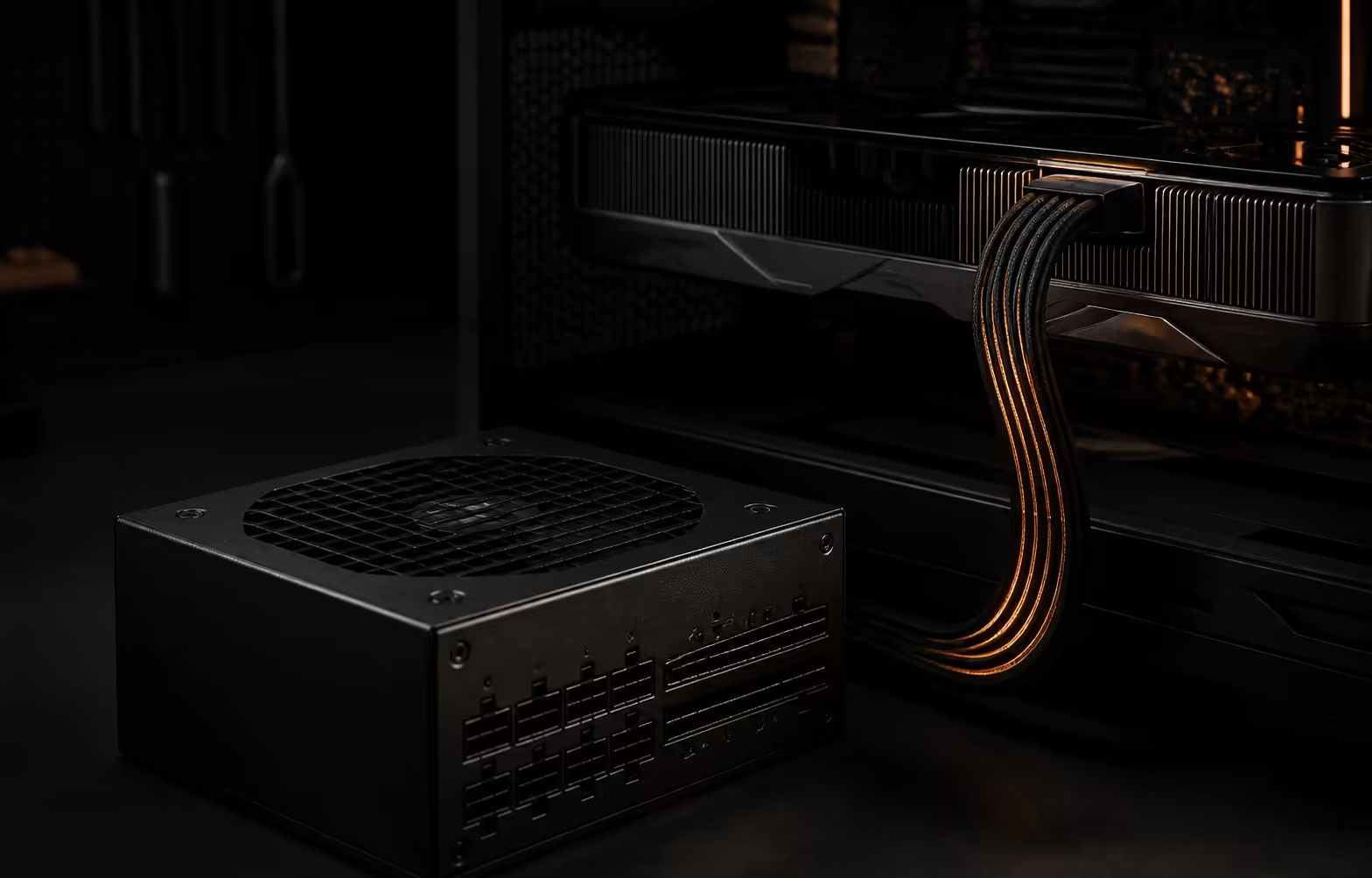
The latest Corsair RM1000e puts a temperature sensor close to the graphics-card connector, where a poor high-power connection can become dangerous. This ThermalProtect 12V-2x6 cable cuts GPU power if the connector temperature passes 65 degrees C. South African buyers must separate that new CP-9020339 model from the in-stock white RM1000e CP-9020294-WW at R4,149, because the similar name does not make them the same product.
Quick Answer
The 2026 RM1000e is a 1000W ATX 3.1 power supply supplied with a ThermalProtect cable. Testing reports Platinum-level Cybenetics efficiency, a 500W fanless operating window and a seven-year warranty. The checked Evetech catalogue had ten relevant in-stock power supplies from R1,499 to R6,999, but no exact ThermalProtect model. The R4,149 RM1000e is an earlier part-number comparator, not proof of local stock for the new version.
⚡ What the thermal cable changes
A normal 12V-2x6 cable carries power but cannot independently confirm that its plug remains cool. The new cable adds a sensor near the GPU-side connector. If the measured temperature exceeds 65 degrees C, the reviewed implementation interrupts graphics-card power. That is a protective response, not a substitute for fitting the cable correctly.
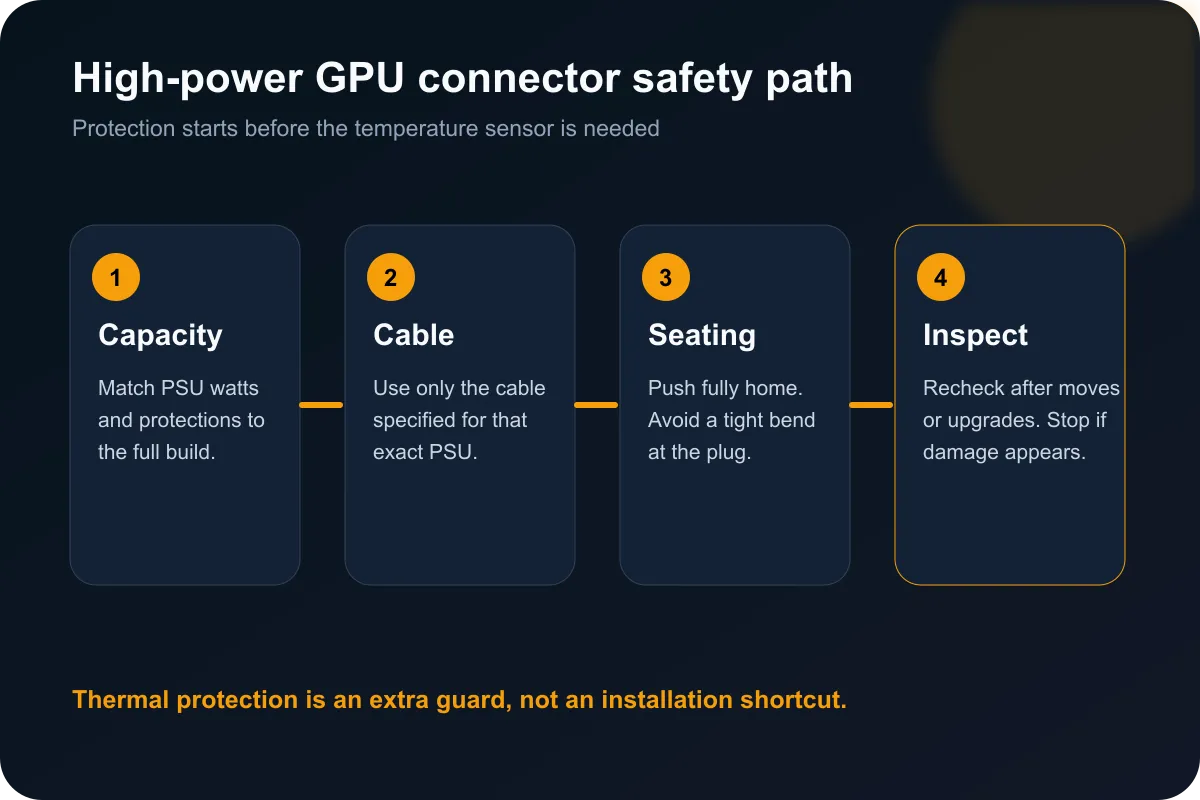
The feature matters because high-current connections depend on full insertion, sound terminals and sensible cable routing. A tight bend immediately behind a plug, debris in a socket or a connector that is not fully seated can undermine an otherwise capable power supply. ThermalProtect adds another signal in that chain, but the installer still owns the basics.
The Corsair power-supply range is the right place to compare exact model codes. Similar names can span several revisions, colours and regional part numbers. CP-9020339 identifies the newly covered ThermalProtect model, while the captured R4,149 local product was CP-9020294-WW.
🧩 Match the PSU to the whole build
One safety feature cannot answer the capacity question. Start with the graphics-card recommendation, processor draw, transient load, connector count and the amount of headroom wanted for later upgrades. A 1000W unit can be sensible for a high-end build, but buying 1000W automatically is not better than choosing a well-sized, well-protected unit for the actual parts.
Testing also found a broad fanless window and strong efficiency behaviour. Those results are useful, but efficiency class and acoustics do not prove connector condition inside a buyer's case. Cable access, case depth and the route from PSU to GPU remain practical purchase criteria.
🔌 Installation is still the decisive check
Use only the cable specified for the exact power supply. Modular PSU cables are not universally interchangeable, even when the plugs appear to fit. Push the GPU connector fully home, confirm there is no visible gap, and avoid loading the plug sideways. Recheck it after moving the system or changing the graphics card.
The local Corsair PSU deals help narrow brand options, while the power-supply best sellers show current alternatives. Compare protection features, efficiency, warranty, connector support and physical size rather than ranking units by watts alone.
🛡️ The R4,149 figure is a baseline, not a launch price
The read-only catalogue check found the white earlier-generation RM1000e at R4,149. It is useful because it shows what a locally available 1000W Corsair option costs today. It must not be presented as the South African price of CP-9020339. No exact local ThermalProtect listing was found, and no rand launch price should be invented.
An existing RM1000e owner also does not have an automatic replacement instruction. Check the model code, the supplied cable, the graphics-card demand and the physical connection. Buyers building a new high-power system can place ThermalProtect on their shortlist, then wait for an exact local listing and independent long-term evidence.
Frequently Asked Questions
What is new on the 2026 Corsair RM1000e?
Its headline change is a temperature-sensing ThermalProtect 12V-2x6 cable supplied with the PSU.
What happens if the GPU connector becomes too hot?
The reviewed implementation cuts graphics-card power after the connector temperature passes 65 degrees C.
Is the R4,149 local RM1000e the same model?
No. The captured local product is CP-9020294-WW, while the new ThermalProtect model is CP-9020339.
Does ThermalProtect remove the need to inspect the cable?
No. Correct seating, compatible cables, gentle routing and periodic inspection still matter.
Should every gaming PC use a 1000W PSU?
No. Capacity must match the specific processor, graphics card, transient demand and upgrade plan.
Ready to choose the right power supply? Compare exact part numbers, protection features and connector support before matching capacity to your build.