



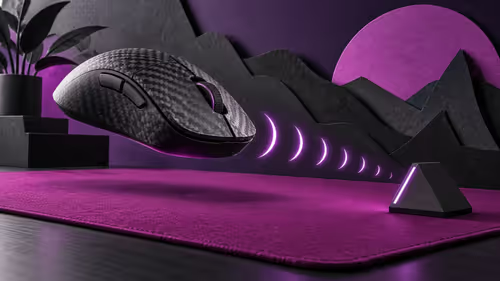
ATK Phantom: choose grip fit before chasing dual 8K polling
ATK Phantom pairs a 44g carbon-fibre composite shell with dual 8K polling. Treat those as specifications, then test shape, receiver placement and the settings your games can use.
Read moreOur new gaming pc support app puts expert help in your pocket! Instantly troubleshoot issues, track Evetech orders, and chat live with technicians anytime, anywhere. Get back to peak performance and gaming faster with seamless on-the-go support. Download today! 🚀🔧

Nothing kills the vibe like a PC problem mid-match. One minute you're about to clutch a win, the next you're staring at a frozen screen or battling sudden FPS drops. Scouring forums for answers is a drag. What if expert help was right in your pocket? Evetech is launching a dedicated Gaming PC Support App, putting our top technicians on-call to get you back in the game, fast. 🚀
Let's be honest, a modern gaming PC is a complex beast. From BIOS settings to driver compatibility, a tiny issue can have a massive impact on performance, especially in graphically intense worlds. When you're trying to explore the neon-drenched streets of Night City on one of our powerful Cyberpunk 2077 gaming PCs, the last thing you want is a technical glitch. Our new gaming PC support app cuts through the noise, connecting you directly with the experts who know your machine inside and out.
Forget waiting on hold or getting generic advice. This is specialised, on-the-go assistance designed for the South African gamer.
We built this tool to solve the real problems you face every day. It’s more than just a contact form; it’s your personal tech guru, ready whenever you are.
Get direct access to our seasoned technicians via live chat. No more bots, no more confusing ticket systems. Just real, human help for everything from simple setup questions to complex troubleshooting.
Experiencing low frames per second (FPS)? Our app provides step-by-step guides to diagnose and fix common issues. Whether you’re dropping into the action on a custom Call of Duty: Warzone 2.0 gaming PC or another competitive title, we’ll help you squeeze out every last frame.
Keeping your GPU drivers updated is critical for performance and stability. The app can notify you when new drivers are available for your hardware, ensuring your rig is always optimised, especially for demanding titles like those you'd run on our Microsoft Flight Simulator gaming PCs.
For an instant potential FPS boost, enable Hardware-Accelerated GPU Scheduling in Windows. Go to Settings > System > Display > Graphics settings. Turn the toggle on and restart your PC. This allows your graphics card to manage its own video memory, which can reduce latency and improve performance in many games.
Imagine this: you're in a tense 1v1 situation, and your game stutters. Instead of panicking, you open the Evetech Gaming PC Support App. Within minutes, a technician helps you identify a background process that’s eating your resources. Problem solved. That’s the peace of mind we want to deliver.
This tool is invaluable for competitive players who demand flawless performance from their Counter-Strike 2 gaming PCs and for casual gamers alike. Having issues getting the latest season to run smoothly? We have specific advice for rigs like our popular Fortnite gaming PCs. Even if you're just relaxing and building your next masterpiece, our app ensures your Minecraft gaming PC runs without a hitch.
Our goal is simple: to help you spend more time gaming and less time troubleshooting. The Evetech support app is your direct line to expert help, ensuring your PC—no matter the game—is always ready for action. It’s the perfect companion whether you're chasing a chicken dinner on one of our PUBG gaming PCs, coordinating with your team on a high-spec Overwatch 2 gaming PC, or causing chaos across Los Santos on a powerful GTA V gaming PC.
Look out for the official launch on the App Store and Google Play Store soon!
Ready for a Flawless Gaming Experience? While our new app keeps your current rig running smoothly, the ultimate upgrade is a machine built for modern titles. Explore our incredible range of gaming PC deals and find the perfect rig to dominate your favourite games.
The Evetech app allows you to run diagnostics, get live chat with pc technicians, track your orders, and access a library of troubleshooting guides for your gaming rig.
Yes! Our app provides access to our knowledge base and diagnostic tools 24/7. Live technician support hours are available directly within the app's contact section.
Absolutely. The app provides real-time updates on your custom builds, component orders, and shipping information, putting everything you need in one convenient place.
Our tool guides you through simple steps to identify common hardware or software issues. It provides clear reports and suggests solutions or connects you to a technician.
Yes, the app is completely free for all users on both iOS and Android. Download it today to get instant access to our suite of support and diagnostic features.
Yes, our live chat feature connects you directly with expert technicians who can provide remote assistance and guide you through complex troubleshooting steps.
ATK Phantom pairs a 44g carbon-fibre composite shell with dual 8K polling. Treat those as specifications, then test shape, receiver placement and the settings your games can use.
Read more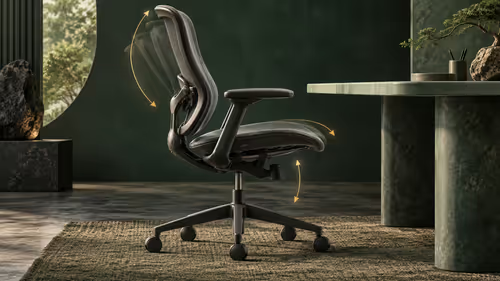
Boulies EP600 offers adjustable seat depth, back height and armrests. Use those ranges to check your seated fit and desk position; a feature count cannot establish comfort for your body.
Read more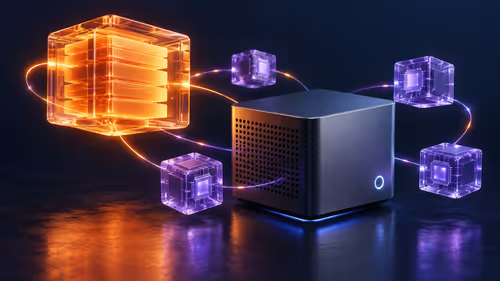
AMD details a validated Halo software environment and says Windows-based Project Zenith systems are coming soon. Separate tested software claims from the operating system offered with a specific unit.
Read more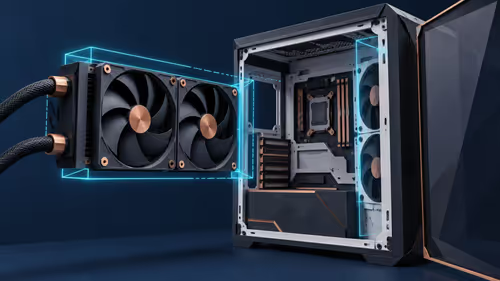
Montech CyberFlow arrives in 240mm and 360mm versions with a 32mm radiator. Measure the complete radiator-and-fan stack before choosing; socket support alone does not prove case fit.
Read more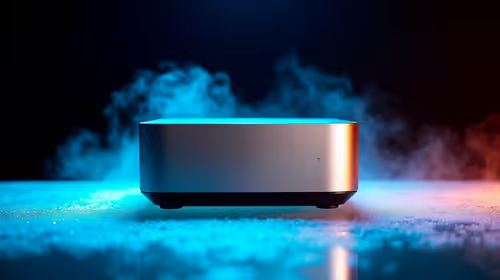
For the new tax year, a Ryzen mini PC is worth considering when the spend needs to stay near the R4,150 to R4,600 range shown in the source. The Minisforum NAB6 Lite is R4,150, with the UM750L and AI-X1-255 around R4,600, so the decision is mainly about workload and desk space.
Read more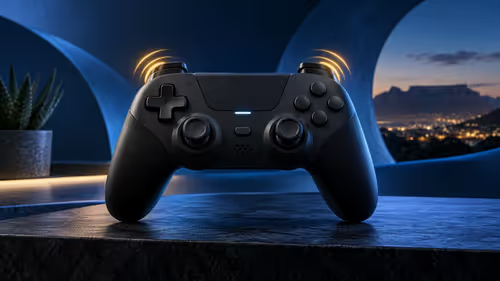
abxylute P5 controller combines Hall Effect sticks with adaptive triggers for PS5. The international launch listing is not a South African quote. Confirm game support, connection modes and warranty for the exact unit rather than buying on the stick technology alone.
Read more
RTX 5090 should be enough for Palworld at 1080p when the rest of the PC is balanced. Use this SA-focused guide to weigh settings, monitor refresh, CPU balance, and upgrade room without relying on unsupported FPS claims.

A second-hand GPU on a R5,000 SA budget can save money but adds condition risk. Check warranty, temperatures, fan noise, ports, seller proof, power draw, and return options first.

student laptop guide for Gqeberha gamers should be shortlisted around the job it must do. South African buyers should compare CPU, GPU, RAM, and screen quality, warranty path, and upgrade room before treating any pick as best.

Recommended build for Expedition 33 at R40 000 gives SA buyers premium 1440p headroom and selective 4K potential. Spend on the GPU, CPU balance, cooling, NVMe storage, power quality, and the right display pairing.

Windows transparency effects can be switched off to make supported backgrounds more opaque. Use Accessibility, Visual effects or the colour settings, then compare a menu against your wallpaper. This R0 preference changes appearance; it is not a promised.

Windows title bar window shake can minimise other open windows when you shake the active window by its title bar. Inspect the Multitasking setting and switch it off if that gesture interrupts your work. The preference costs R0 and does not require new hardware.

Windows Print Screen opens Snipping Tool when its keyboard preference is enabled. Change the option under Accessibility, Keyboard to choose another workflow. Test whether you need a clipboard image or a saved file.

Windows desktop icons missing may be a visibility setting. Right-click the desktop, choose View and inspect Show desktop icons. If only system icons are absent, use Desktop icon settings. Check the Desktop folder before assuming files were deleted.

Intel Core Ultra can look weaker in Roodepoort gaming benchmarks when tests are GPU-limited or tuned poorly. Check power settings, drivers, memory, game mix, and cooling before judging CPU value for an SA gaming PC.

RTX 5090 alternatives make more sense for office and study PCs in South Africa when the goal is smooth screens, quiet use, and sensible cost. Focus on display support, reliability, power use, desk space, and whole-system balance first for SA buyers.

Spider-Man 2 low FPS on RTX 5070 needs settings, driver, power, and background-load checks. For SA players, check updates, verify files, test overlays, reset graphics options, and keep changes reversible before reinstalling.

An RTX 4080 alternative can prioritise competitive shooters speed over excess. Compare high refresh, low latency, CPU balance, ZAR value, and monitor upgrade room before buying for a South African esports setup.